Apple Magic Keyboard vs. Logitech MX Keys Mini: Which is Better?
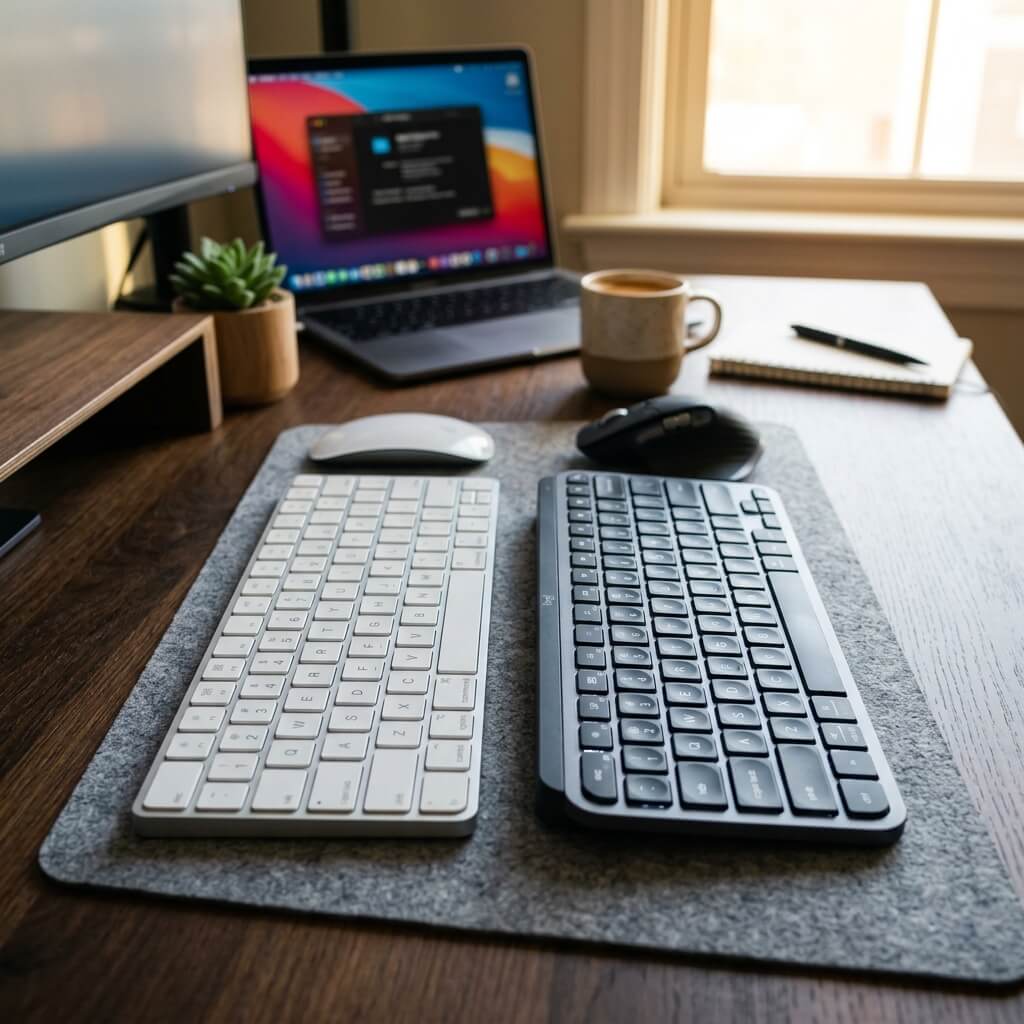
If you are building a minimalist Mac setup, your keyboard choice almost always comes down to two heavyweights: the official Apple Magic Keyboard and the Logitech MX Keys Mini. Both offer a sleek, compact, space-saving design, but their philosophies on what makes a great typing experience are fundamentally different. One relies on flawless native integration and Touch ID, while the other focuses on tactile ergonomics, smart backlighting, and multi-device supremacy. We put them head-to-head to help you decide which one deserves a spot on your desk.
Top Picks at a Glance
- Best for Native Ecosystem: Apple Magic Keyboard (with Touch ID)
- Best for Tactile Typing & Features: Logitech MX Keys Mini for Mac
1. The Native Purist: Apple Magic Keyboard with Touch ID
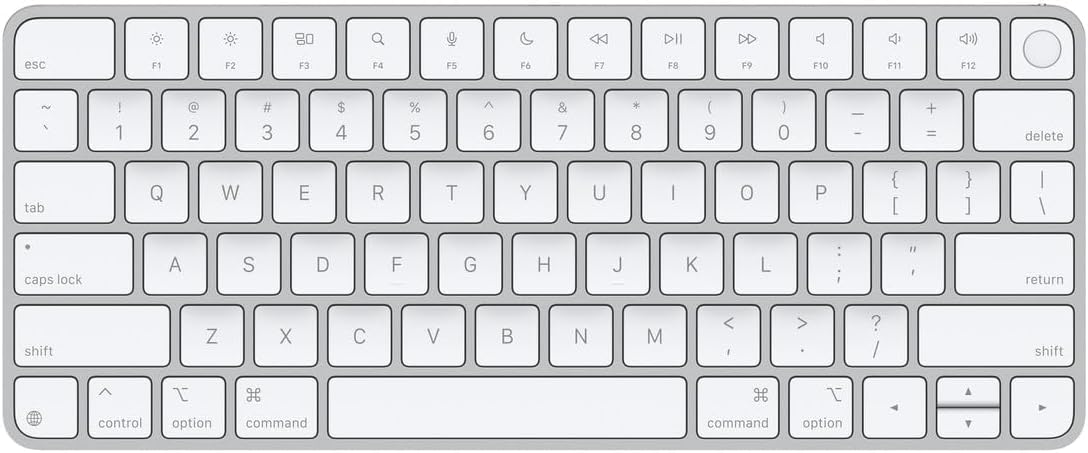
The Apple Magic Keyboard is the undisputed king of seamless integration. From the moment you pull it out of the box, it pairs automatically with your Mac. The standout feature of this modern USB-C version is the built-in Touch ID sensor. Being able to authenticate logins, use Apple Pay, and unlock your Mac with a simple tap of your finger without reaching for your laptop lid is an absolute game-changer for workflow speed.
Typing on the Magic Keyboard relies on Apple's refined scissor switches, delivering a very flat, crisp, and predictable keystroke. Its internal battery lasts for about a month between charges. However, its biggest flaw remains: it still lacks backlit keys, making it difficult to use in dimly lit environments, and it can only reliably connect to one Apple device at a time.

Swipe horizontally to view color options
Apple Magic Keyboard
- ✅ Pros: Built-in Touch ID for instant security, flawless automatic Mac pairing, ultra-slim profile, charges via standard USB-C.
- ❌ Cons: No backlighting, very flat keys can cause fatigue, expensive 'Apple Tax'.
2. The Productivity Powerhouse: Logitech MX Keys Mini
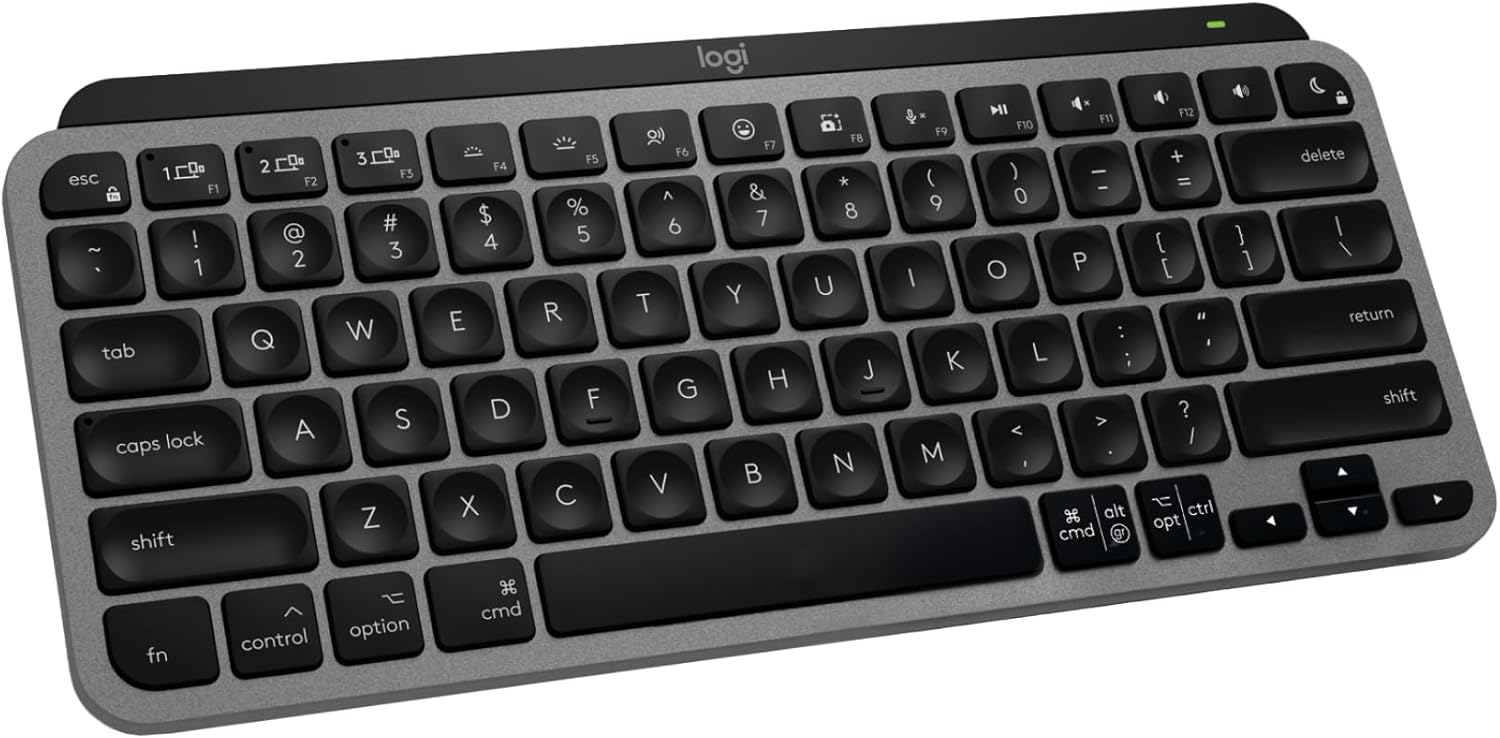
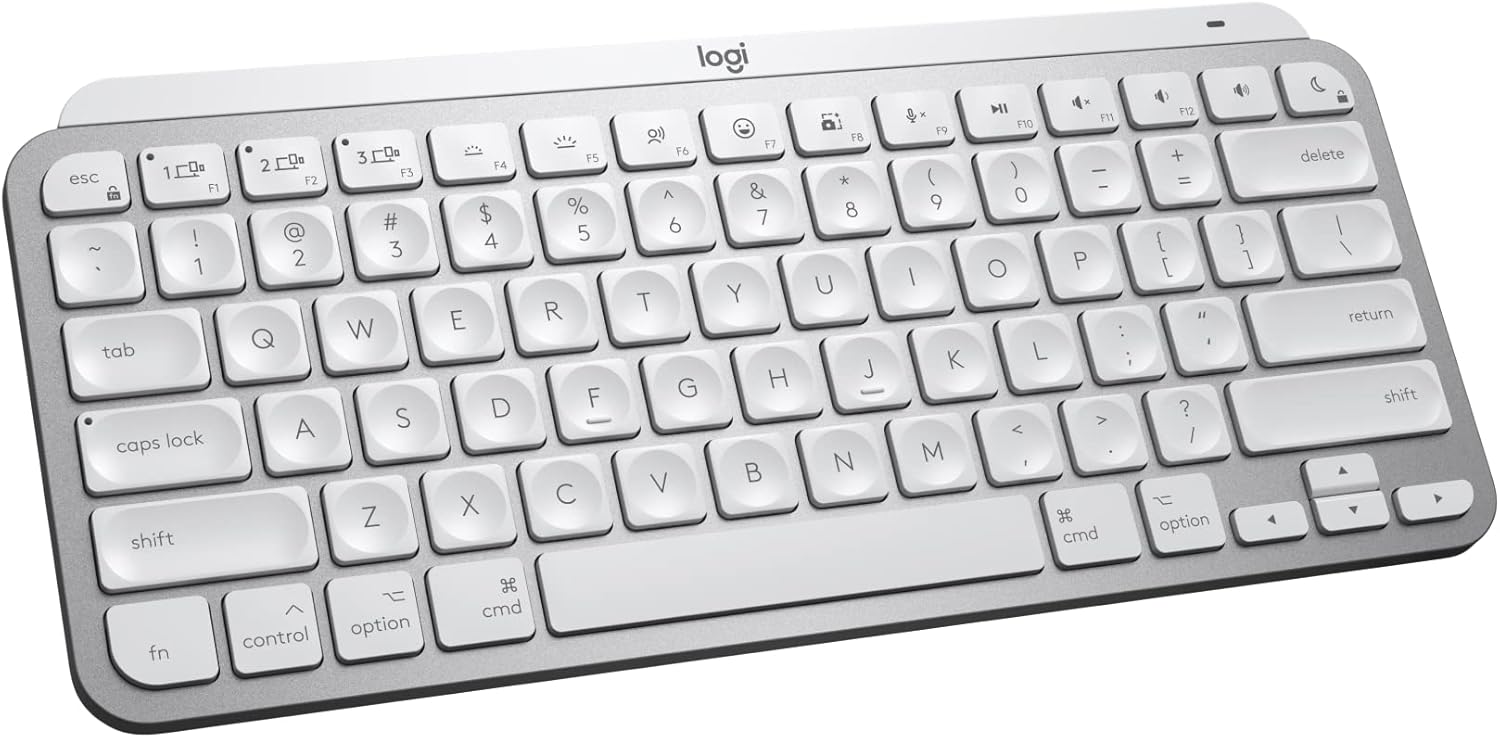
Where Apple focuses on minimalism, Logitech focuses on absolute utility. The MX Keys Mini immediately solves Apple's biggest omission by featuring 'Smart Illumination'—backlit keys that use proximity sensors to light up the moment your hands approach the board and adjust automatically to your room's lighting.
The typing experience is vastly different. Logitech uses 'Perfect Stroke' spherically-dished keys that guide your fingertips directly into the center of the switch, making it far more tactile and comfortable for long typing sessions than Apple's completely flat layout. Furthermore, the MX Keys Mini allows you to pair with up to three different devices simultaneously via Bluetooth, letting you seamlessly switch between your Mac, iPad, and iPhone with dedicated keys.
If you prefer the look of the Apple Magic Keyboard but absolutely need backlit keys, check out our guide to the best Bluetooth alternatives to the Magic Keyboard.
Swipe horizontally to view color options
Logitech MX Keys Mini
- ✅ Pros: Smart proximity backlighting, incredibly comfortable spherically-dished keys, 3-device seamless switching.
- ❌ Cons: Lacks Touch ID, slightly bulkier and heavier than the Magic Keyboard.
The Final Verdict: Who Wins?
Choose the Apple Magic Keyboard if:
- You absolutely rely on Touch ID multiple times a day, you only use one Mac computer at your desk, and you prefer a perfectly flat, low-travel typing experience.
Choose the Logitech MX Keys Mini if:
- You frequently work in low-light conditions and need backlighting, you want to use the same keyboard for your Mac and your iPad, and you prefer keys that have a deeper, more tactile 'hug' to your fingertips.
Frequently Asked Questions
Can I use the Apple Magic Keyboard with a Windows PC?
You can connect it via Bluetooth as a standard keyboard, but the Touch ID sensor and specific Mac function keys will not work on Windows.
Do either of these keyboards require a USB dongle?
No. Both keyboards connect natively to your Mac via Bluetooth, keeping your USB-C ports completely free. (Note: The Logitech MX Keys Mini is compatible with the Logi Bolt USB receiver for high-security enterprise environments, but it is sold separately).
Karim
Wireless desk enthusiast and mechanical keyboard obsessive. I test, review, and tear down tech to help you build the perfect, clutter-free setup.