Best Bluetooth Alternatives to the Apple Magic Keyboard
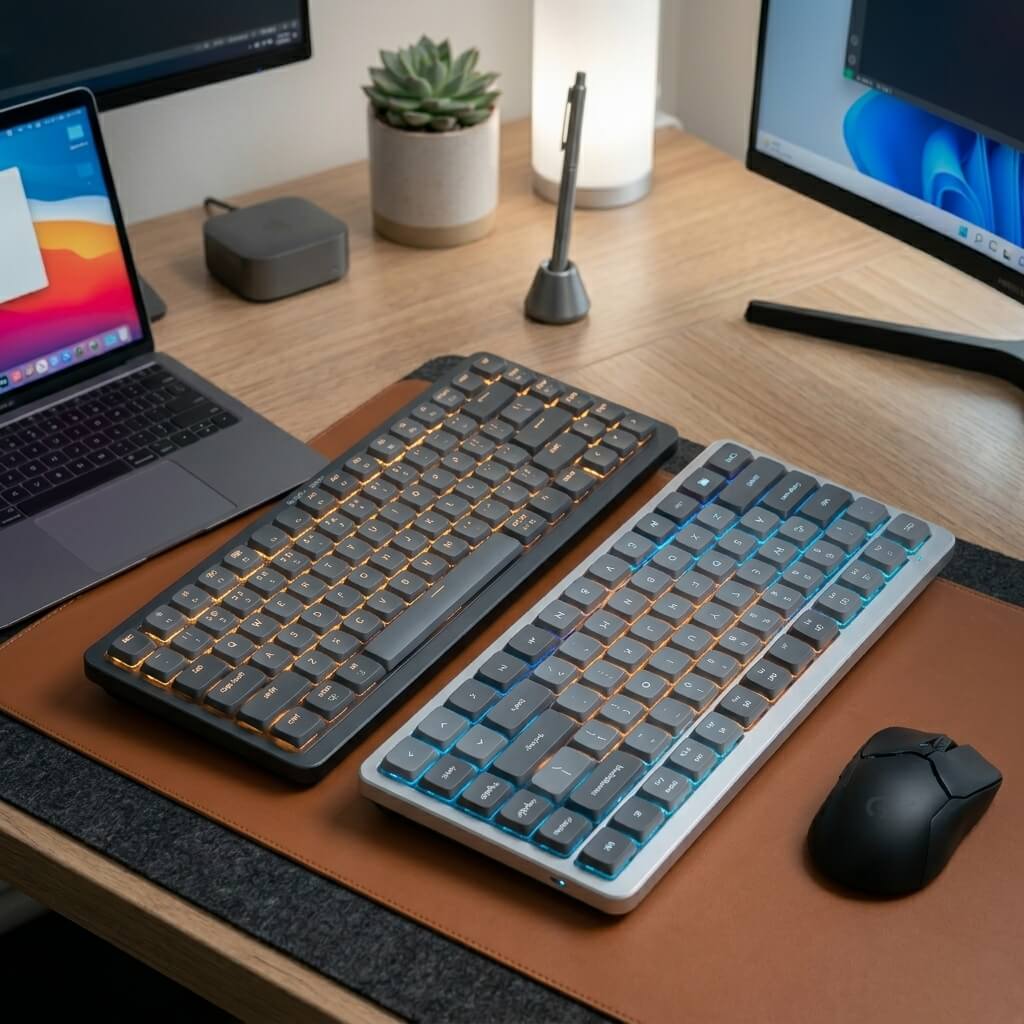
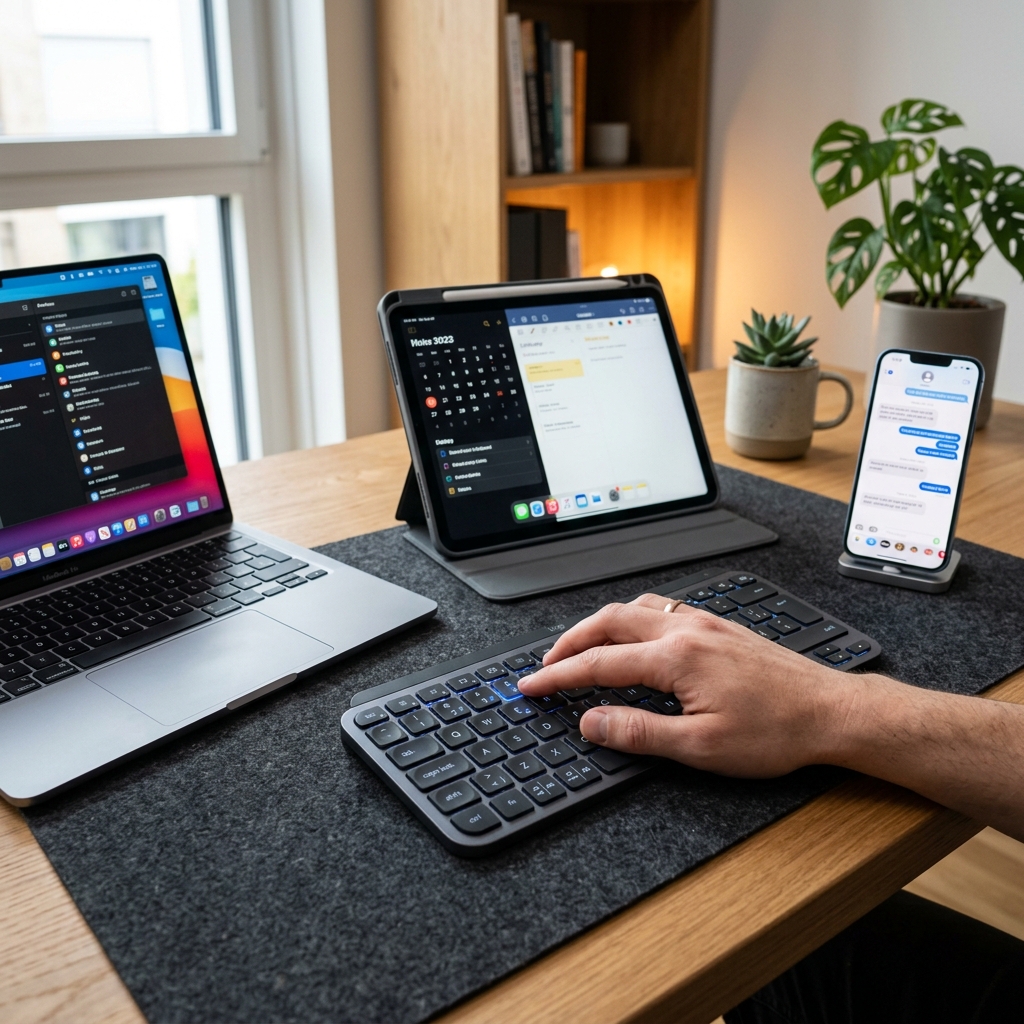
The Apple Magic Keyboard is a staple of minimalist desk setups, but it has glaring flaws: it lacks backlit keys, it cannot easily switch between multiple devices, and it comes with a premium 'Apple Tax' price tag. Thankfully, third-party manufacturers have stepped up to create keyboards that perfectly mimic the sleek, space-gray aesthetic of an iMac while packing significantly more technology under the hood. We tested the absolute best premium Bluetooth alternatives that deliver the Mac experience without the Apple compromises.
Top Picks at a Glance
- Best 1:1 Aesthetic Alternative: Satechi Slim X1
- Best Premium Powerhouse: Logitech MX Keys Mini for Mac
1. The Best 1:1 Aesthetic Alternative: Satechi Slim X1
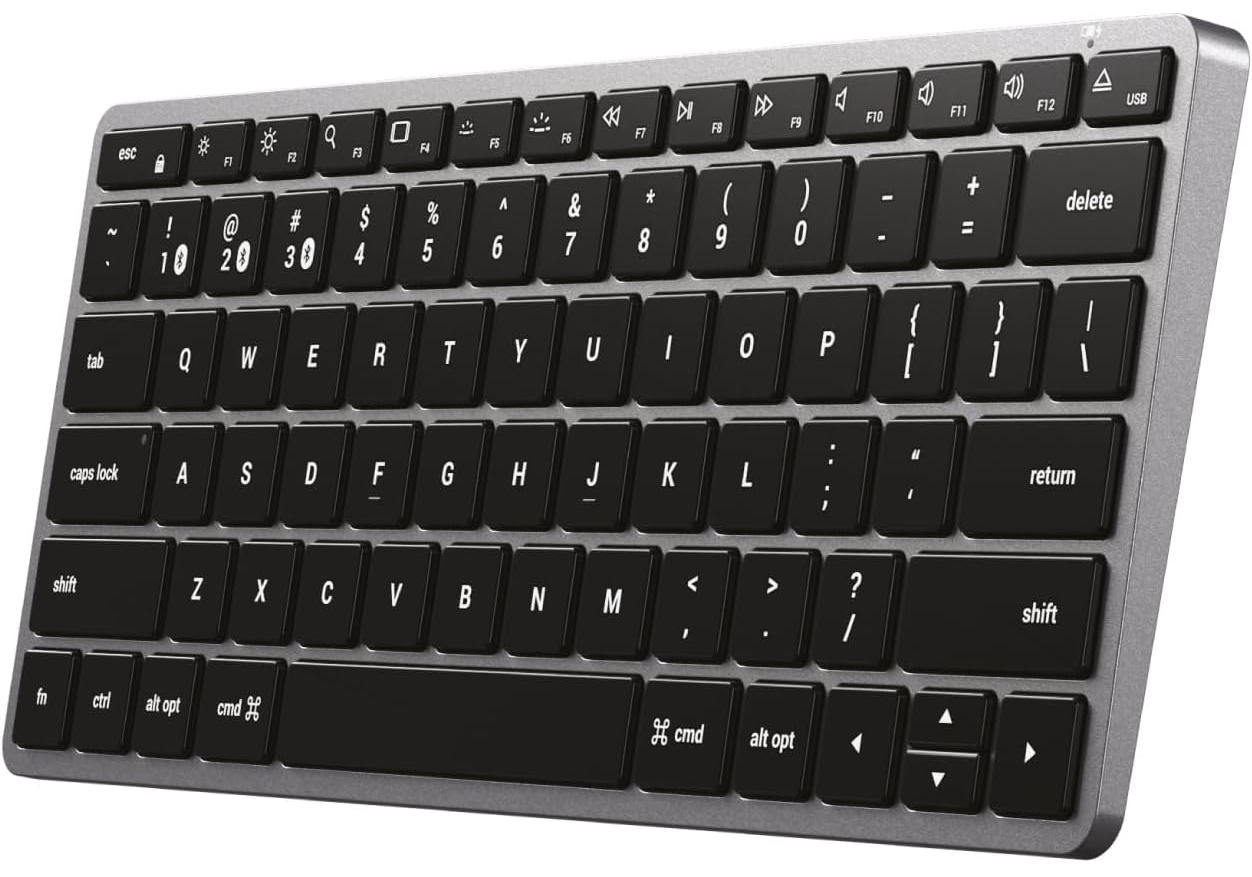
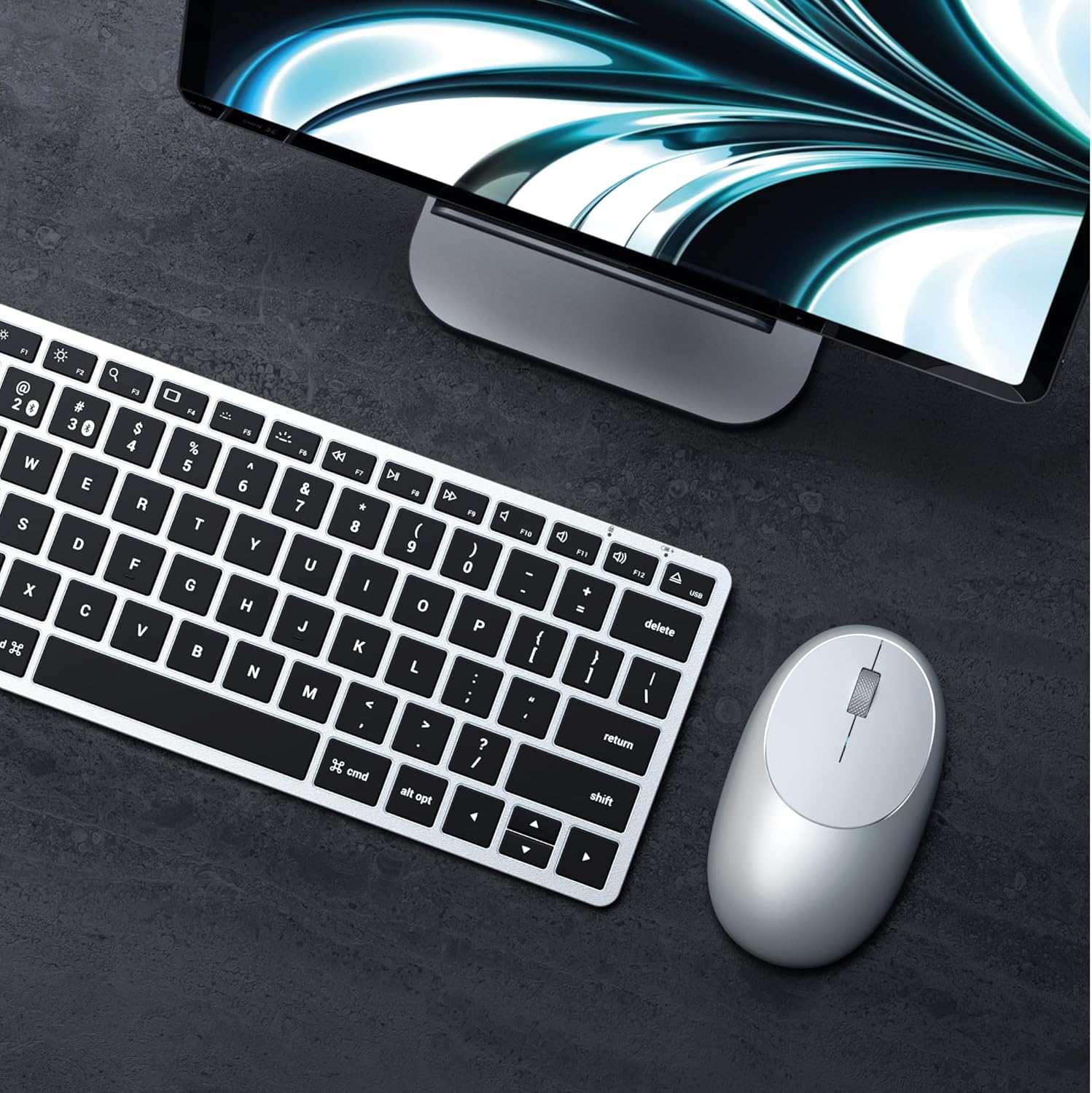
If you want a keyboard that looks like it came straight out of an Apple Store box, the Satechi Slim X1 is your ultimate choice. Satechi is famous for nailing the precise silver and space gray aluminum finishes that Mac users love. The X1 features a full QWERTY layout with identical MacOS function keys, meaning your muscle memory won't have to adjust at all.
Where the X1 destroys the Magic Keyboard is in its utility. It features fully illuminated keys with 10 adjustable brightness levels, a lifesaver for late-night workflows. Furthermore, it boasts dedicated Bluetooth keys that allow you to instantly sync and switch between up to three devices—like your MacBook, iPad, and iPhone—with a single press. It charges rapidly via USB-C.
Swipe horizontally to view color options
Satechi Slim X1
- ✅ Pros: Perfectly matches Apple's aluminum aesthetic, 10-level backlighting, multi-device syncing.
- ❌ Cons: Keys feel slightly stiffer than genuine Apple scissor switches.
2. The Best Premium Powerhouse: Logitech MX Keys Mini for Mac
The Logitech MX Keys Mini for Mac isn't just an alternative to the Magic Keyboard; for many professionals, it is a complete upgrade. This version is exclusively mastered for MacOS and iPadOS, featuring a layout designed for maximum Apple productivity. The signature 'Perfect Stroke' spherically-dished keys perfectly guide your fingertips, making typing significantly more tactile and satisfying than Apple's flat keys.
It features Logitech's legendary Smart Illumination, which uses proximity sensors to light up the keys the moment your hands approach the board. It also introduces modern workflow keys right into the function row, including a dedicated Emoji key, a Mic Mute/Unmute key for video calls, and a Voice-to-Text Dictation key. It stays powered for up to 5 months with the backlighting turned off.
If you love the Mac aesthetic but prefer the tactile feel of traditional gaming switches, you should check out our guide to the best low-profile mechanical keyboards.
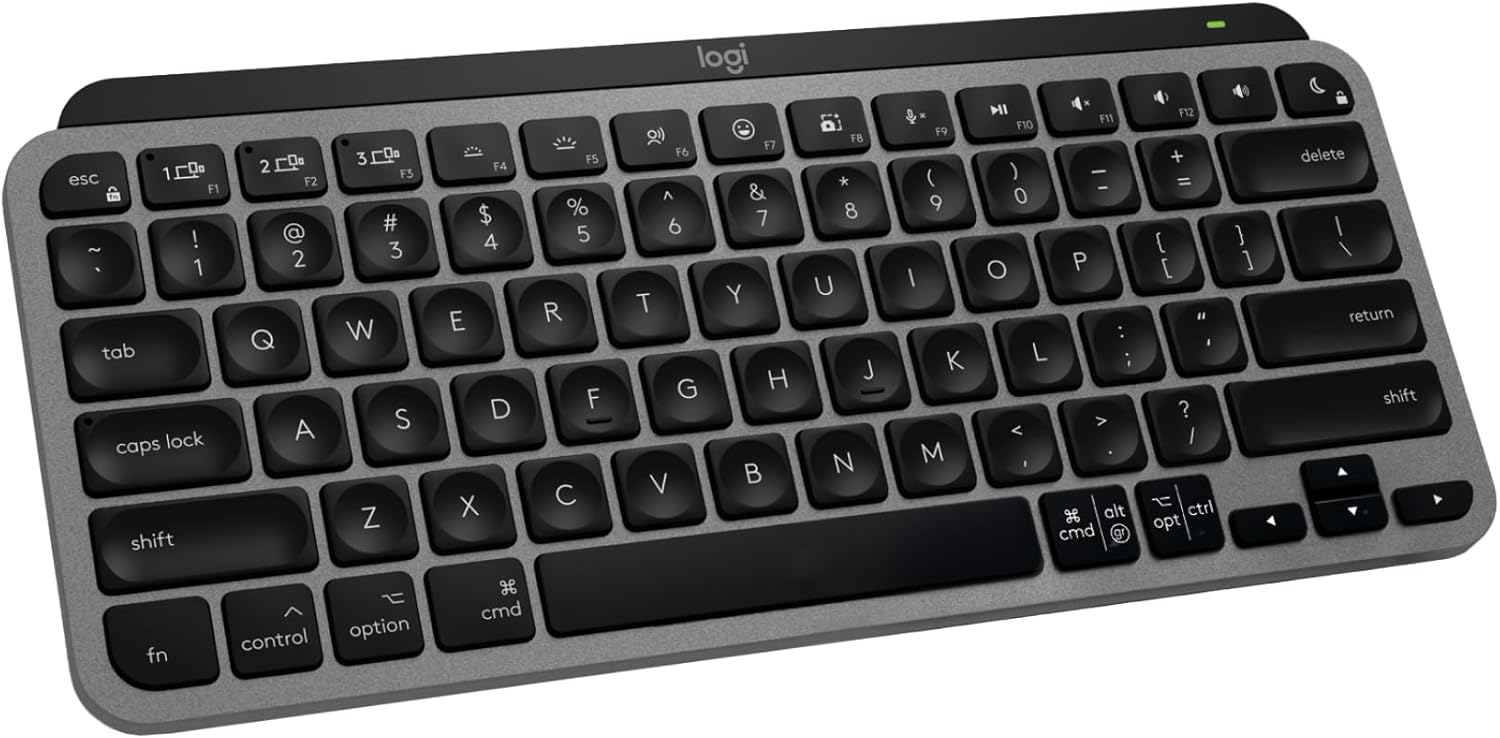
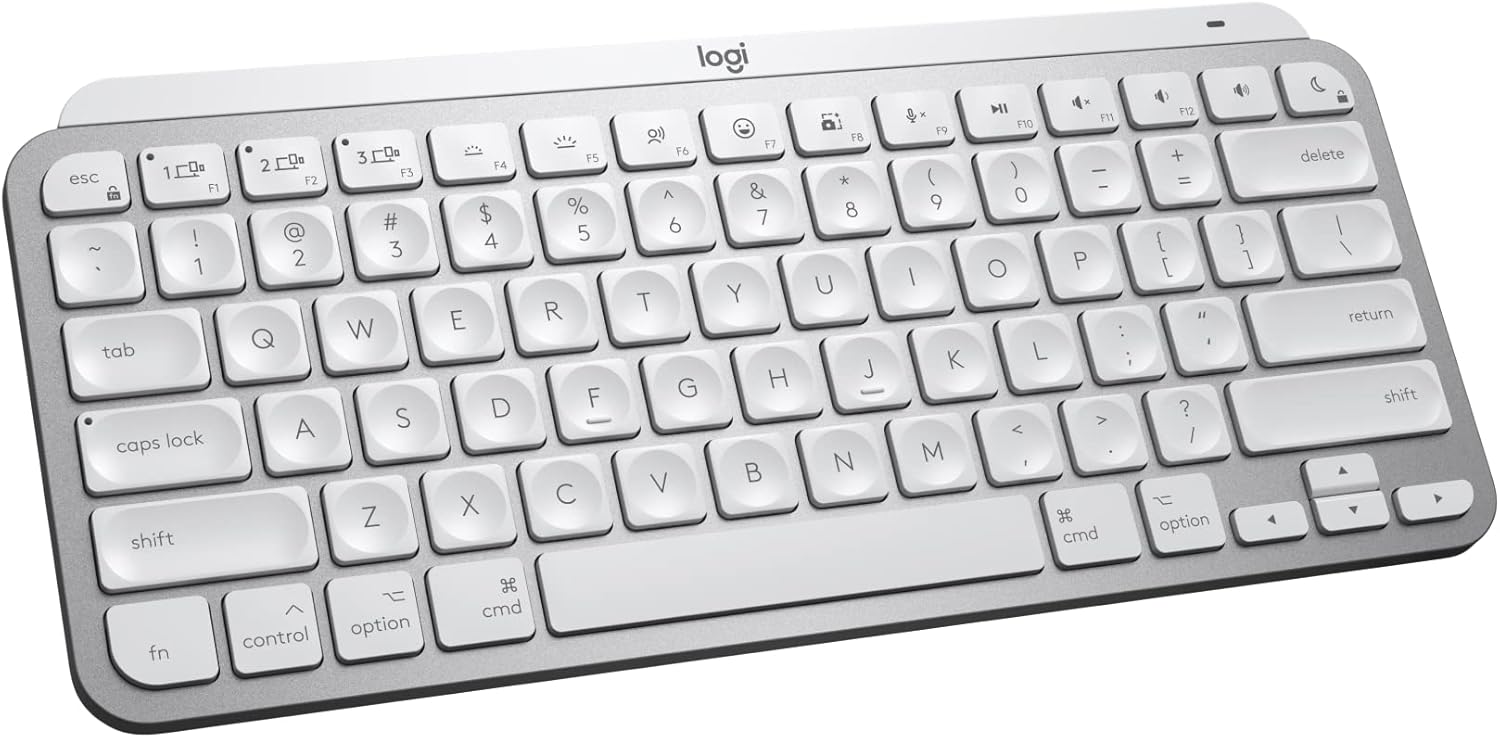
Swipe horizontally to view color options
Logitech MX Keys Mini
- ✅ Pros: Incredible spherically-dished keys, Smart Illumination proximity sensors, dedicated mic mute and dictation keys.
- ❌ Cons: More expensive than the Satechi, plastic chassis instead of full aluminum.
Who Should Buy Which?
Buy the Satechi Slim X1 if:
- You want an exact visual match for your MacBook's aluminum chassis.
- You rely heavily on backlighting, and want to save some money compared to Apple's native options.
Buy the Logitech MX Keys Mini if:
- You are a heavy touch-typist who prefers deep, spherically-dished keys.
- You want smart proximity backlighting.
Frequently Asked Questions
Will these wake my Mac from sleep?
Yes, both keyboards will wake your Mac from sleep over Bluetooth with a simple keypress, exactly like a native Apple keyboard.
Do they require a USB dongle?
No. Both the Satechi and the MX Keys Mini for Mac connect via native Bluetooth Low Energy, keeping your precious USB-C ports free.
Karim
Wireless desk enthusiast and mechanical keyboard obsessive. I test, review, and tear down tech to help you build the perfect, clutter-free setup.