Best Budget Bluetooth Keyboards for College Students (Under $30)
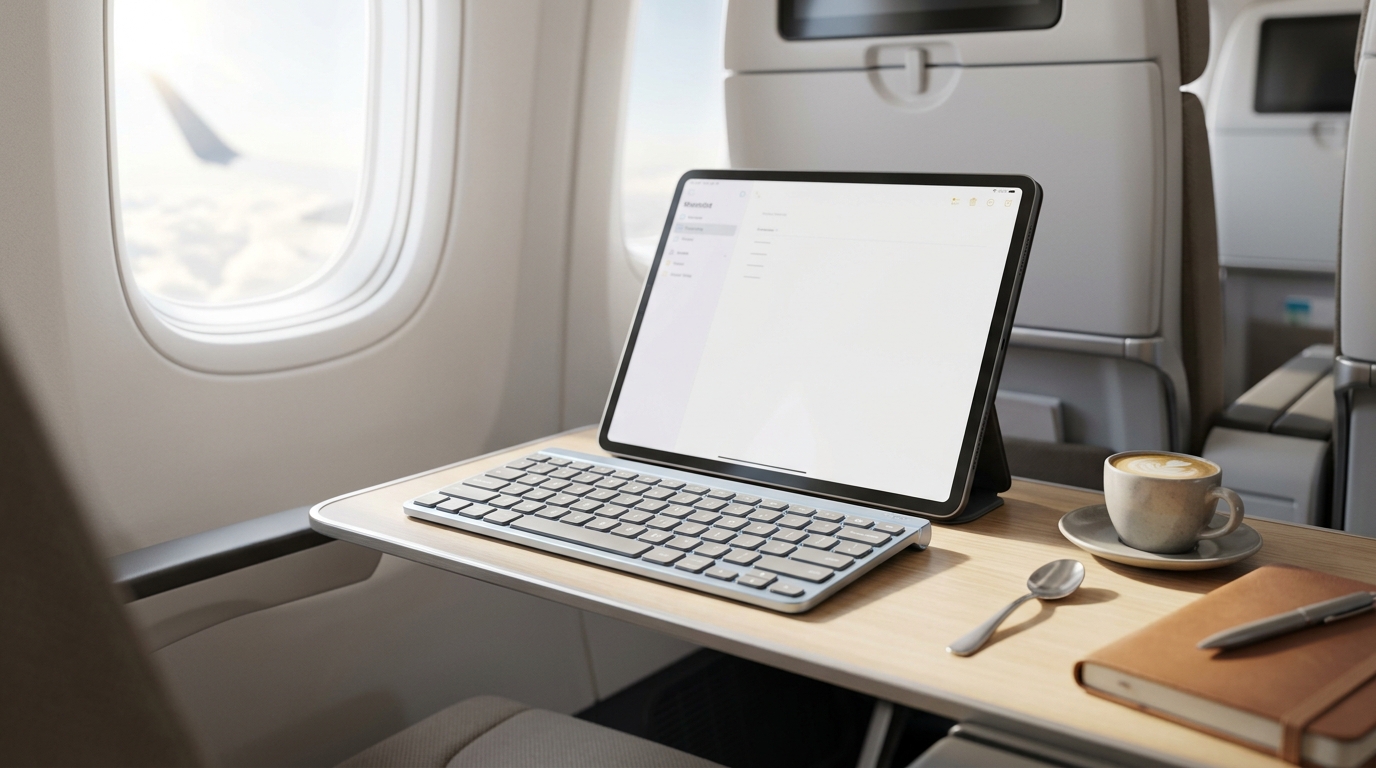
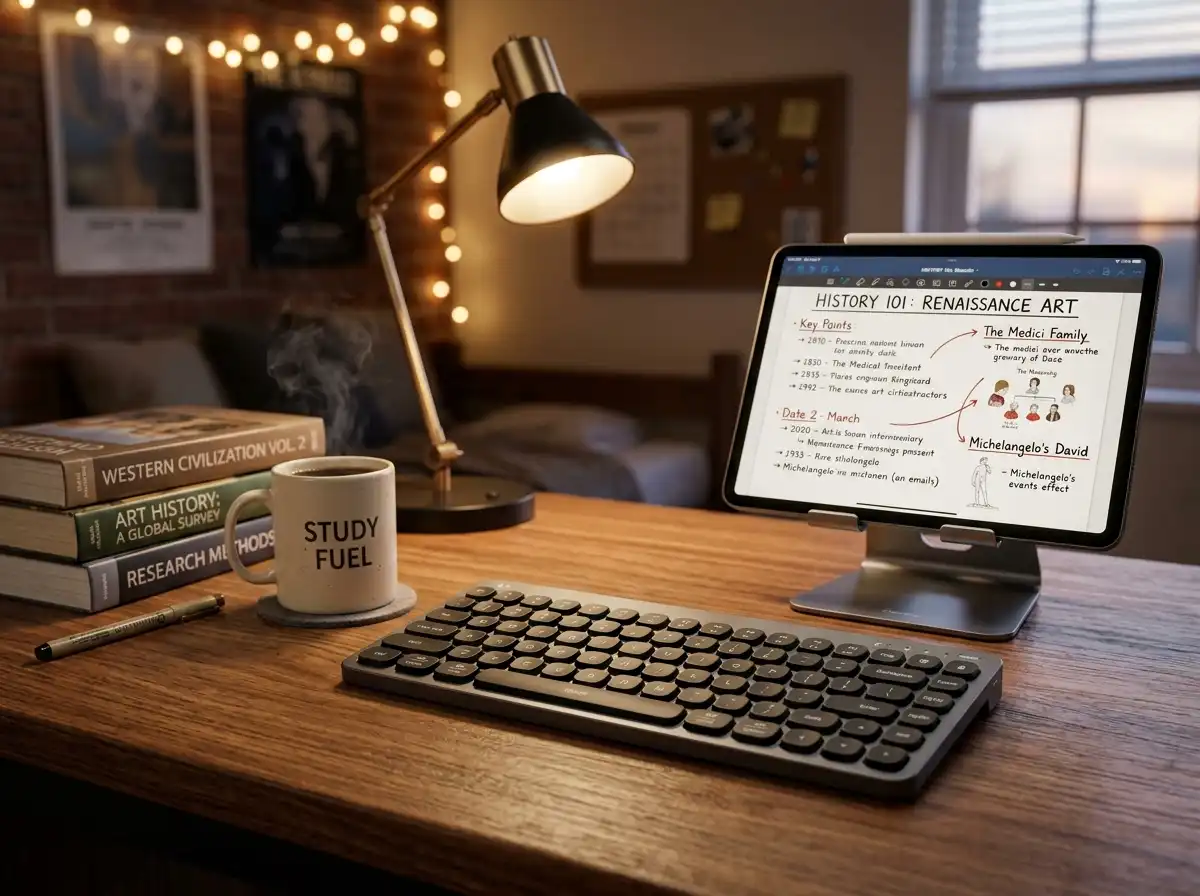
When you are bouncing between a cramped dorm room, a busy university library, and crowded lecture halls, the last thing you want is a heavy, expensive mechanical keyboard weighing down your backpack. You need a peripheral that is lightweight, highly portable, and incredibly cheap—without sacrificing reliability. Modern budget Bluetooth keyboards have evolved dramatically, offering multi-device pairing so you can type an essay on your laptop and instantly switch to replying to a text on your tablet. If you are specifically using an Apple tablet, make sure to check out our dedicated guide on the best lightweight iPad keyboards for maximum portability. We tested the absolute best budget Bluetooth keyboards under $30 that deliver massive productivity upgrades for college students.
Top Picks at a Glance
- The Undisputed Campus Champion: Logitech Pebble Keys 2 K380s
- The Ultra-Light Night Owl: Arteck HB030B Universal Slim
- The iPad Power User: OMOTON Ultra-Slim Bluetooth Keyboard
- The Ergonomic Data Entry Deck: iClever BK10 Bluetooth Keyboard
1. The Undisputed Campus Champion: Logitech Pebble Keys 2 K380s
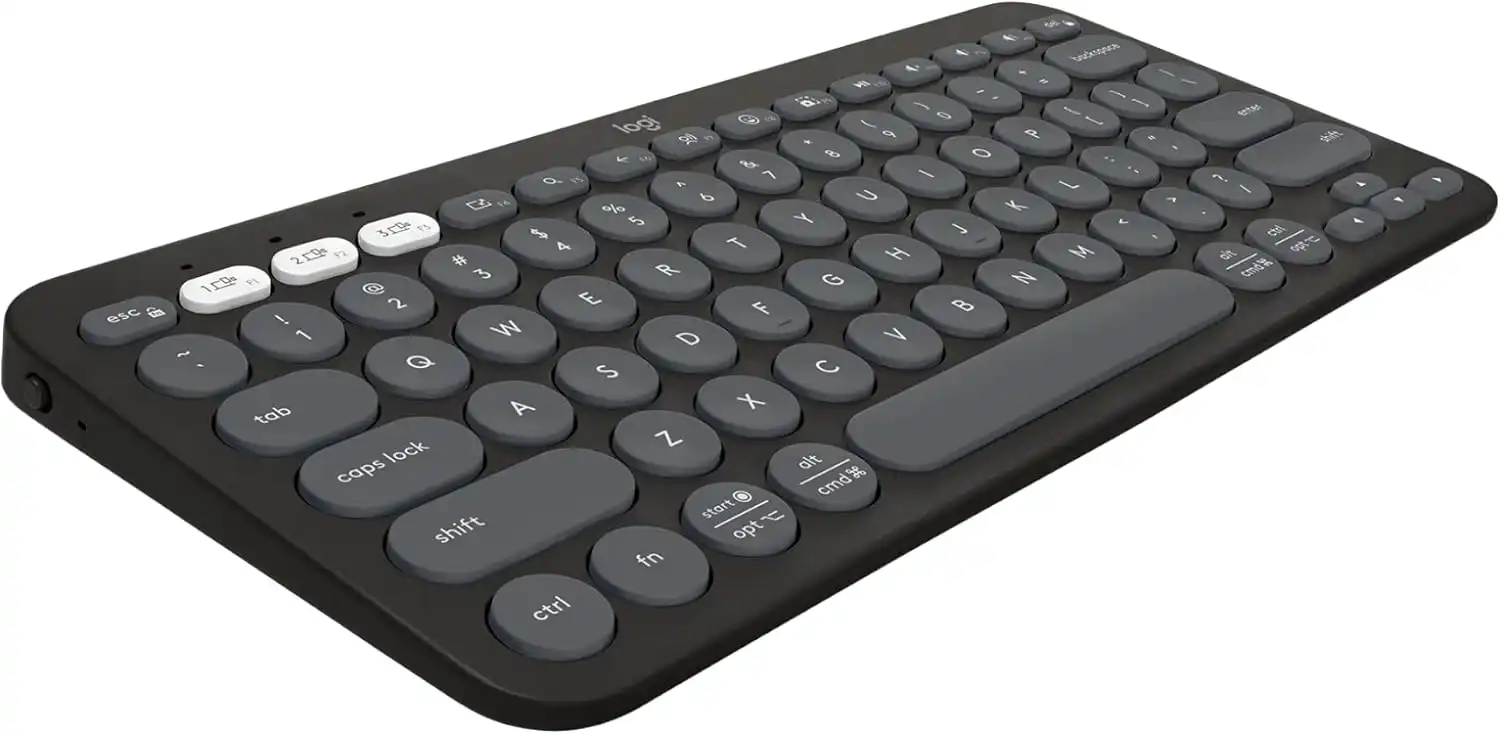
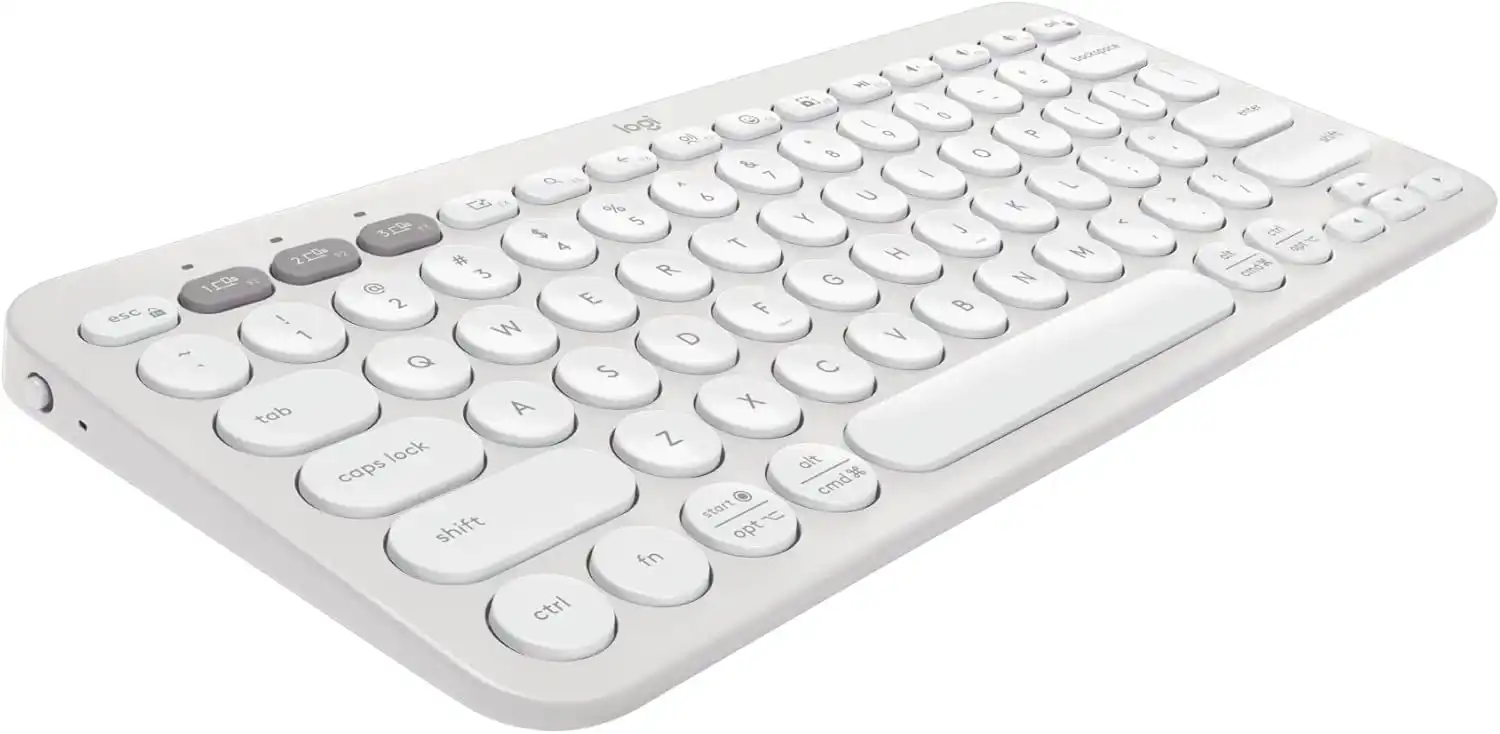
The Logitech Pebble Keys 2 K380s is the absolute gold standard for student keyboards. Coming in well under $30, this ultra-slim board features Logitech's incredible "Easy-Switch" technology, allowing you to pair it with up to three devices (Windows, Mac, iPad) and swap between them with a single button press. The scooped round keys provide a quiet, laptop-like typing experience that won't disturb your roommate, and it runs for an astonishing 3 years on the included batteries.
Flawless multi-device hopping and endurance.
Hardware Spec Analytics
Swipe horizontally to view angles
Logitech Pebble Keys 2 K380s
- ✅ Pros: Flawless 3-device switching, incredible 3-year battery life, made from 49% recycled plastic.
- ❌ Cons: The circular keycaps can take a day or two to get used to if you are transitioning from standard square keys.
2. The Ultra-Light Night Owl: Arteck HB030B Universal Slim
If you frequently pull all-nighters, the Arteck Universal Slim is your best bet. It is incredibly rare to find a keyboard under $25 with fully functional, 7-color RGB backlighting, but Arteck delivers. Weighing a mere 0.37 lbs and measuring just 0.24 inches thick, it practically disappears into your backpack. Even better for broke college students: it features a built-in rechargeable lithium battery that lasts up to 6 months per charge, meaning you never have to buy AAs.
Ultra-light design optimized for night study.
Hardware Spec Analytics
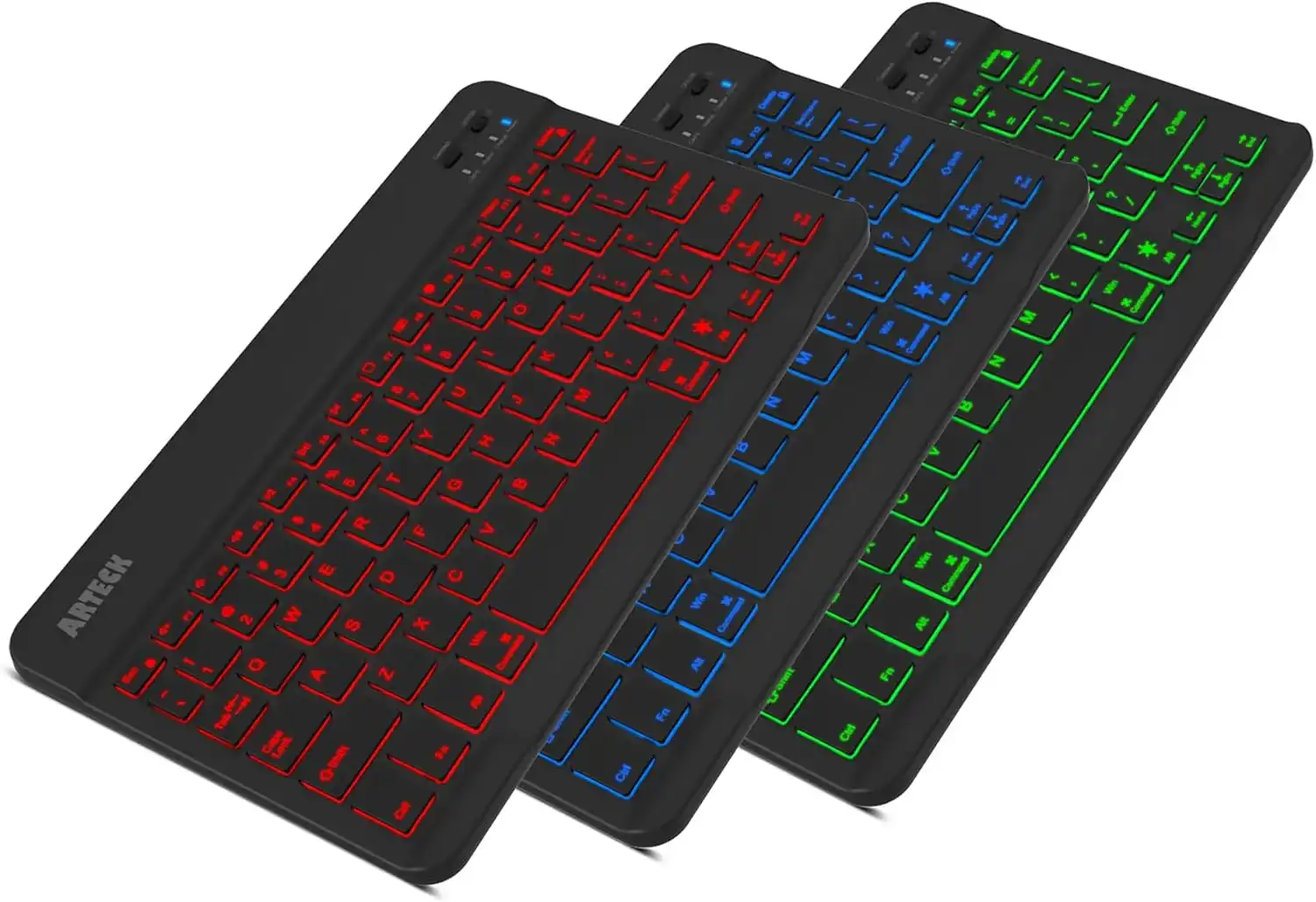
Arteck HB030B Universal Slim
- ✅ Pros: Beautiful 7-color LED backlighting, ultra-thin metal-like chassis, rechargeable battery.
- ❌ Cons: Bluetooth 3.0 is a slightly older protocol compared to modern 5.0+ boards.
3. The iPad Power User: OMOTON Ultra-Slim Bluetooth Keyboard
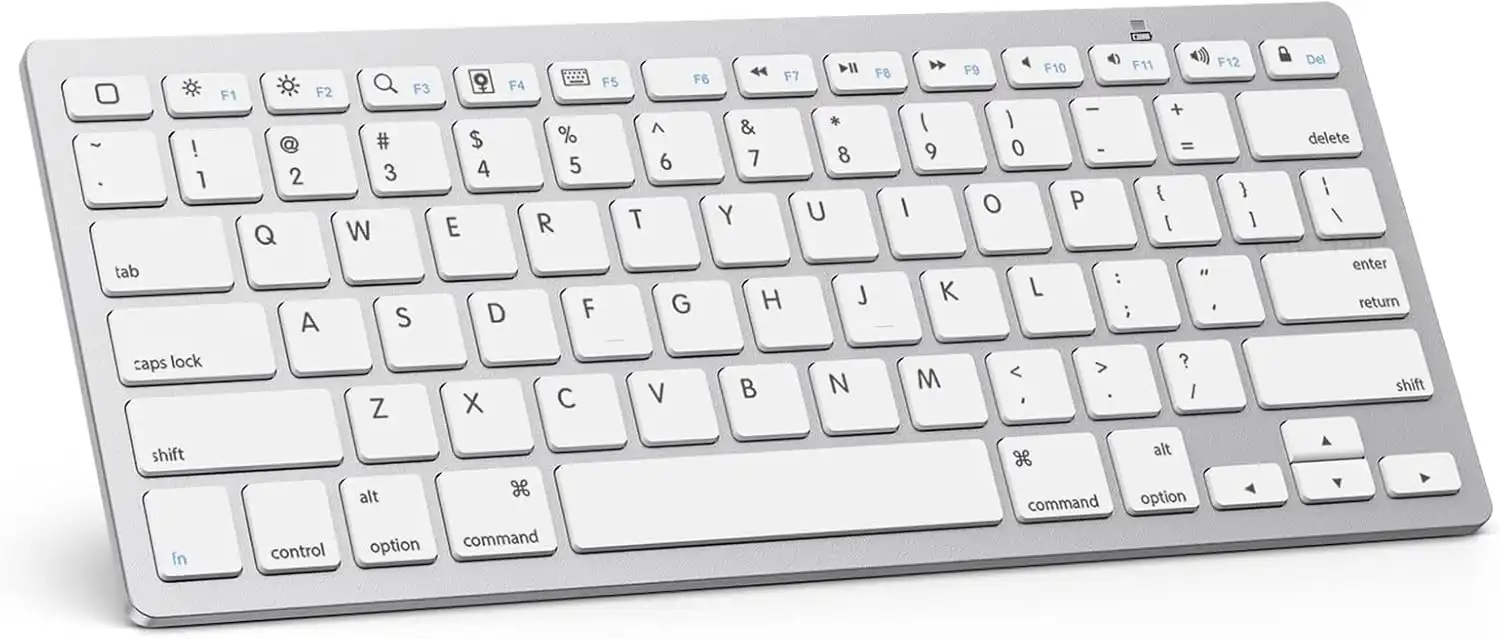
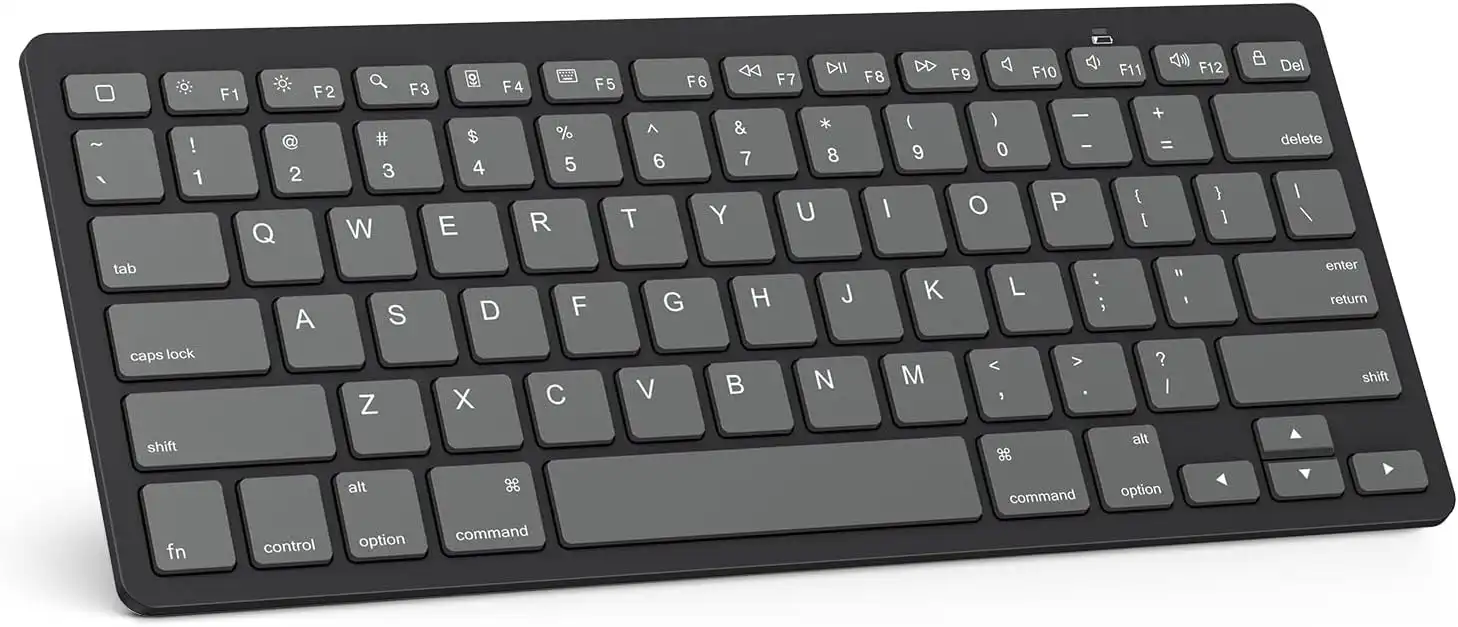
For the student who bought an iPad Air but refuses to pay Apple's massive premium for a Magic Keyboard, the OMOTON Ultra-Slim is the ultimate $15 cheat code. It perfectly mimics the classic aluminum Apple aesthetic and is explicitly optimized for iOS and iPadOS. It features 13 dedicated multimedia hotkeys for volume and brightness control, letting you manage your tablet seamlessly.
Flawless layout configuration for Apple iPadOS.
Hardware Spec Analytics
Swipe horizontally to view angles
OMOTON Ultra-Slim Bluetooth Keyboard
- ✅ Pros: Unbeatable price point (often under $16), perfectly matches the Apple ecosystem aesthetic, optimized iOS shortcut keys.
- ❌ Cons: Requires 2 AAA batteries (not included), function keys do not map perfectly to Windows.
4. The Ergonomic Data Entry Deck: iClever BK10 Bluetooth Keyboard
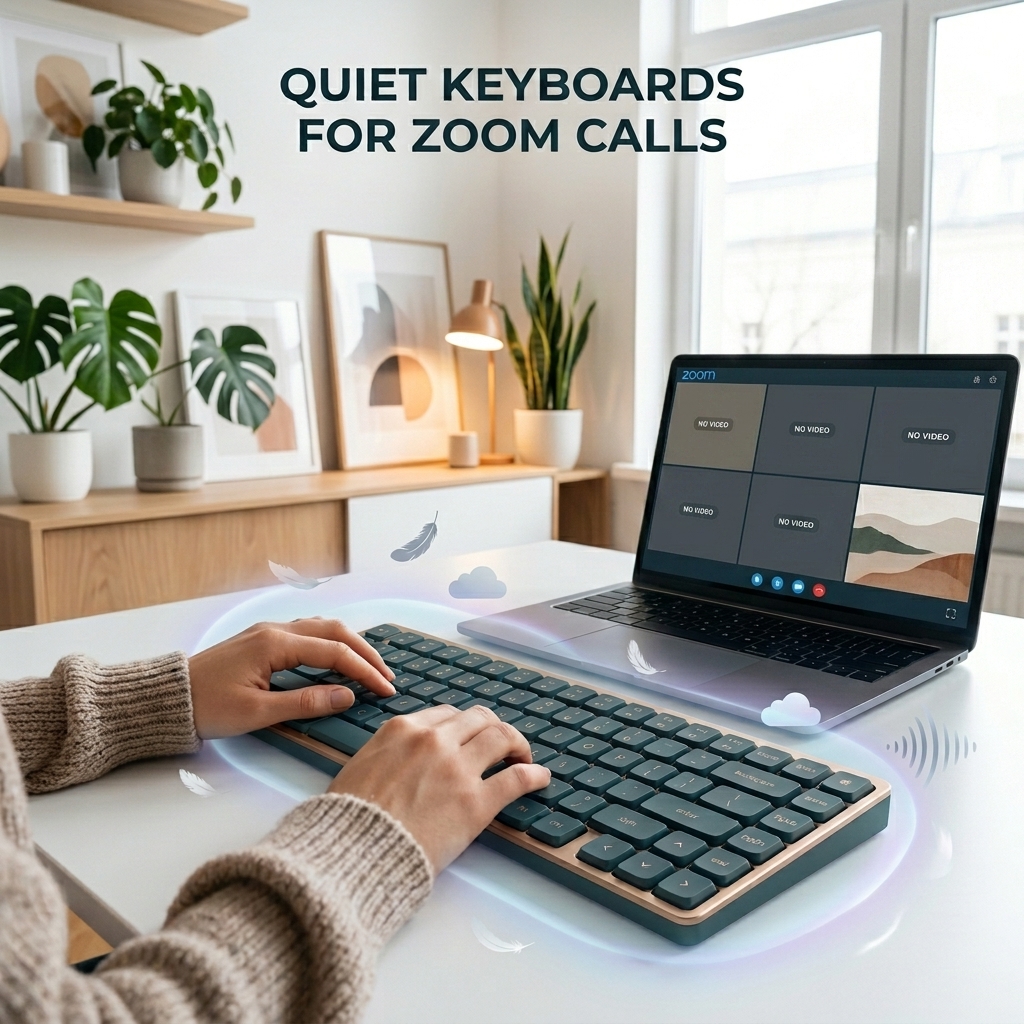
If you are a business, finance, or computer science major, a compact 60% board won't cut it—you need a number pad. The iClever BK10 provides a full 99-key US QWERTY layout while maintaining a slim wireless profile. It features an ergonomic 10-degree tilt built into its stainless-steel chassis, saving your wrists during 10-page term papers. The quiet scissor-switches operate at under 50 decibels, making it the perfect silent companion for library study sessions. Having a near-silent typing deck is absolutely essential if you want to avoid distracting your peers, similar to using specialized quiet keyboards for zoom calls and late-night gaming sessions.
Full-size layout tailored for workflow speed.
Hardware Spec Analytics
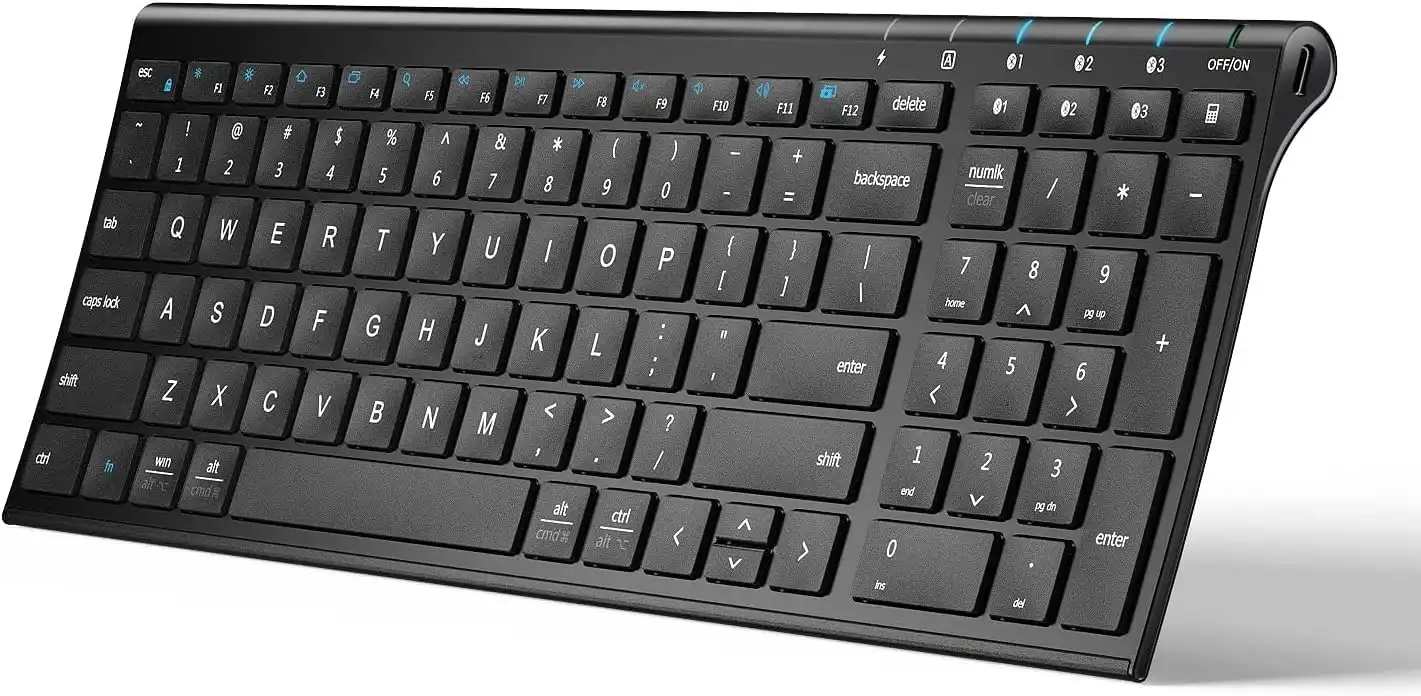
iClever BK10 Bluetooth Keyboard
- ✅ Pros: Includes a full numeric pad, ergonomic 10-degree tilt, USB-C rechargeable battery.
- ❌ Cons: Larger footprint makes it slightly harder to pack into smaller messenger bags.
The Final Verdict: Who Wins?
Get the Logitech Pebble Keys 2 if:
- You want the most reliable, longest-lasting multi-device keyboard on the market and prefer a minimalist aesthetic.
Get the Arteck Universal Slim if:
- You need backlit keys for late-night typing and want an ultra-lightweight frame.
Get the OMOTON Ultra-Slim if:
- You use an iPad or Mac as your daily driver and want that premium aluminum look for under $20.
Get the iClever BK10 if:
- You are working heavily in spreadsheets or coding and absolutely require a dedicated number pad and ergonomic tilt.
Frequently Asked Questions
Can a $20 Bluetooth keyboard actually last a whole semester?
Absolutely. Unlike complex mechanical keyboards, these budget membrane and scissor-switch boards have very few moving parts. As long as you aren't dropping them down a flight of stairs, they will easily survive four years of college.
Do I need a USB dongle to connect these to an iPad or MacBook?
No. All the keyboards on this list use pure Bluetooth connectivity. There are no USB dongles to lose in your backpack, which is perfect for modern MacBooks and iPads that lack traditional USB-A ports.
Are these budget keyboards quiet enough for a university library?
Yes. Budget boards utilizing membrane domes or scissor switches (like the iClever and Logitech options) operate at very low decibel levels (under 50dB). They are significantly quieter than standard mechanical keyboards and will not earn you dirty looks in the quiet study zones.
Karim
Wireless desk enthusiast and mechanical keyboard obsessive. I test, review, and tear down tech to help you build the perfect, clutter-free setup.