Best Lightweight iPad Keyboards for Travel (That Don't Cost $300)
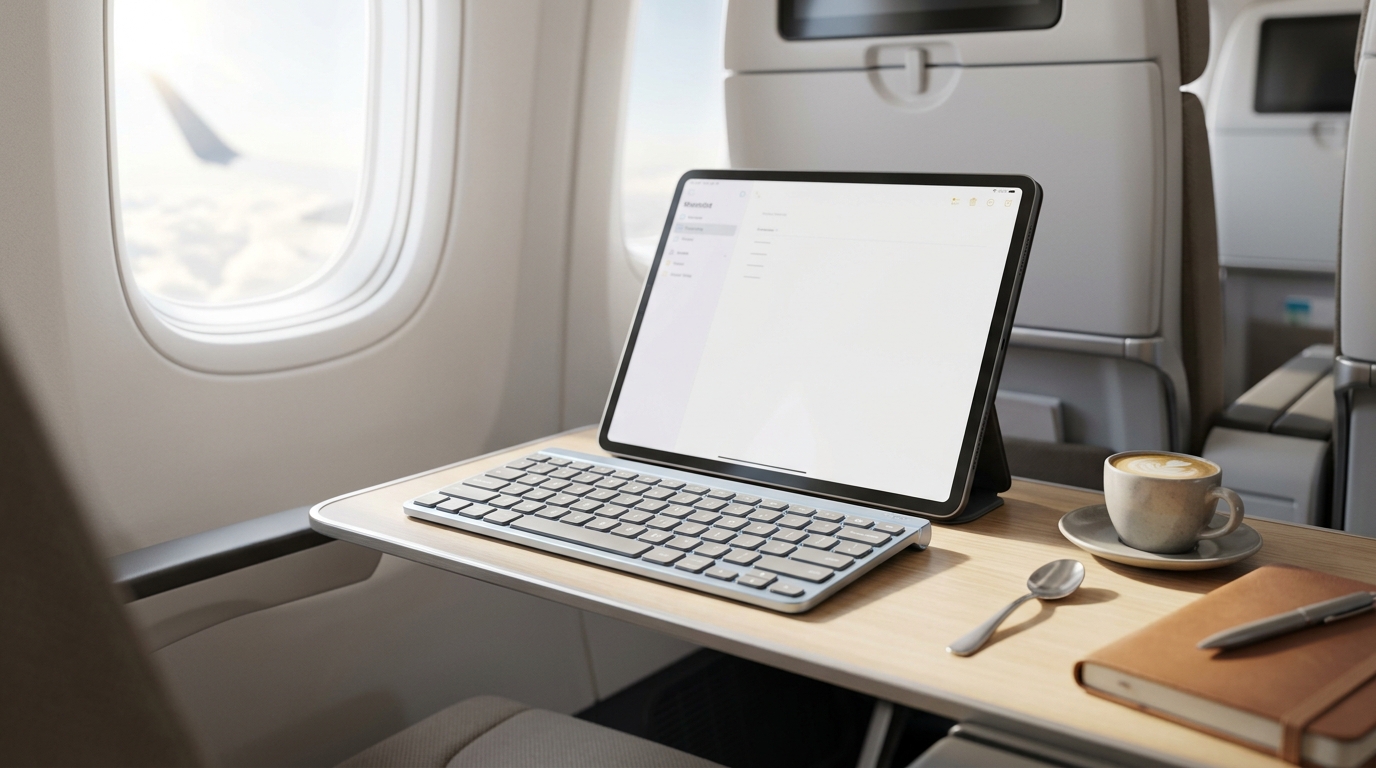
Apple’s official Magic Keyboard is a beautiful piece of hardware, but asking mobile writers, students, and travelers to drop nearly $300 on a heavy case that doubles the weight of their tablet is a tough pill to swallow. Transforming your iPad into a lightweight typing workstation shouldn't require emptying your wallet or weighing down your backpack. Modern third-party Bluetooth keyboards offer featherlight form factors, long-lasting batteries, and exceptional scissor-switch tactile feedback at a fraction of the cost. Whether you are typing out emails on a tray table at 30,000 feet or drafting a chapter in a crowded coffee shop, we reviewed the absolute best lightweight travel keyboards for iPad users.
Top Picks at a Glance
- The Ultimate Floating Featherweight: Logitech Keys-To-Go 2
- The Premium Mobile Workstation Choice: Logitech MX Keys Mini for Mac
- The Rigid Steel Budget Champion: Arteck Stainless Steel Bluetooth Keyboard
1. The Ultimate Floating Featherweight: Logitech Keys-To-Go 2
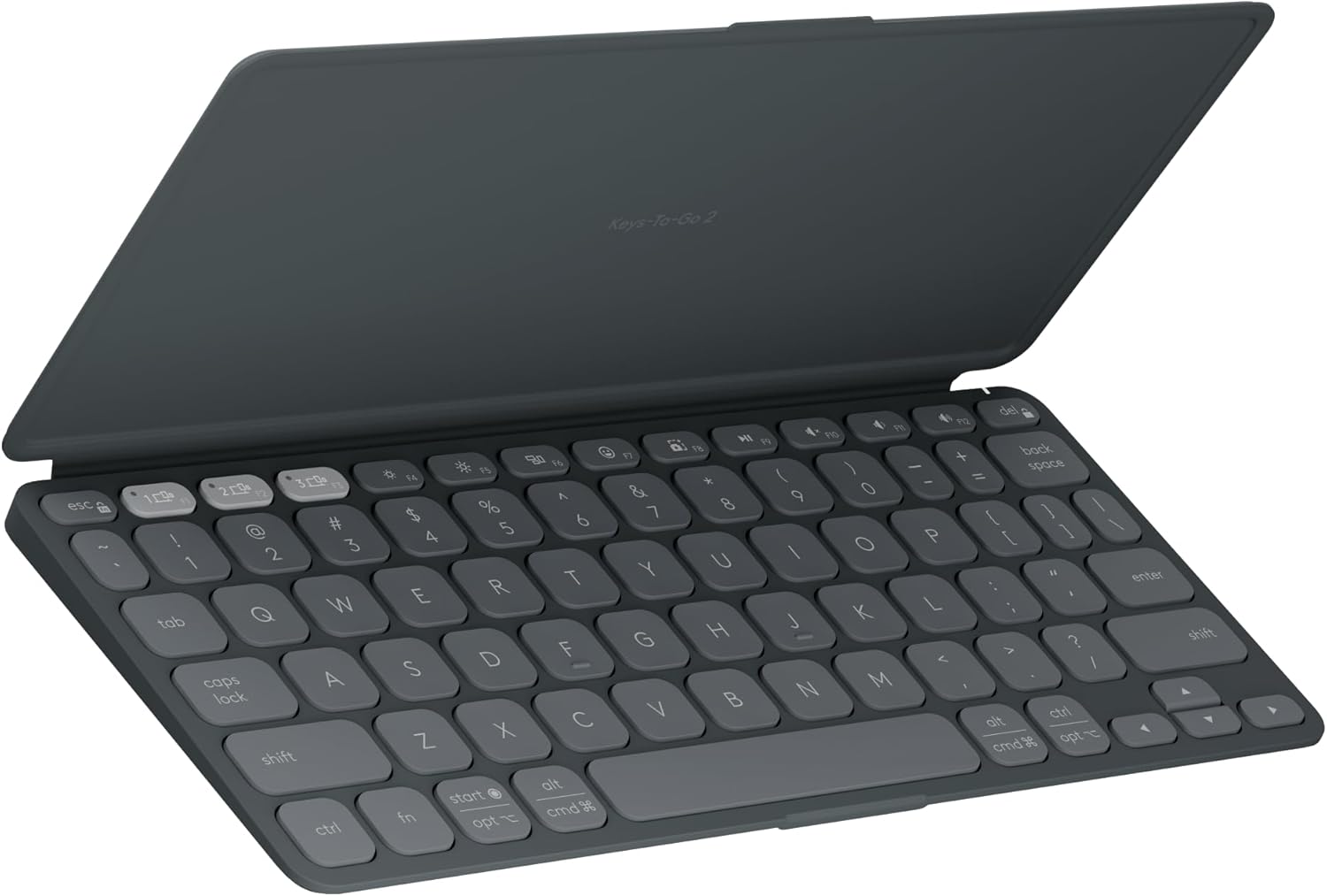
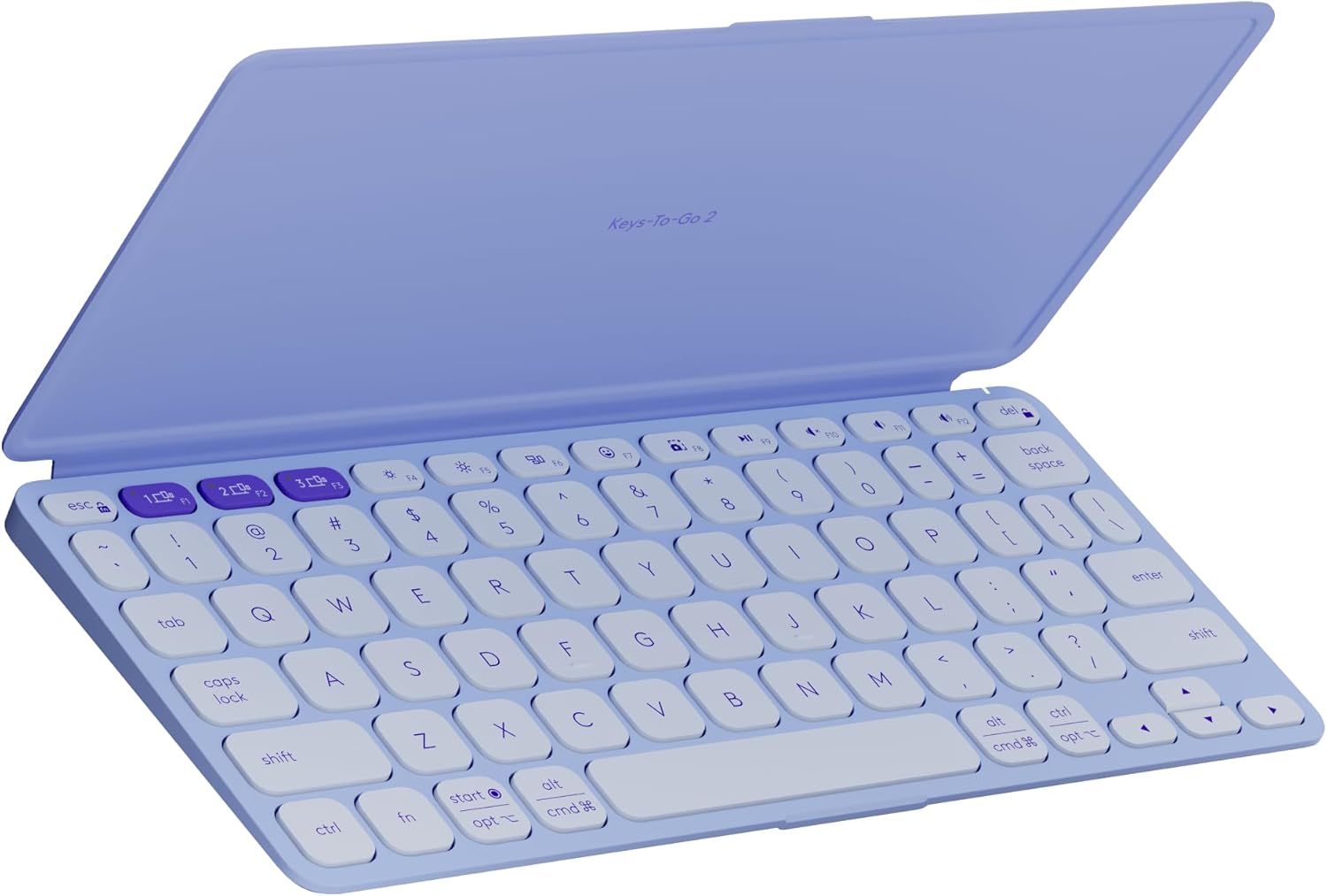
The Logitech Keys-To-Go 2 is engineered specifically for high-mobility tablet setups. Built with a remarkably thin profile, it features an ingenious integrated flip cover that shields the keys from getting caught on cords or keys inside a packed commuter bag. Don't let its slim size fool you—the scissor-switch keys are perfectly spaced to ensure a roomy, crisp typing experience that mimics a traditional laptop deck. It features a full dedicated row of iPadOS shortcut keys to handle volume adjustments, media playback, and screen brightness levels with a single tap.
Travel Weight & Portability Profile: Form Factor: Featherweight Shield. Powered by pre-installed coin cell batteries that provide up to 3 years of maintenance-free use, it pairs with up to 3 separate screens for instant multi-device switching.
Swipe horizontally to view color options
Logitech Keys-To-Go 2
- ✅ Pros: Built-in protective flip cover, ridiculously thin and lightweight, massive 3-year battery life.
- ❌ Cons: Lacks backlighting, coin cell batteries are not USB-C rechargeable.
2. The Premium Mobile Workstation Choice: Logitech MX Keys Mini for Mac
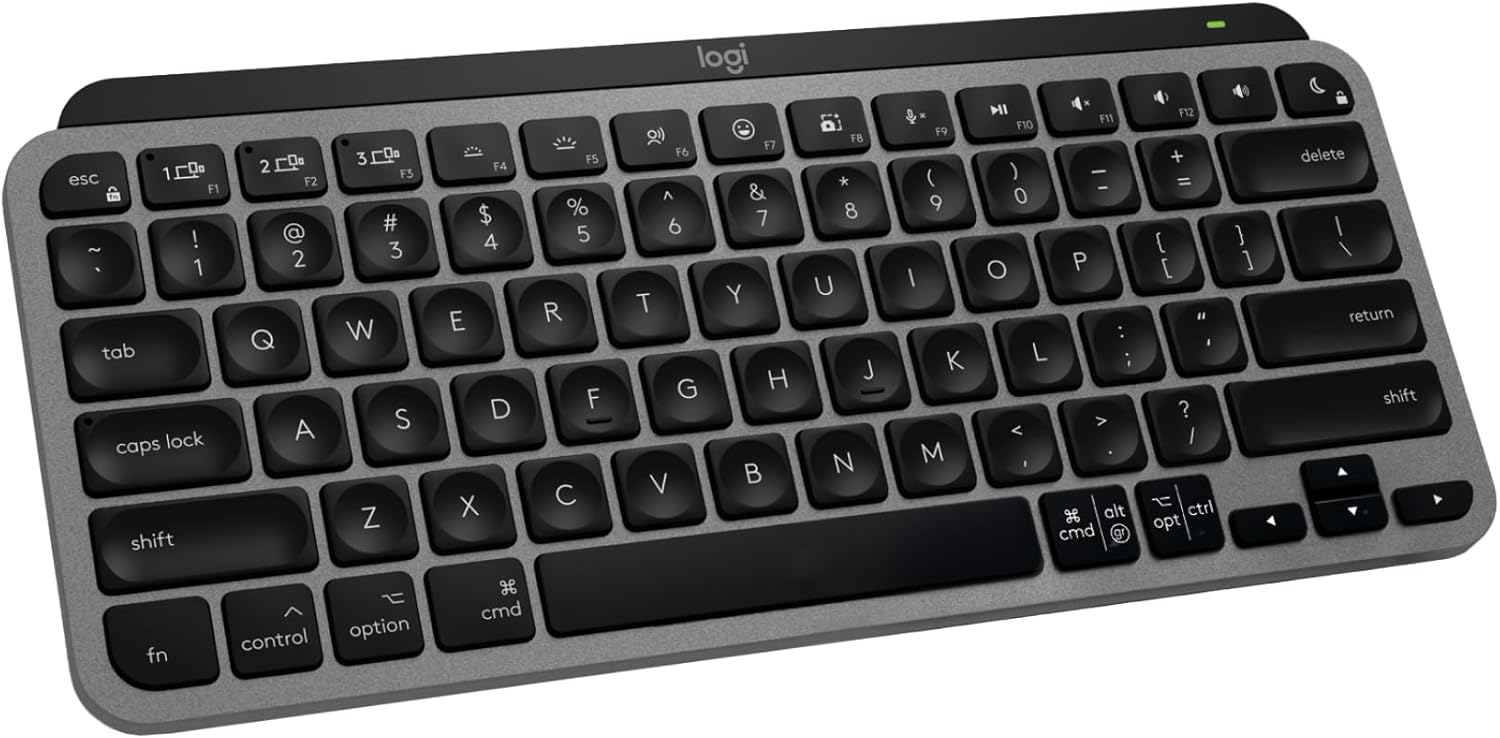
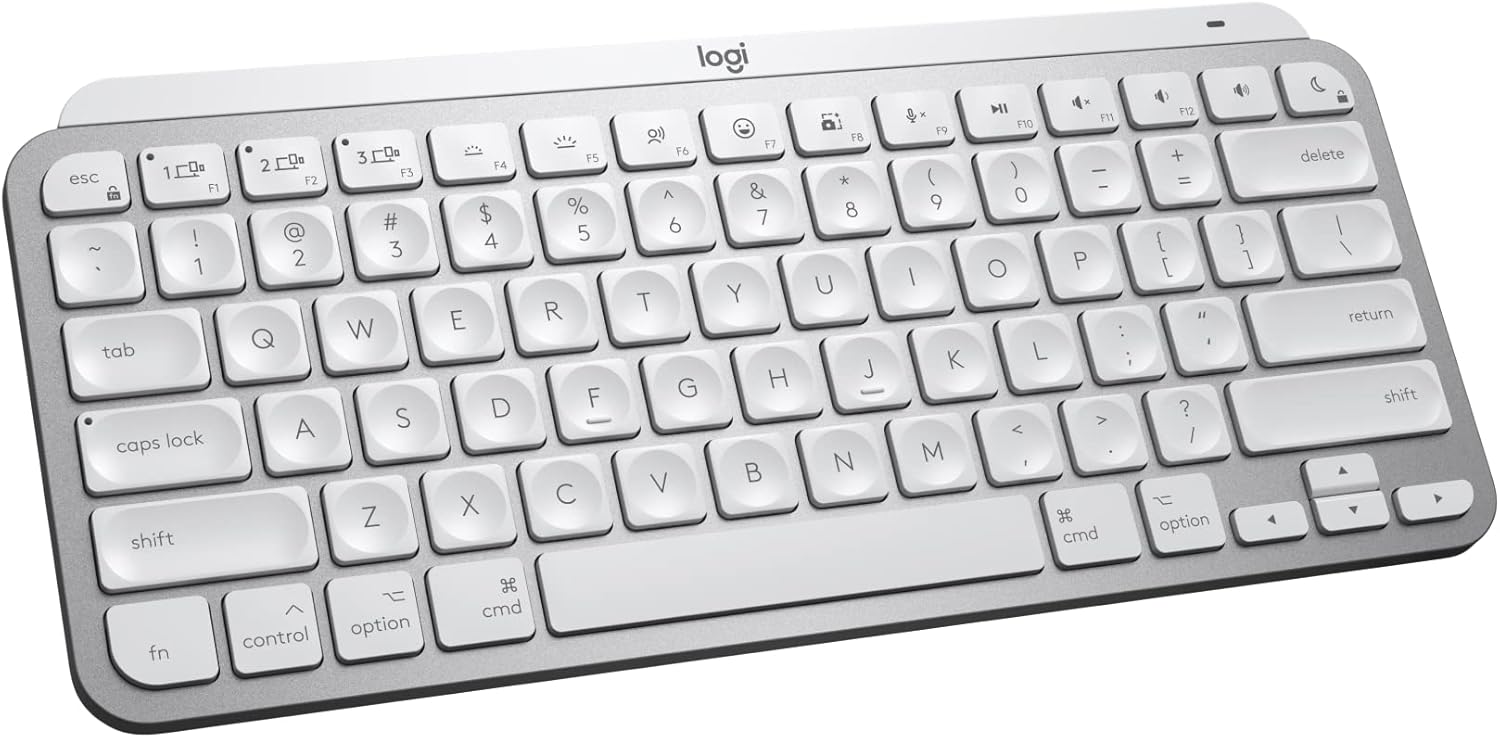
For remote professionals who refuse to sacrifice tactile precision while traveling, the Logitech MX Keys Mini for Mac is a powerhouse option. This minimalist deck features keys scooped out to match the natural shape of your fingertips, providing an exceptionally stable and accurate tactile response. It features integrated smart backlighting that dynamically illuminates the moment your hands approach the keys and auto-adjusts to match changing ambient cabin or cafe lighting. It recharges quickly via an included USB-C cable, staying powered for up to 5 months with the backlighting disabled.
Travel Weight & Portability Profile: Form Factor: Minimalist Heavyweight. Optimized specifically for iPadOS and macOS layouts, it offers one-touch keys for voice-to-text dictation and microphone muting inside mobile workspaces.
Swipe horizontally to view color options
Logitech MX Keys Mini for Mac
- ✅ Pros: World-class typing feel with scooped keycaps, smart responsive backlighting, perfect Apple ecosystem integration.
- ❌ Cons: Heavier than standard travel keyboards, premium pricing tier.
3. The Rigid Steel Budget Champion: Arteck Stainless Steel Bluetooth Keyboard
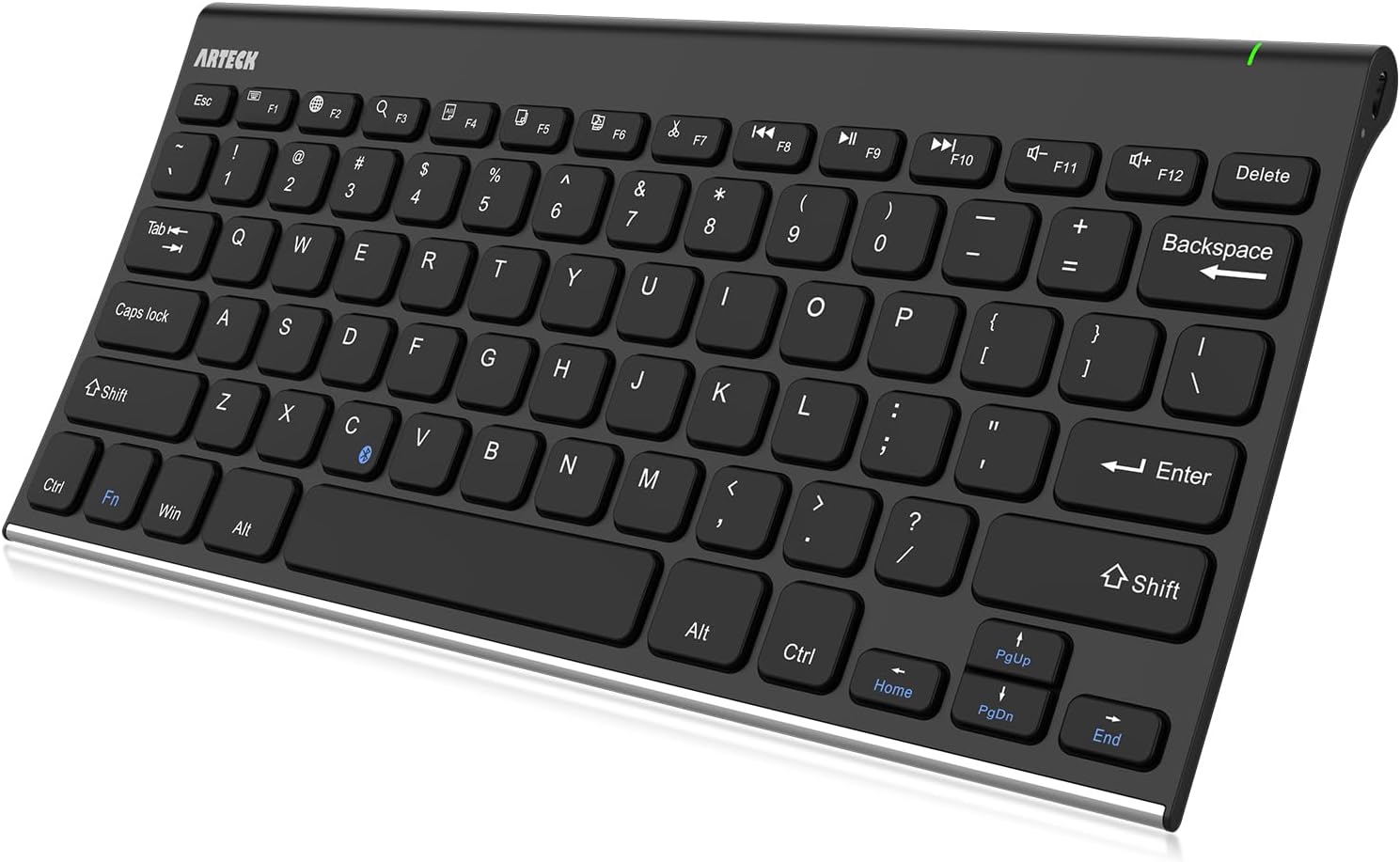
If you want a travel setup that feels premium but fits a strict budget, the Arteck Stainless Steel Bluetooth Keyboard is a stunning solution. At just 0.16 inches thick and weighing only 10.2 ounces, it slides effortlessly into any backpack or tablet sleeve. What sets it apart is its authentic stainless steel back plate, which provides heavy-duty structural rigidity that completely prevents the deck from flexing when typing on soft surfaces like your lap or a hotel bed blanket. The low-profile keys offer a quiet, whisper-soft typing cadence.
Travel Weight & Portability Profile: Form Factor: Slim Steel Sheet. An internal rechargeable lithium battery holds an industry-high capacity, letting you work for up to 6 months on a single charge based on two hours of casual daily typing.
Arteck Stainless Steel
- ✅ Pros: Unbeatable budget value, rigid metal back plate prevents lap flexing, extremely thin 0.16" profile.
- ❌ Cons: No backlighting, uses an older micro-USB charging standard instead of USB-C.
If your remote working travels bring you back to a crowded home office where loud typing causes distraction, check out our tested guide to the best quiet wireless keyboards for shared office spaces.
The Final Verdict: Who Wins?
Get the Logitech Keys-To-Go 2 if:
- You want an incredibly light, drop-in-your-bag keyboard with a built-in protective flap and a zero-charging 3-year battery lifespan.
Get the Logitech MX Keys Mini if:
- You are a heavy writer who wants the absolute best tactile layout, premium smart key backlighting, and fluid Mac/iPad integration.
Get the Arteck Stainless Steel if:
- You want a highly affordable, ultra-rigid metal back plate that allows for comfortable typing on your lap or soft travel surfaces.
Frequently Asked Questions
Will these third-party keyboards support native iPad keyboard shortcuts?
Yes. When paired over Bluetooth, these keyboards fully trigger standard iPadOS commands like Command + Tab to switch apps or Command + Space to open Spotlight search. Decks like the Keys-To-Go 2 and MX Mini feature explicit printed Mac/Apple layout legends out of the box.
How can I protect my keyboard keys from breaking inside a travel bag?
Loose items inside a tight bag can easily snap off exposed keycaps. Choosing a keyboard with an integrated cover plate (like the Keys-To-Go 2) or sliding your slim deck inside a dedicated neoprene tablet sleeve is the best way to safeguard your hardware switches on the move.
Karim
Wireless desk enthusiast and mechanical keyboard obsessive. I test, review, and tear down tech to help you build the perfect, clutter-free setup.