Best Custom Barebones Wireless Keyboard Kits for Beginners
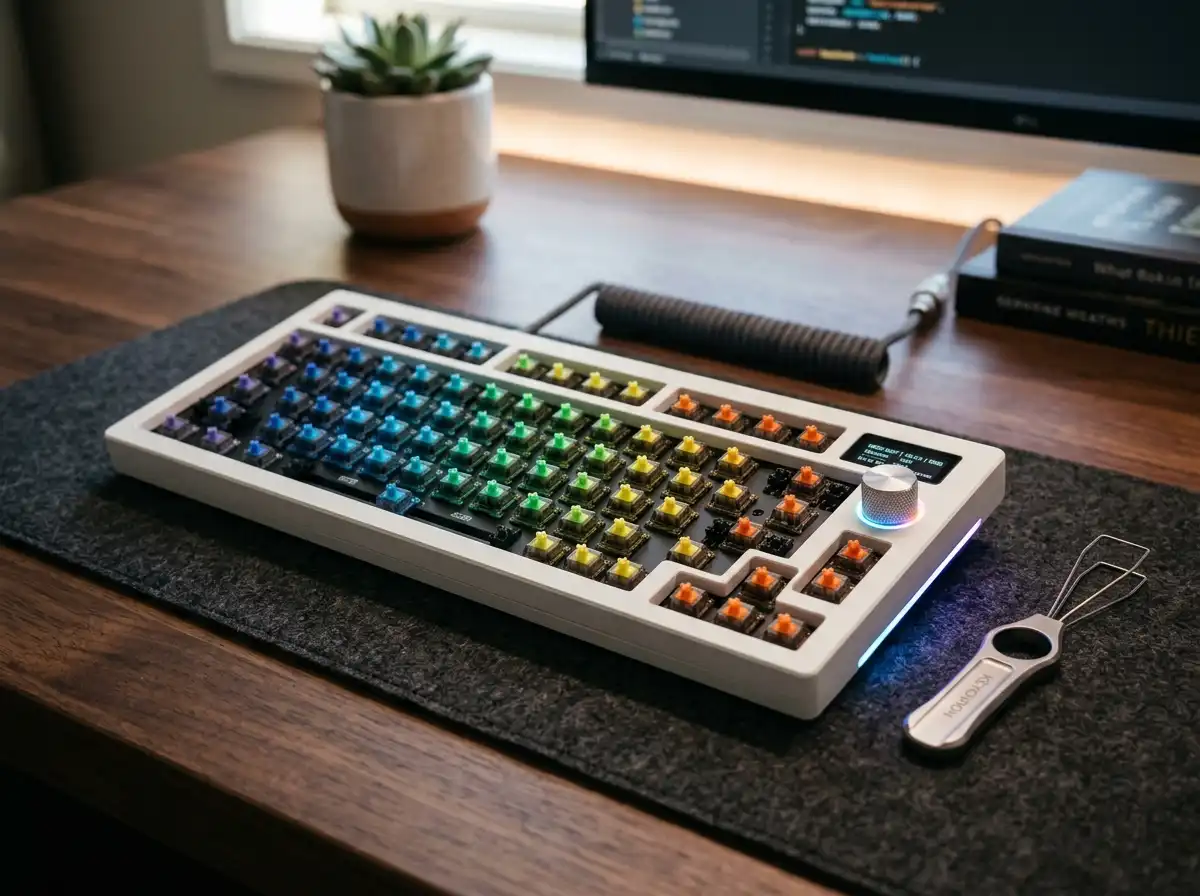
Listening to the hollow, plastic rattle of a cheap pre-built keyboard is enough to drive any serious typist crazy. The custom mechanical keyboard hobby solves this by letting you choose exactly how your keystrokes feel and sound—but building a board from scratch with a soldering iron is intimidating. Enter the wireless barebones kit. These are fully assembled keyboard chassis (complete with the battery, wireless antennas, and dampening foam) that simply require you to snap in your favorite switches and keycaps like Legos. We tested the best beginner-friendly, tri-mode wireless kits on the market. Since our top picks all feature premium gasket mounts, smart screens, and volume knobs, your only decision is choosing the perfect layout size for your desk. After assembling your barebones kit, you can further enhance its acoustics by learning how to make your mechanical keyboard thocky with simple mods.
Top Picks at a Glance
- The 65% Space-Saver: BOYI GMK67Pro Keyboard Barebones
- The 80% TKL Workstation: GMK87 Keyboard Barebones Kit
- The 75% Sweet Spot: FKZ K75 Barebone Wireless
1. The 65% Space-Saver: BOYI GMK67Pro Keyboard Barebones
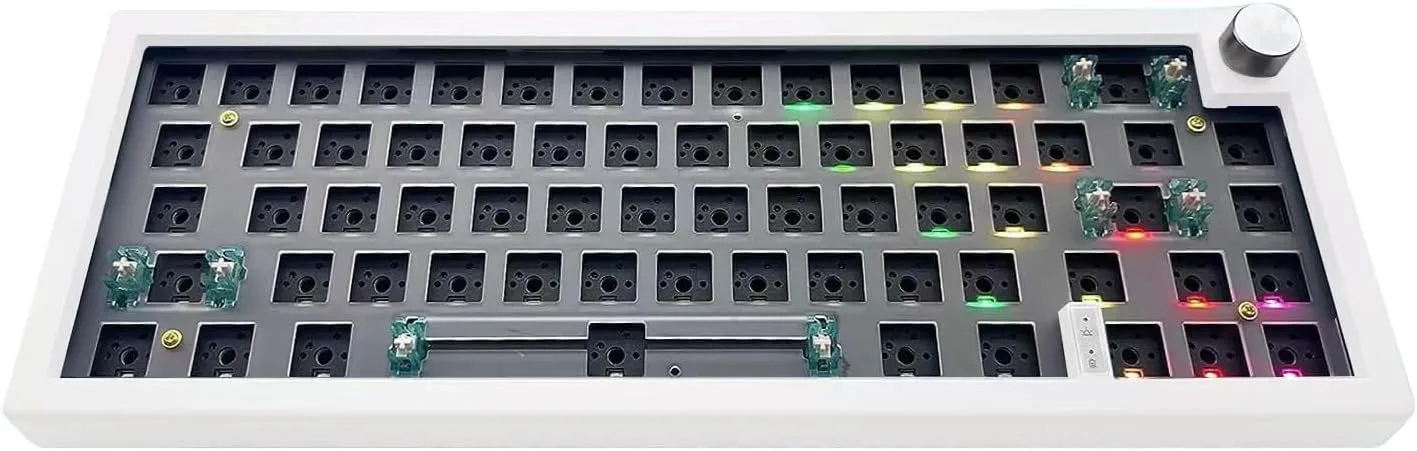
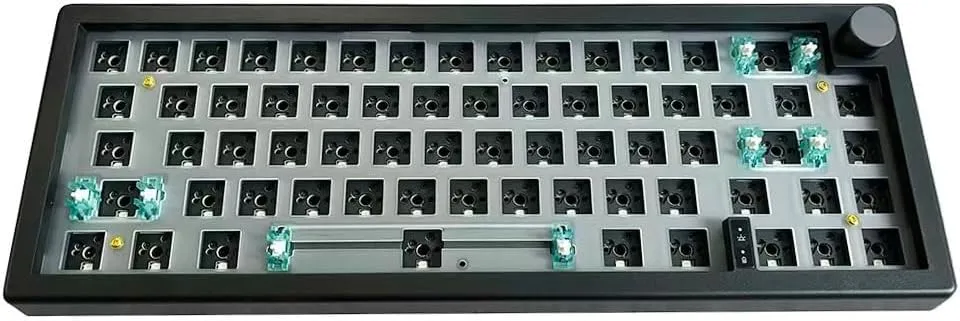
If you want to maximize your mouse space for gaming without sacrificing dedicated arrow keys, the BOYI GMK67Pro is the undisputed king of the 65% layout. This ultra-compact kit strips away the function row and numpad, leaving a streamlined footprint that looks incredibly clean on any desk. Despite its size, it packs a massive 4000mAh battery for extended Tri-Mode wireless operation (Bluetooth 5.0, 2.4GHz, and Type-C). What makes this board truly elite for beginners is its native QMK/VIA support, allowing you to instantly remap any key or program complex macros without downloading clunky, third-party bloatware. The gasket-mounted plate perfectly absorbs typing vibrations, delivering a deep, satisfying "thock" right out of the box.
The ultimate space-saving layout. Premium QMK/VIA integration.
Hardware Spec Analytics
Swipe horizontally to view angles
BOYI GMK67Pro Keyboard Barebones
- ✅ Pros: Flawless QMK/VIA customization; dense sound-dampening foam pre-installed; highly responsive multi-function rotary knob.
- ❌ Cons: Lacks a dedicated function (F1-F12) row, requiring you to use a modifier key.
2. The 80% TKL Workstation: GMK87 Keyboard Barebones Kit
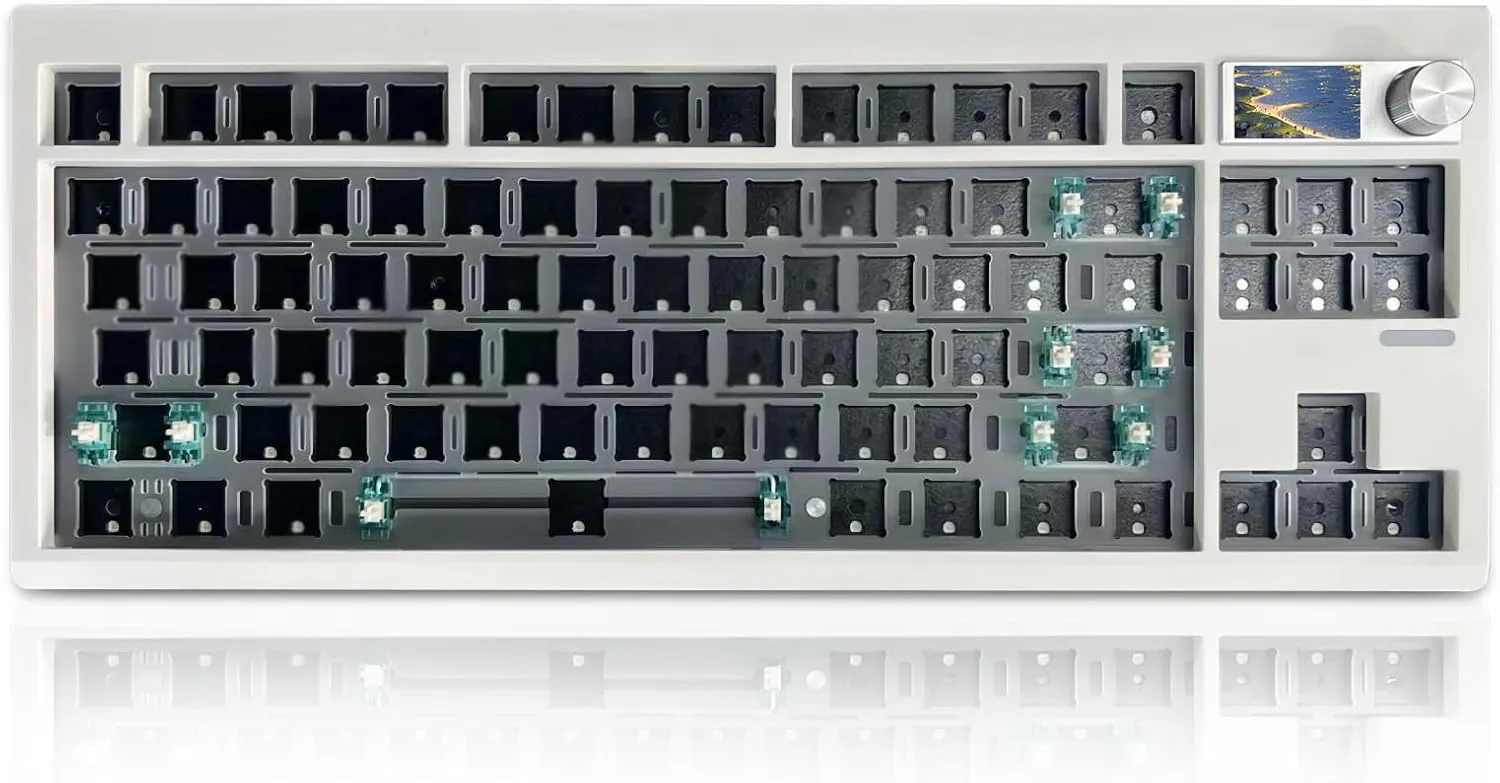
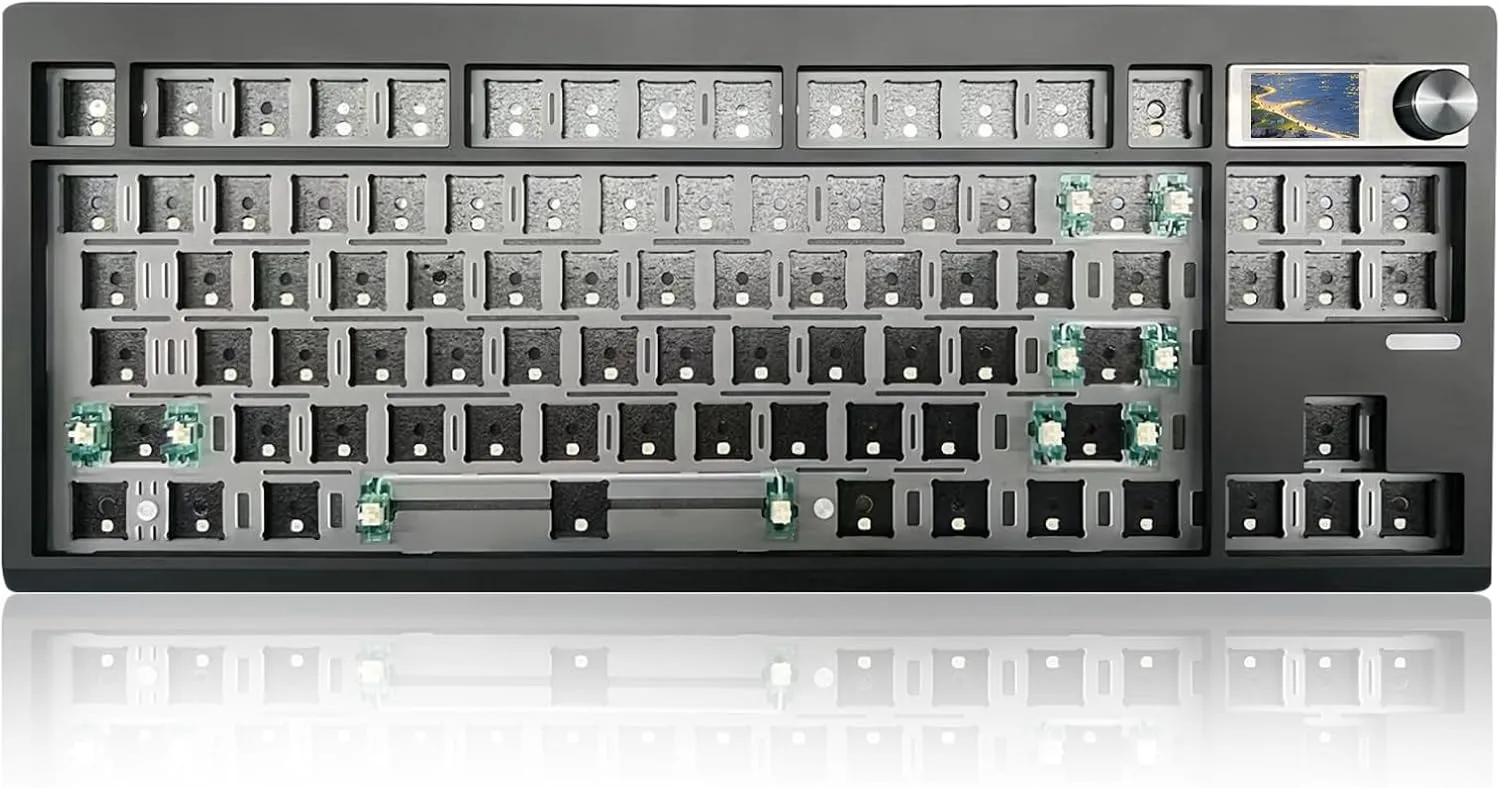
For programmers, video editors, and professionals who cannot survive without a dedicated function row and navigation cluster, the GMK87 is the perfect Tenkeyless (80%) canvas. This board strikes an elegant balance, chopping off the numpad to save desk space while retaining every other critical workstation key. The standout feature is its customizable TFT-LCD smart screen, an interactive interface that allows you to upload custom GIFs, monitor battery life, and check your connection status in real-time. Beneath the hot-swappable PCB sits a dual-stage foldable kickstand and a specialized gasket structure that completely eliminates metallic pinging sounds during heavy typing sessions.
Zero compromises for professional workflows. Brilliant interactive TFT display.
Hardware Spec Analytics
Swipe horizontally to view angles
GMK87 Keyboard Barebones Kit
- ✅ Pros: Retains dedicated F-keys for software shortcuts; dynamic south-facing RGB lighting; interactive smart screen display.
- ❌ Cons: Takes up slightly more horizontal desk space than 75% or 65% models.
3. The 75% Sweet Spot: FKZ K75 Barebone Wireless
The 75% layout has exploded in popularity because it offers the best of both worlds: it keeps your dedicated function keys but squishes the navigation cluster into a tight, compact column on the right side. The FKZ K75 executes this layout flawlessly. Operating on a Tri-Mode wireless chip, it allows you to connect to up to 5 devices simultaneously, making it a productivity monster for users bouncing between a PC, Mac, and iPad. It features north-facing LEDs (which make shine-through keycaps look incredibly bright) and a massive 4000mAh battery that guarantees you won't run out of juice in the middle of a trip.
The perfect middle ground. Extremely bright RGB. Connects to 5 devices.
Hardware Spec Analytics


Swipe horizontally to view angles
FKZ K75 Barebone Wireless
- ✅ Pros: Perfect 75% layout balances size and function; massive 4000mAh battery capacity; supports up to 5 simultaneous device connections.
- ❌ Cons: North-facing LEDs can occasionally cause interference with specific Cherry-profile keycaps.
Need Keycaps For Your New Build?
Don't overspend on group buys. We found the absolute best budget PBT keycaps that perfectly fit these 65% and 75% barebones layouts.
The Final Verdict: Which Size is Right for You?
Choose the BOYI GMK67Pro (65%) if:
- You are a gamer or minimalist who wants maximum desk space for mouse swiping and prefers programming your own shortcuts using VIA.
Choose the FKZ K75 (75%) if:
- You want the ultimate middle ground—a compact footprint that still gives you quick access to your F-keys for gaming and media controls.
Choose the ZMX GMK87 (80% TKL) if:
- You are a coder, editor, or heavy software user who demands a standard layout with distinct, separated navigation keys.
Frequently Asked Questions
What is the difference between a barebones kit and a hot-swappable keyboard?
A hot-swappable keyboard comes fully assembled with switches and keycaps out of the box, allowing you to change them later. A barebones kit is sold without switches or keycaps, saving you money upfront so you can invest your budget exactly into the custom parts you actually want.
Do I need a soldering iron to build a wireless barebones keyboard?
Not at all. All modern barebones kits feature "hot-swappable" PCB sockets. You simply align the metal pins on the bottom of your switch with the holes on the board and push down until it clicks into place.
Which size switches (3-pin or 5-pin) do I need to buy for these kits?
The BOYI, GMK87, and FKZ K75 all feature universal 5-pin hot-swap sockets. This is the industry gold standard, meaning they will natively accept both 3-pin and 5-pin mechanical switches from Cherry, Gateron, Kailh, Akko, and glorious without any modifications.
Karim
Wireless desk enthusiast and mechanical keyboard obsessive. I test, review, and tear down tech to help you build the perfect, clutter-free setup.