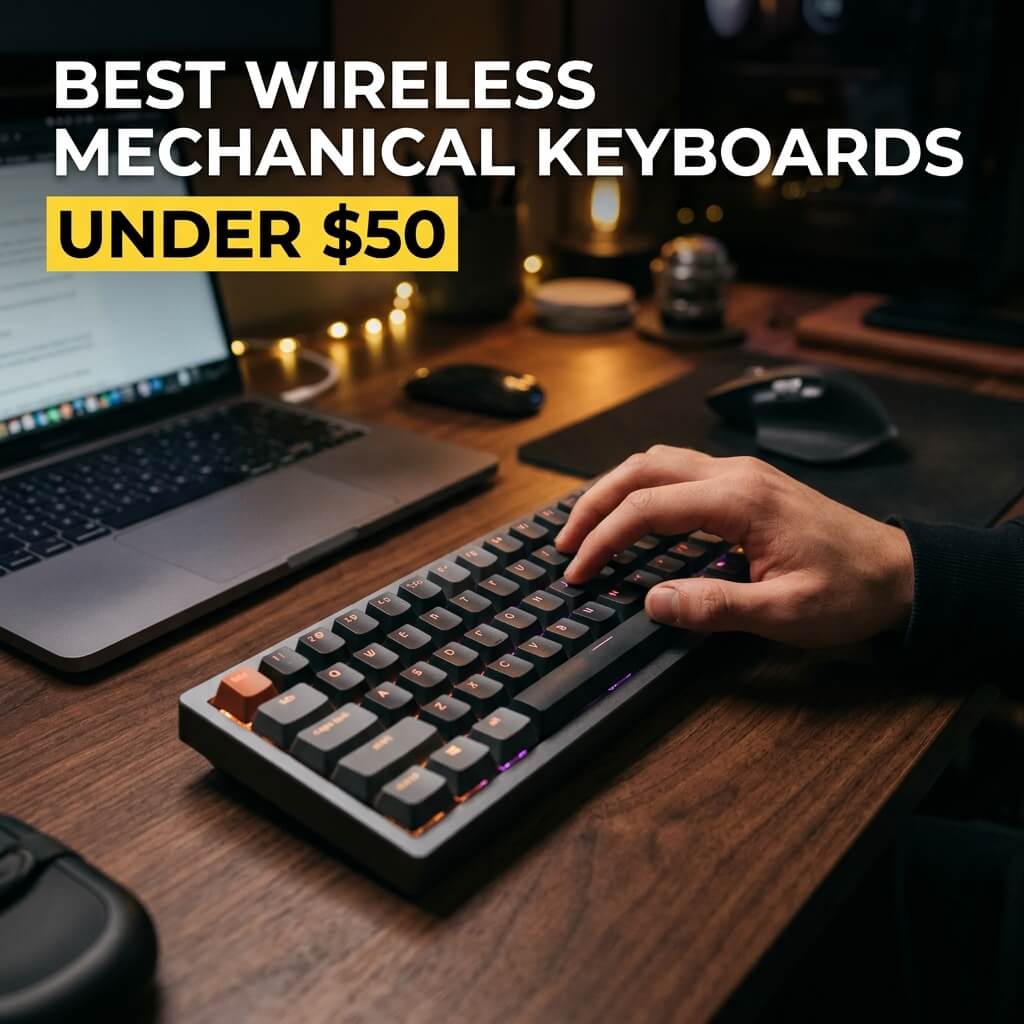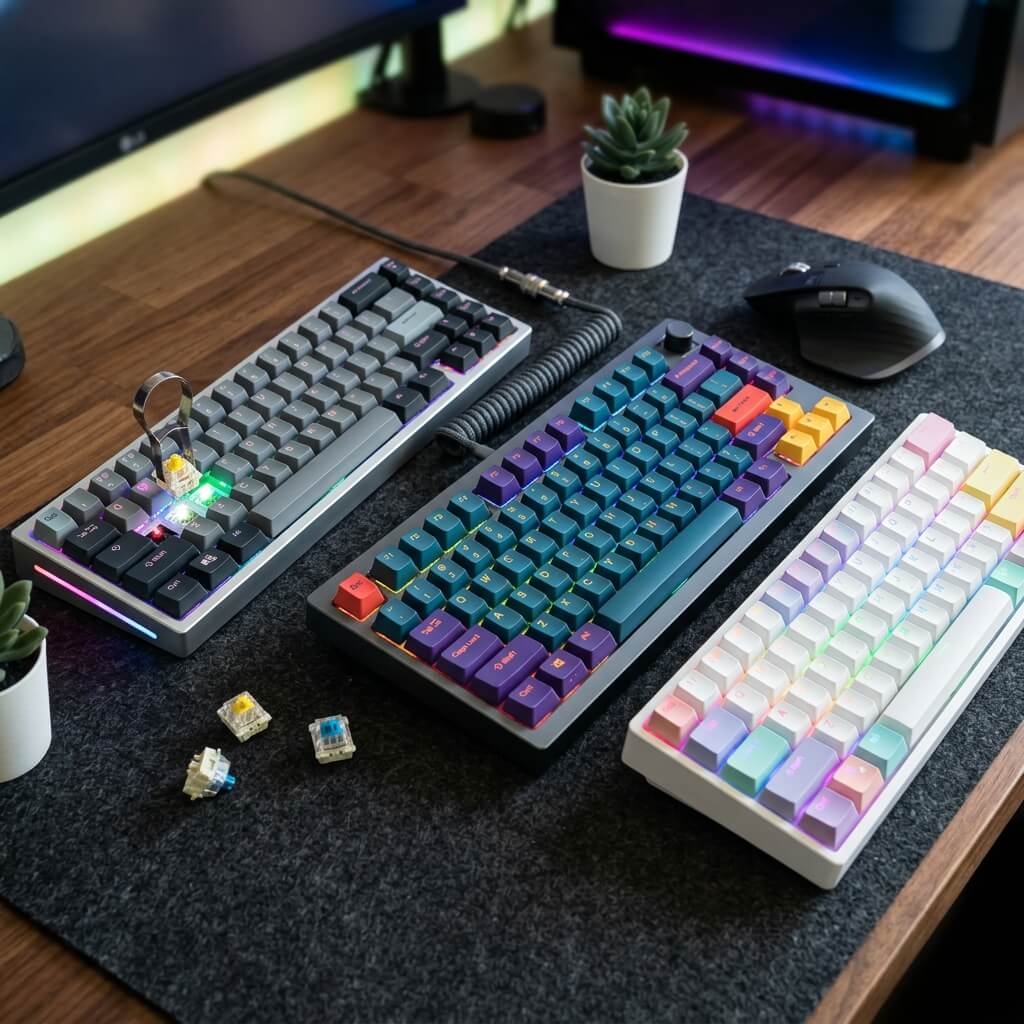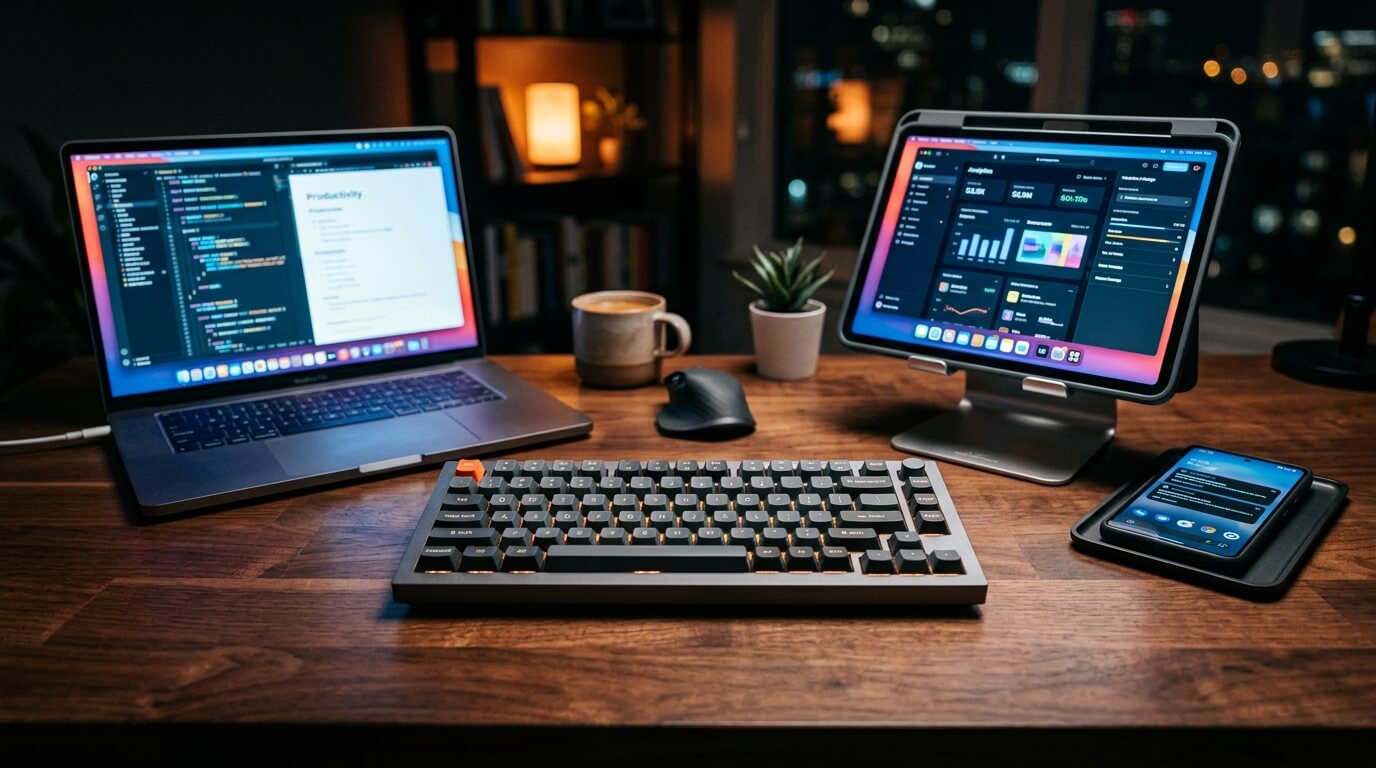
Best Multi-Device Bluetooth Keyboards for Seamless Switching
Juggling multiple devices is the standard for modern workflows. Whether you are switching between a work laptop, a personal desktop, and an iPad, manual re-pairing is an absolute productivity killer. The modern multi-device keyboard completely eliminates this friction, allowing you to move across different operating systems with a single tap. We tested and reviewed the top-selling multi-device keyboards on the market to find the best options for speed, platform compatibility, and daily comfort.
Top Picks at a Glance
- The Premium Professional Choice: Logitech MX Keys S
- The Ultra-Portable Budget Pick: Logitech Pebble Keys 2 K380s
- The Mechanical Enthusiast Pick: NuPhy Air75 V2
1. The Premium Professional Choice: Logitech MX Keys S
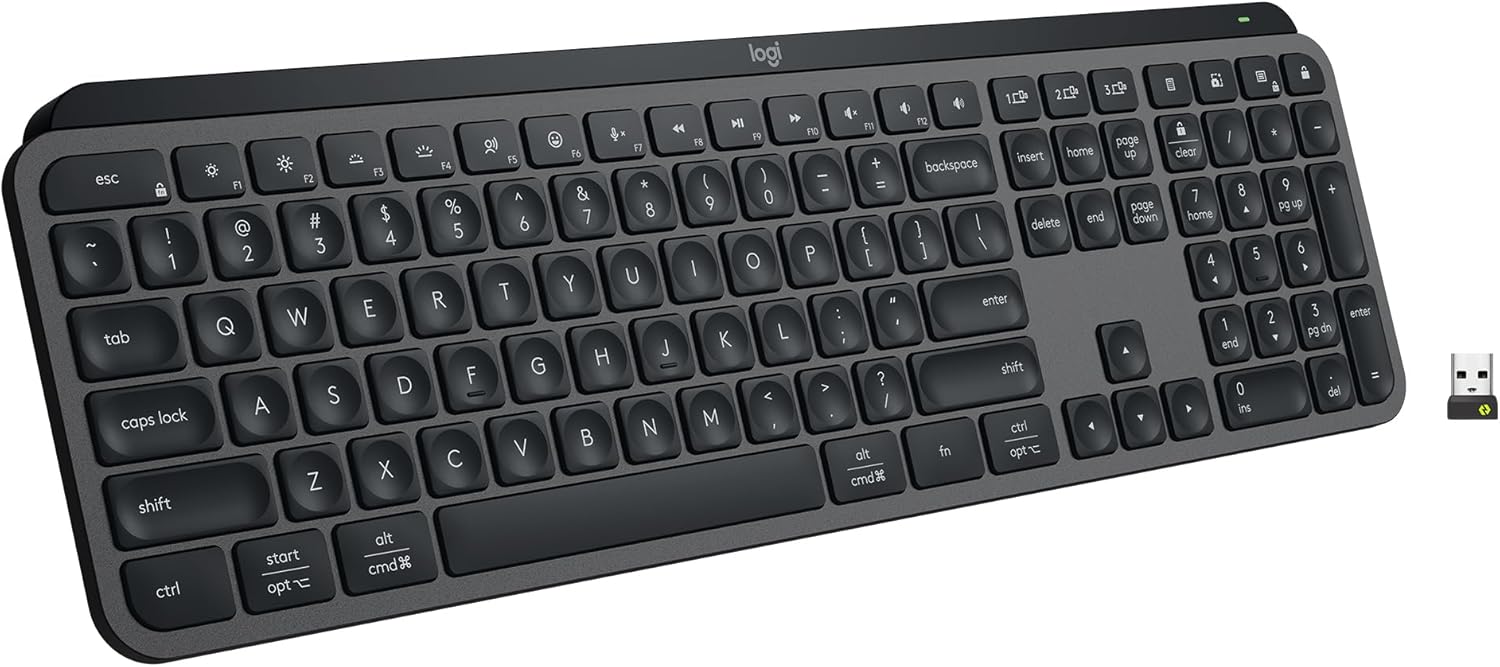
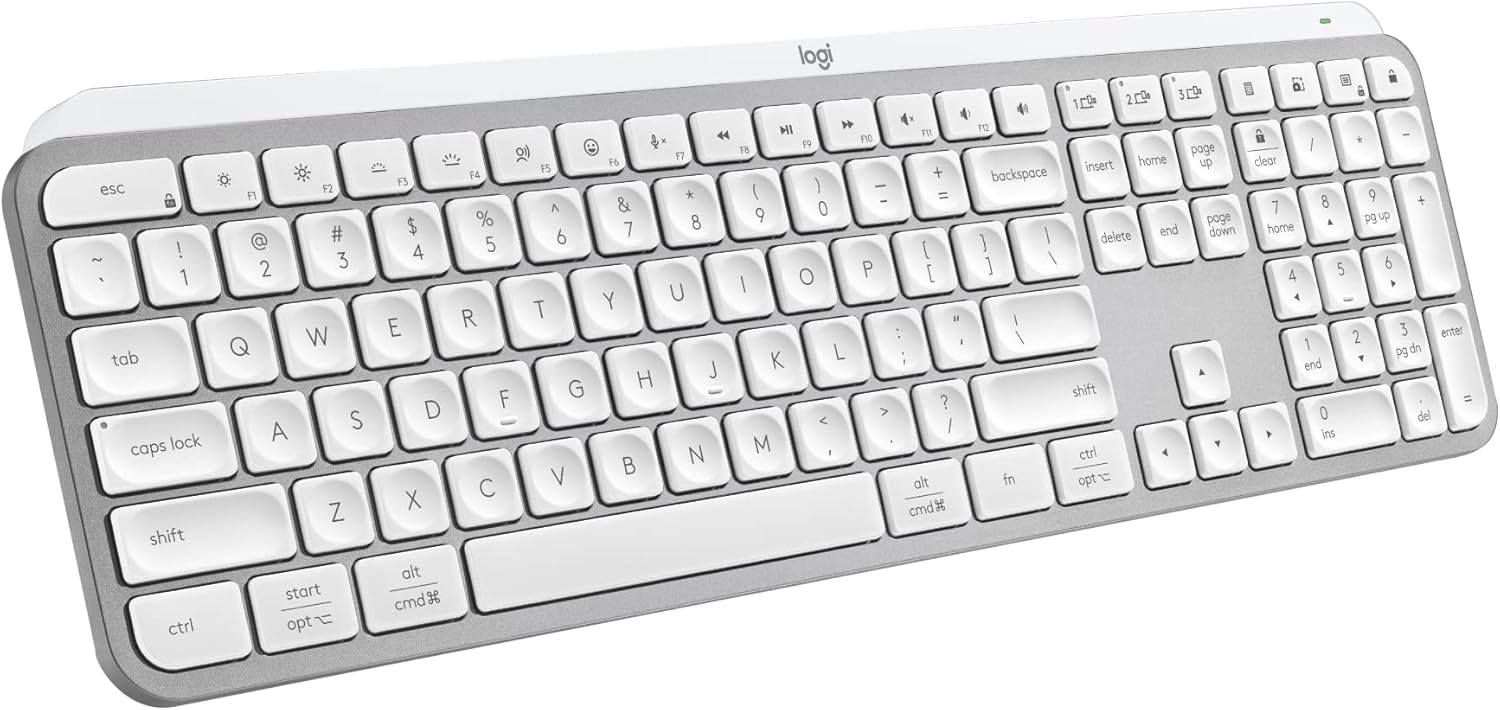
The Logitech MX Keys S is the undisputed king of full-size office setups. It features spherically-dished keys that perfectly hug your fingertips for a highly accurate, near-silent, laptop-like typing feel. It excels at cross-platform productivity, allowing you to pair with up to 3 devices running Windows, macOS, or Linux, and jump between them instantly using the dedicated Easy-Switch keys.
The real magic happens within the Logi Options+ app. With the Smart Actions feature, you can automate complex, repetitive multi-task chains with a single keystroke. Furthermore, when paired with an MX Master 3S mouse, you can use Logitech Flow to drag text, files, and images seamlessly across the screens of entirely separate computers.
Swipe horizontally to view color options
Logitech MX Keys S
- ✅ Pros: Flawless cross-platform data transferring via Flow, programmable macro keys, smart proximity backlighting.
- ❌ Cons: Large footprint takes up significant desk space, not ideal for traveling.
2. The Ultra-Portable Budget Pick: Logitech Pebble Keys 2 K380s
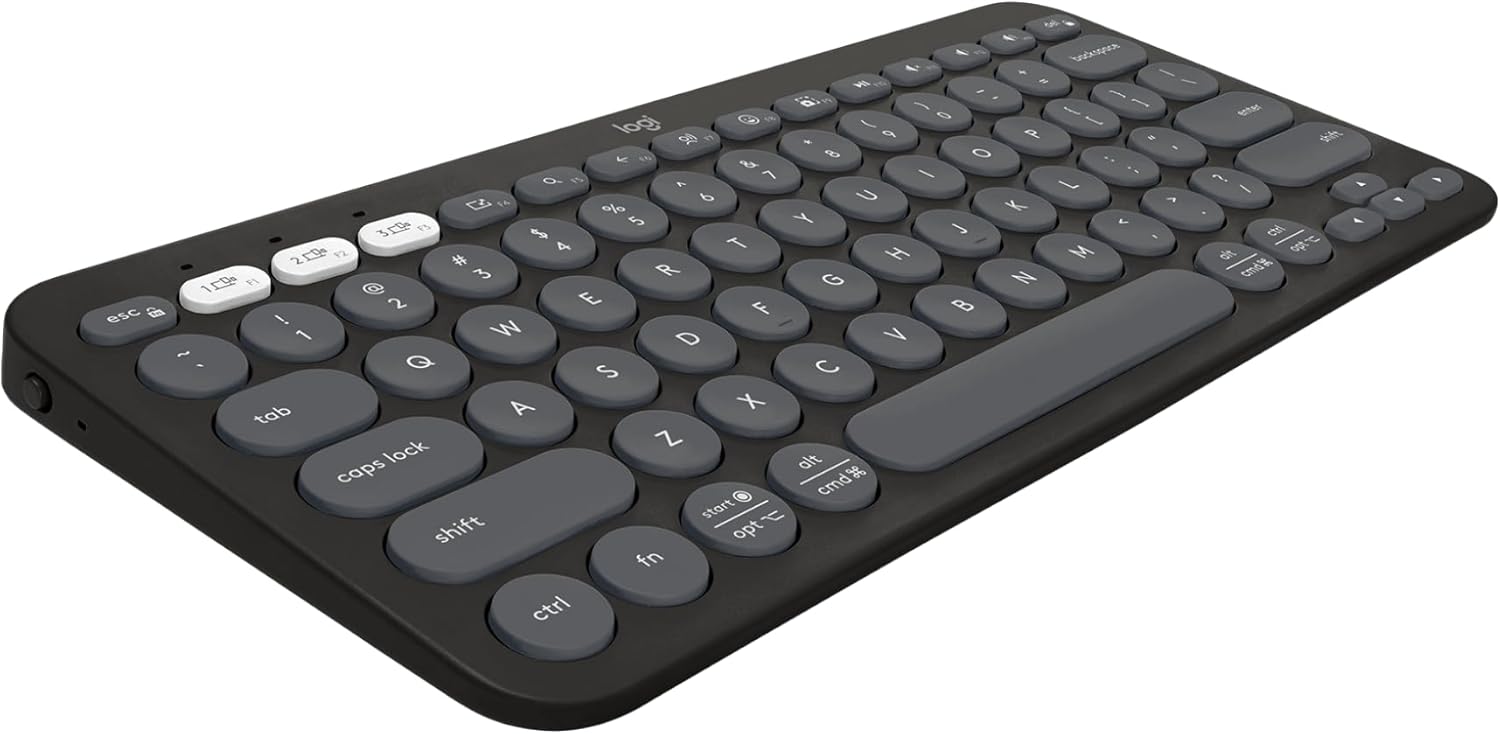
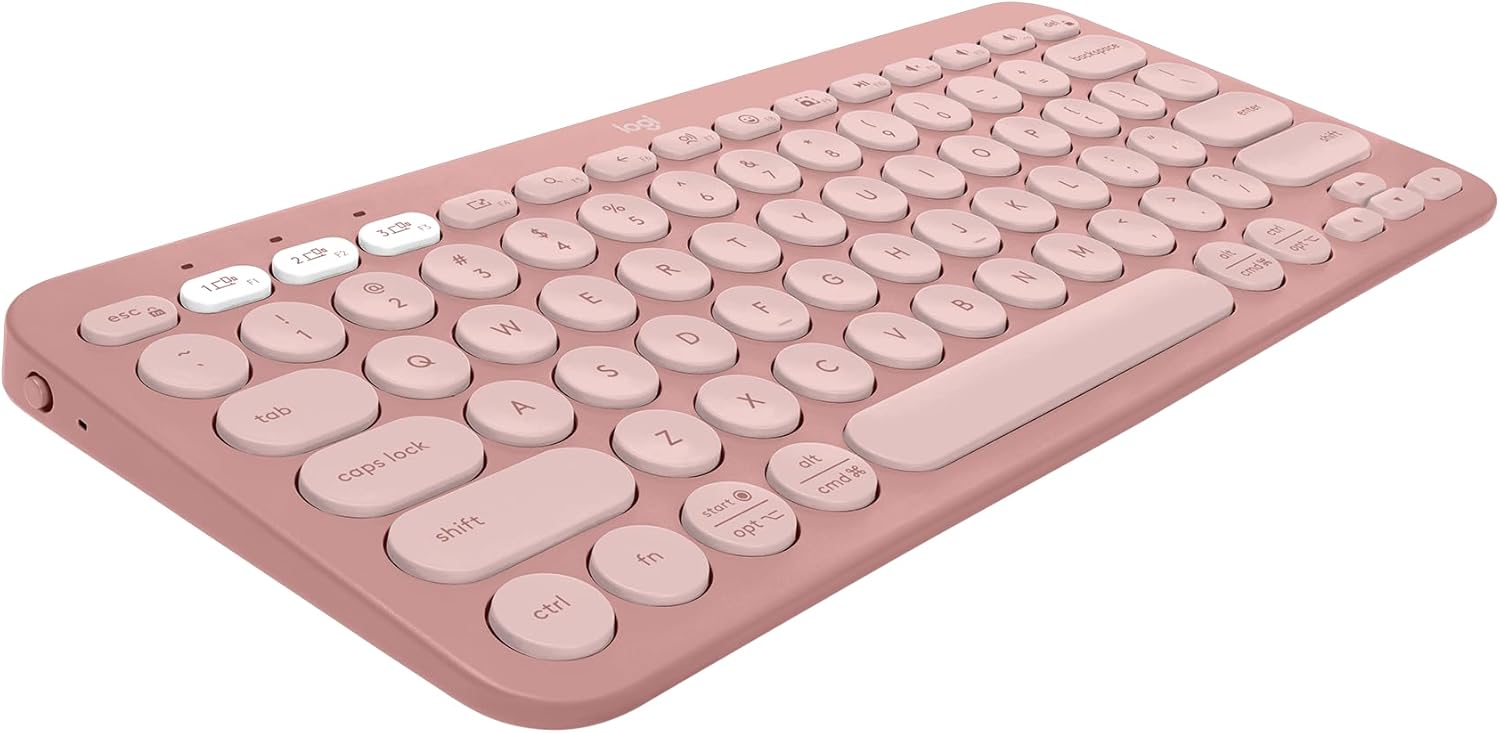
If you need a keyboard that can slip into a backpack and navigate a coffee shop or a university lecture hall, the Logitech Pebble Keys 2 K380s is an incredible value proposition. Built heavily out of recycled plastic, this ultra-slim, lightweight keyboard features rounded, scooped keys that offer a quiet and comfortable typing experience on the go.
Despite its budget price tag, it doesn't skimp on multi-device muscle. It uses Bluetooth Low Energy to connect to 3 distinct devices simultaneously—including iPadOS, Android, Windows, and Mac—swapping between them smoothly via dedicated colored Easy-Switch keys. Best of all, it boasts an astonishing 3-year battery life, freeing you completely from charging cables.
Swipe horizontally to view color options
Logitech Pebble Keys 2 K380s
- ✅ Pros: Extremely lightweight and portable, phenomenal 3-year battery lifespan, very quiet keystrokes.
- ❌ Cons: No keyboard backlighting, smaller rounded keys can take some getting used to for touch-typists.
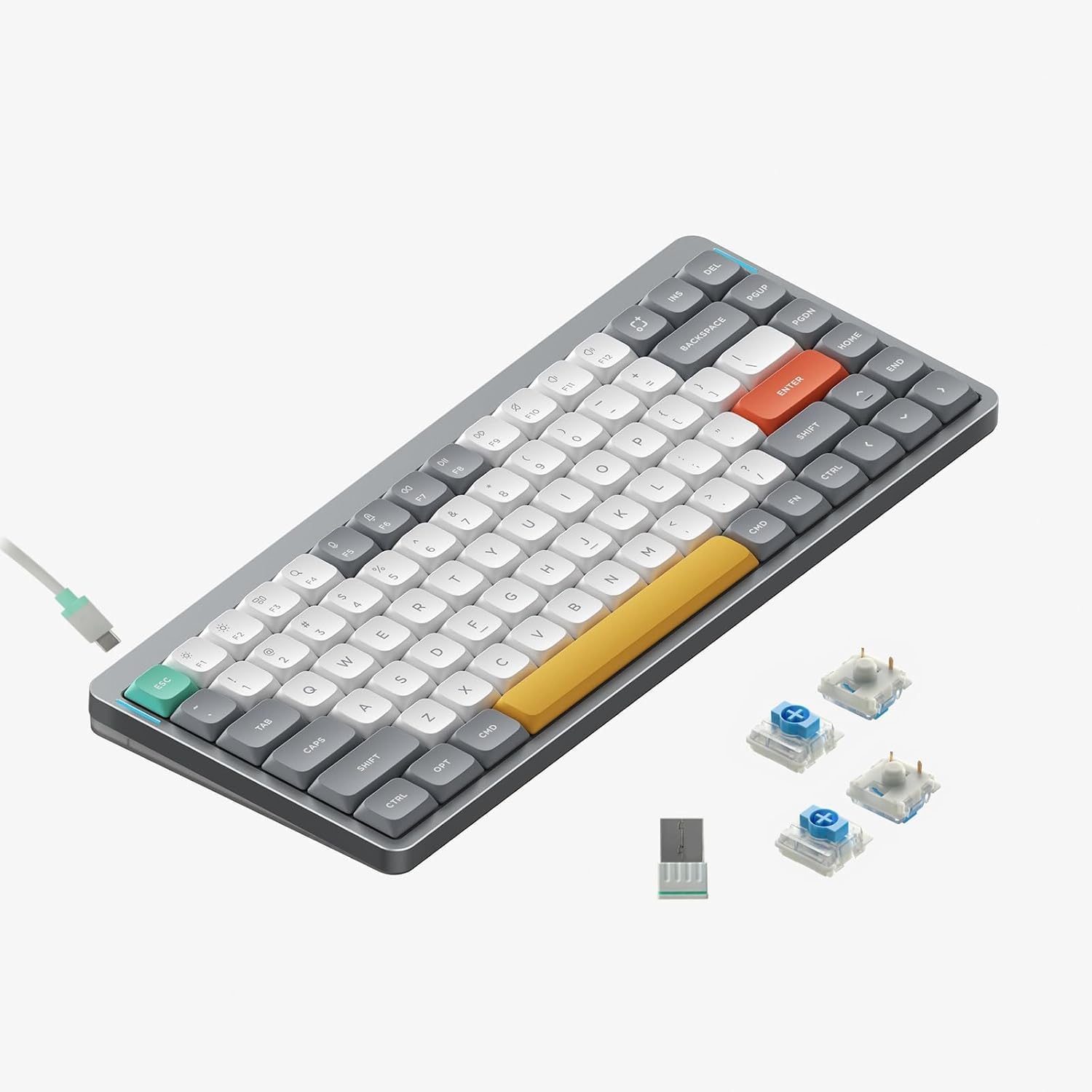
3. The Mechanical Enthusiast Pick: NuPhy Air75 V2
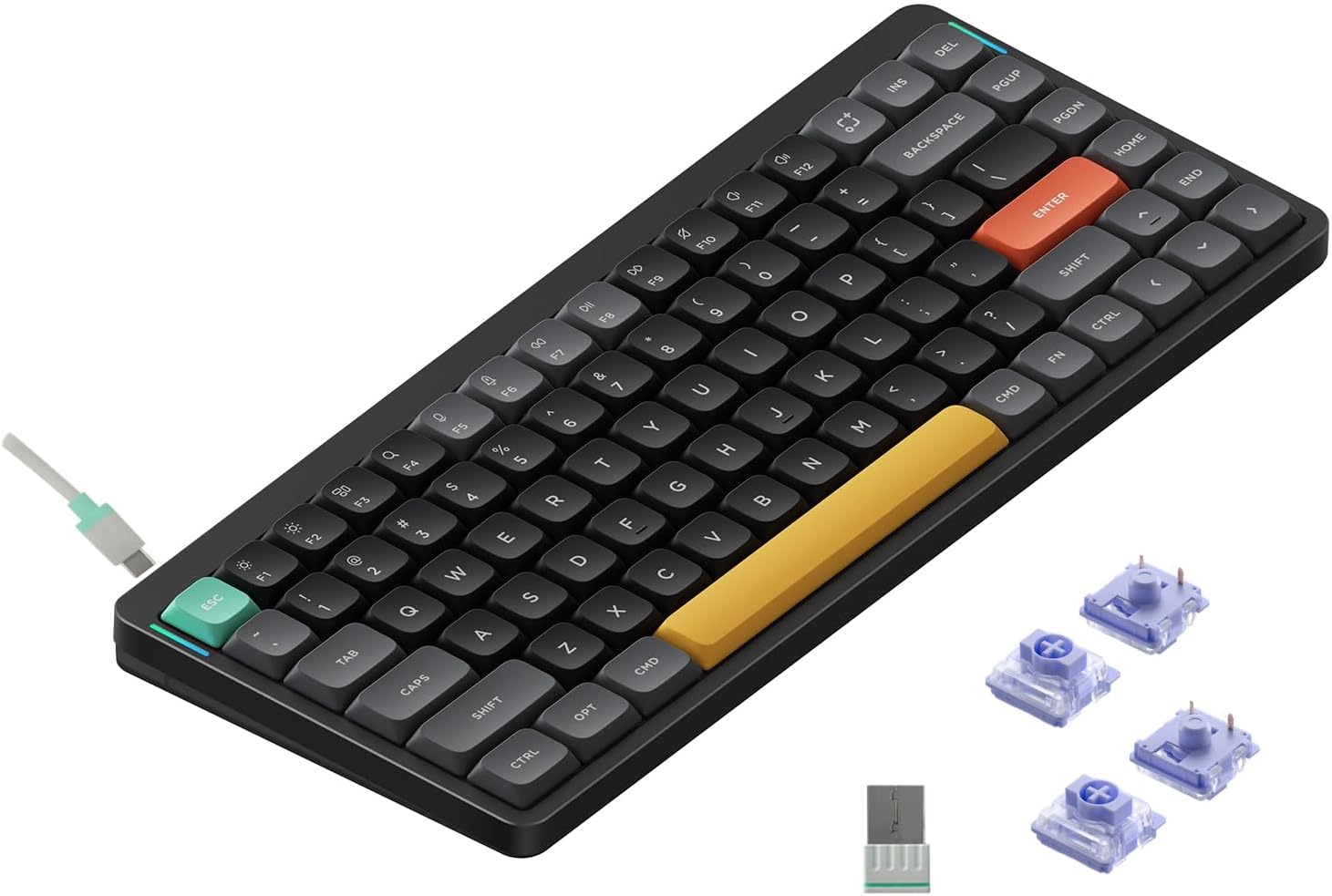
For users who refuse to compromise on the crisp, tactile feel of a mechanical keyboard but still need professional multi-device flexibility, the NuPhy Air75 V2 is a masterpiece. Housed in a premium aluminum frame with a striking translucent bottom shell, this low-profile 75% layout board features durable, fade-resistant PBT keycaps and hot-swappable Gateron mechanical switches.
The Air75 V2 pushes connectivity boundaries by supporting up to 4 concurrent devices across Mac, Windows, Linux, Android, and iOS. It offers triple-mode options including ultra-fast 2.4GHz wireless for lag-free gaming and Bluetooth 5.1. It also includes fully open-source QMK/VIA firmware, giving you endless possibilities to remap keys and create custom layered macros via a browser-based console.
Swipe horizontally to view color options
NuPhy Air75 V2
- ✅ Pros: Supports up to 4 devices simultaneously, premium aluminum low-profile chassis, fully open-source QMK/VIA customization.
- ❌ Cons: Lower overall battery endurance when RGB backlighting is fully bright, mechanical switches are naturally louder than membrane options.
If you are looking to narrow your focus to low-profile mechanical setups specifically, don't miss our comprehensive breakdown of the best low-profile mechanical keyboards for Mac and PC.
The Final Verdict: Who Wins?
Choose the Logitech MX Keys S if:
- You want a full workstation setup with a dedicated numpad, need to copy-paste files across different computers, and love highly automated macros.
Choose the Logitech Pebble Keys 2 if:
- You are on a strict budget, want an ultra-quiet travel companion, and want a battery that lasts for years without charging.
Choose the NuPhy Air75 V2 if:
- You want a premium, tactile mechanical typing experience with deep open-source custom remapping and multi-device support for up to 4 screens.
Frequently Asked Questions
How does a keyboard switch between devices instantly?
Multi-device keyboards keep separate Bluetooth profiles open in their memory. When you press an Easy-Switch button, the keyboard pauses transmission to the current profile and pairs immediately with the pre-selected device profile, usually taking less than two seconds.
Can I use these keyboards with both a Mac and a Windows PC?
Yes. All three keyboards featured in this guide have printed layouts that cater to both macOS (Command/Option) and Windows (Alt/Win) keys, modifying their inputs automatically based on the device active at the time.
Karim
Wireless desk enthusiast and mechanical keyboard obsessive. I test, review, and tear down tech to help you build the perfect, clutter-free setup.