Best Wireless TKL Keyboards for Cramped Desk Spaces
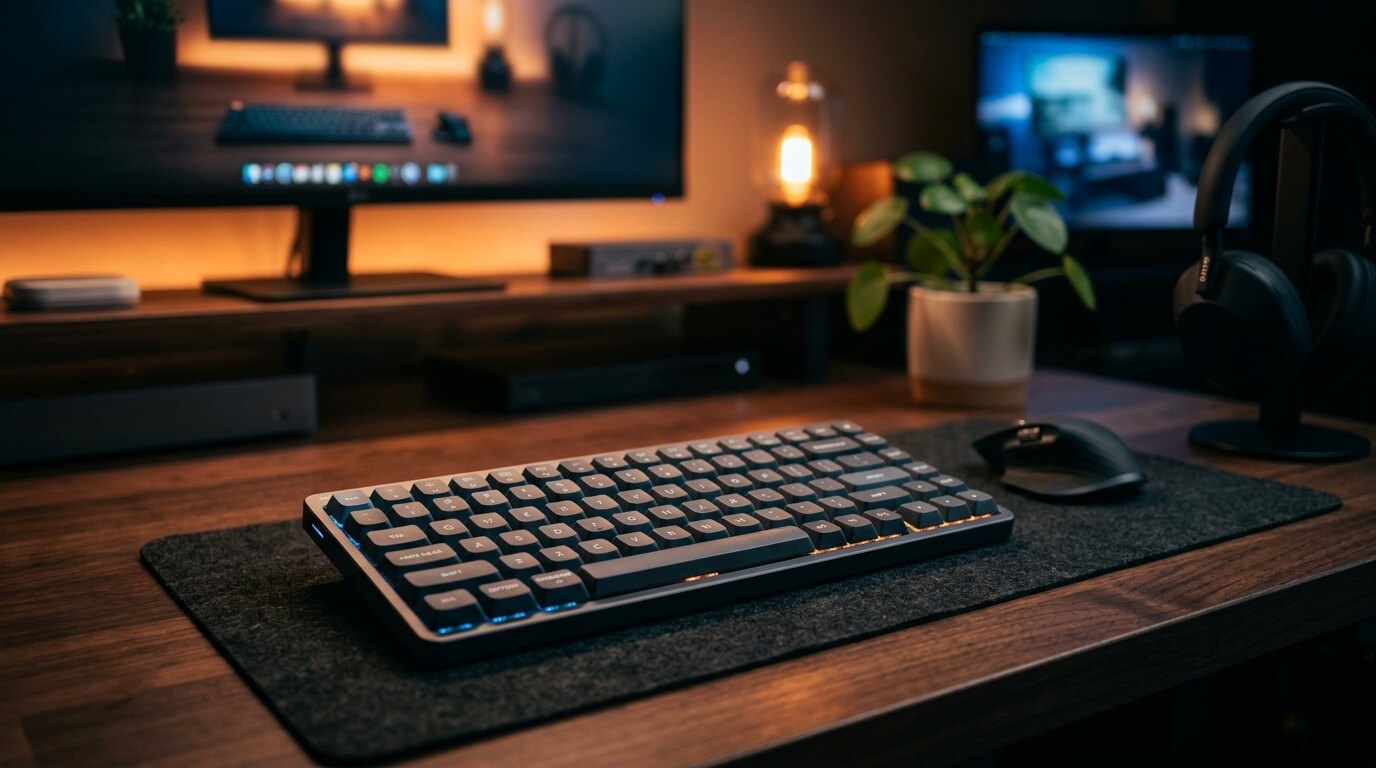
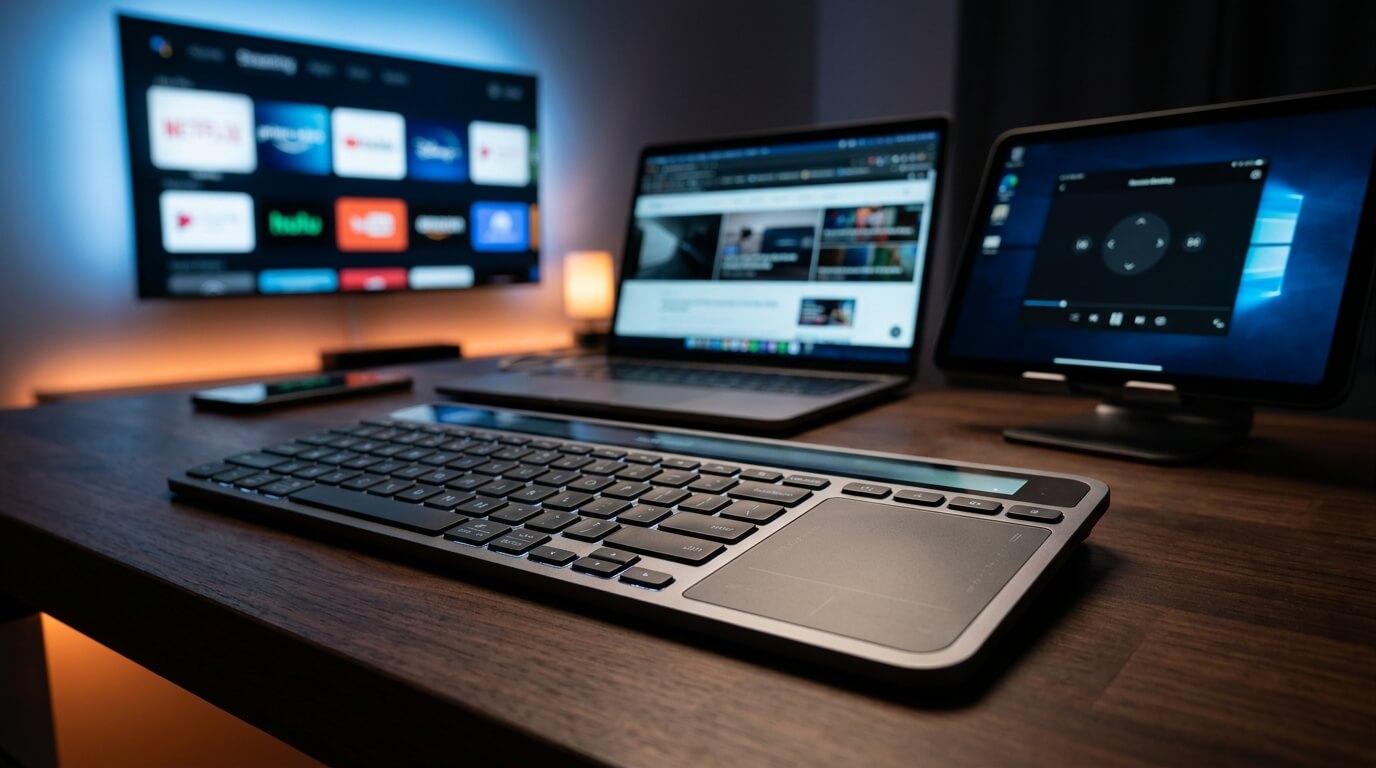
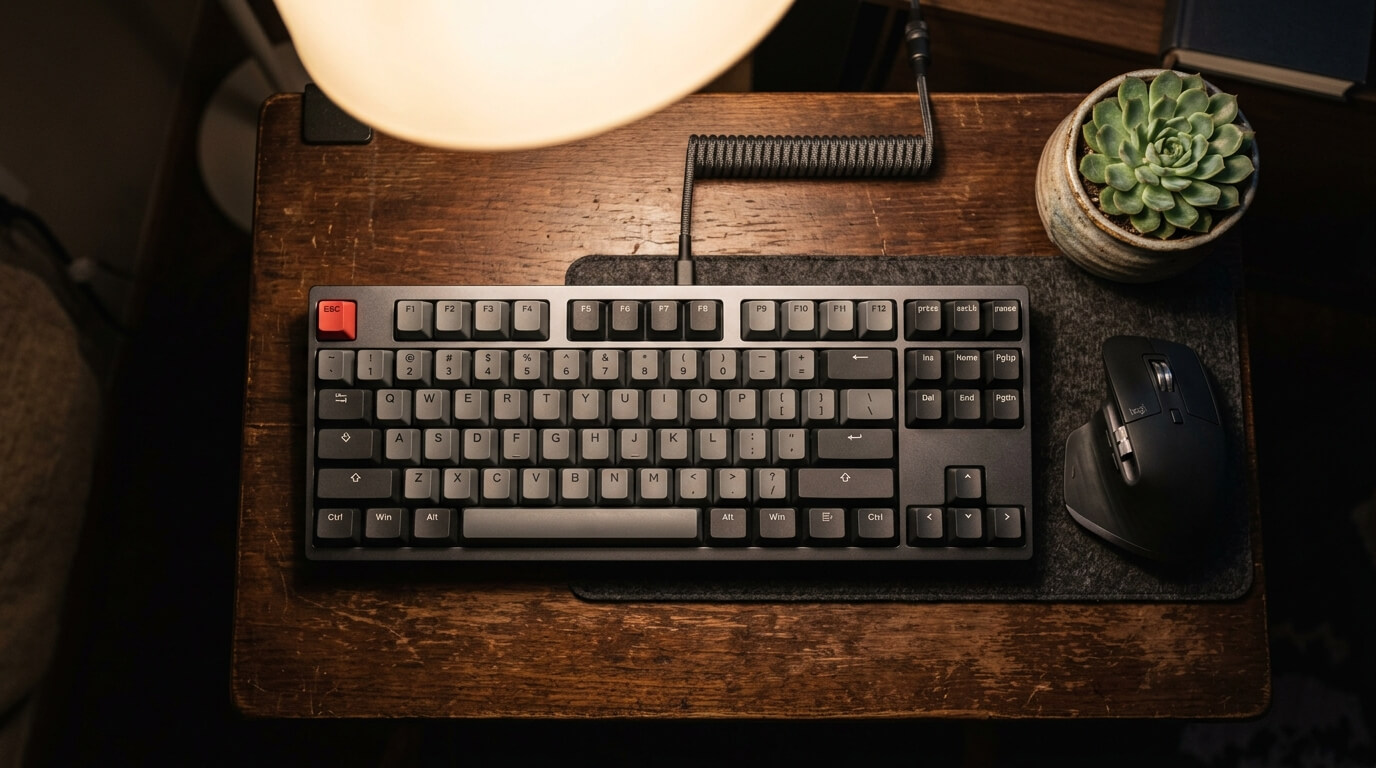
A crowded, cluttered desk is an immediate drag on your productivity and focus. Standard full-sized keyboards dedicate an enormous amount of desktop real estate to a dedicated number pad that most users rarely touch. By switching to a Tenkeyless (TKL) form factor, you instantly slice off 4 to 5 inches of unnecessary bulk, freeing up vital space for smooth mouse movements and keeping your arms in a much more ergonomically comfortable position. Wireless TKL keyboards deliver the ideal combination of pro-grade mechanical typing performance and minimalist spacing. We reviewed the top space-saving TKL decks built to reclaim your desktop real estate.
Top Picks at a Glance
- The Ultra-Slim Premium Workspace King: Logitech G915 TKL
- The Fully Customizable Productivity Hub: Keychron K8 Pro
- The High-Tech Adjustable Performance Monster: SteelSeries Apex Pro TKL
1. The Ultra-Slim Premium Workspace King: Logitech G915 TKL
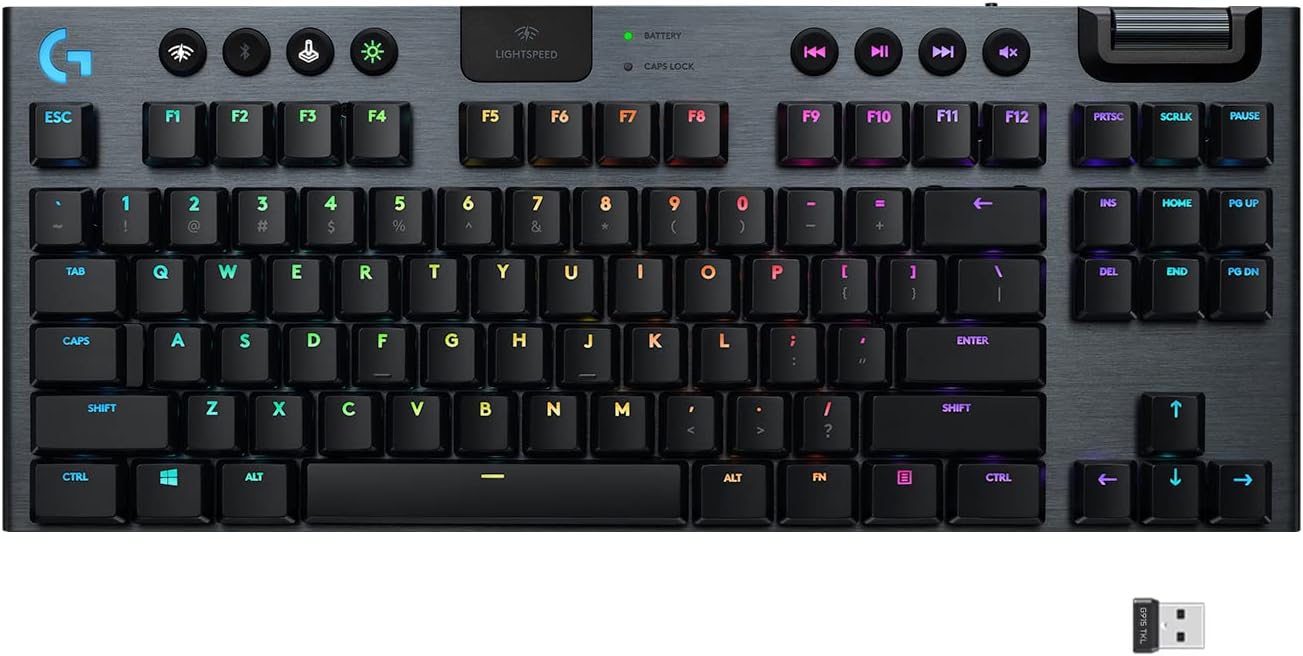
The Logitech G915 TKL is a masterclass in space-saving industrial design. Crafted from aircraft-grade aluminum alloy, it delivers an incredibly thin profile while maintaining an rigid, durable deck that won't flex on your desk. It features low-profile GL Tactile switches that deliver the full precision and speed of a mechanical switch at half the physical height. By removing the numpad, it opens up vast space for wide mouse sweeps, while its integrated rear pocket lets you store the USB dongle safely for quick desk reshuffles.
Desk Footprint & Portability Score: Footprint Rating: 9.5/10. At under an inch thick, its ultra-low profile reduces wrist strain without needing a bulky wrist rest, making it an absolute space-saving champion for compact setups.
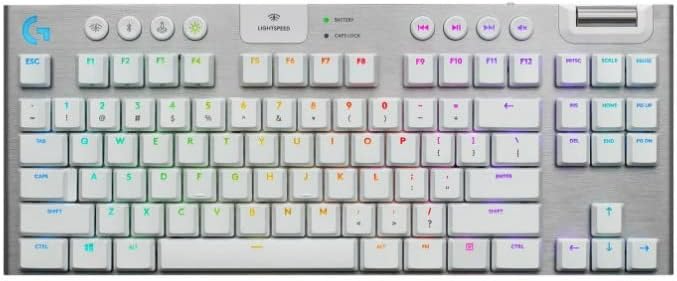
Swipe horizontally to view color options
Logitech G915 TKL
- ✅ Pros: Premium aircraft-grade aluminum build, ultra-low profile design, flawless LIGHTSPEED wireless connection.
- ❌ Cons: Micro-USB charging instead of modern USB-C, premium price point.
2. The Fully Customizable Productivity Hub: Keychron K8 Pro
The Keychron K8 Pro approaches space efficiency through software optimization. This out-of-the-box QMK/VIA wireless mechanical keyboard allows you to deeply program, remap, and assign complex multi-step macros to any key on the board across Mac, Windows, or Linux. Encased in a sturdy aluminum body frame, it features double-shot PBT keycaps and pre-lubed Gateron G Pro Brown switches that offer satisfying tactile feedback. It bridges multi-device spaces seamlessly, syncing with up to 3 separate devices over Bluetooth 5.1.
Desk Footprint & Portability Score: Footprint Rating: 8.8/10. It maintains a traditional vertical height but packs a robust, weighted internal layout with sound-absorbing foam and silicone dampening to keep typing incredibly stable on tiny desks.
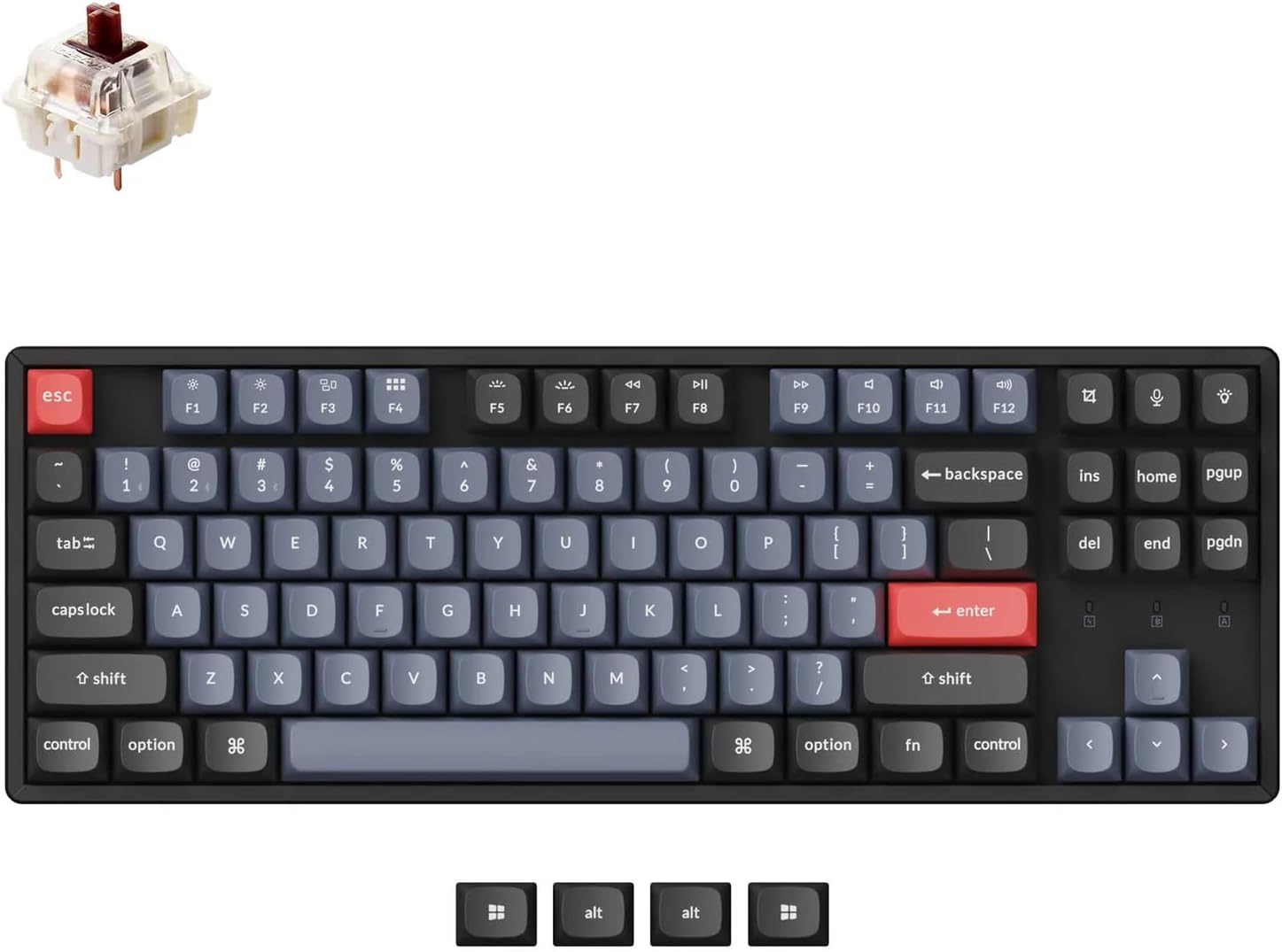
Keychron K8 Pro
- ✅ Pros: Full QMK/VIA programming support, excellent sound dampening foam, hot-swappable switches.
- ❌ Cons: Front edge is quite high and often requires a wrist rest for long sessions, heavier than typical TKLs.
3. The High-Tech Adjustable Performance Monster: SteelSeries Apex Pro TKL
When every millimeter counts, the SteelSeries Apex Pro TKL packs cutting-edge performance features into a tight, streamlined eSports-ready form factor. It is powered by hyper-magnetic OmniPoint 3.0 switches that completely redefine typing control, offering 40 selectable levels of adjustable actuation alongside ultra-responsive Rapid Trigger registry. It features an integrated OLED Smart Display that acts as your hardware dashboard, allowing you to fine-tune active illumination profiles and hardware configurations on the fly without loading separate computer software.
Desk Footprint & Portability Score: Footprint Rating: 9.0/10. By shedding all outer frame bezel excess, it squeezes a premium digital command center into an incredibly narrow desktop footprint.
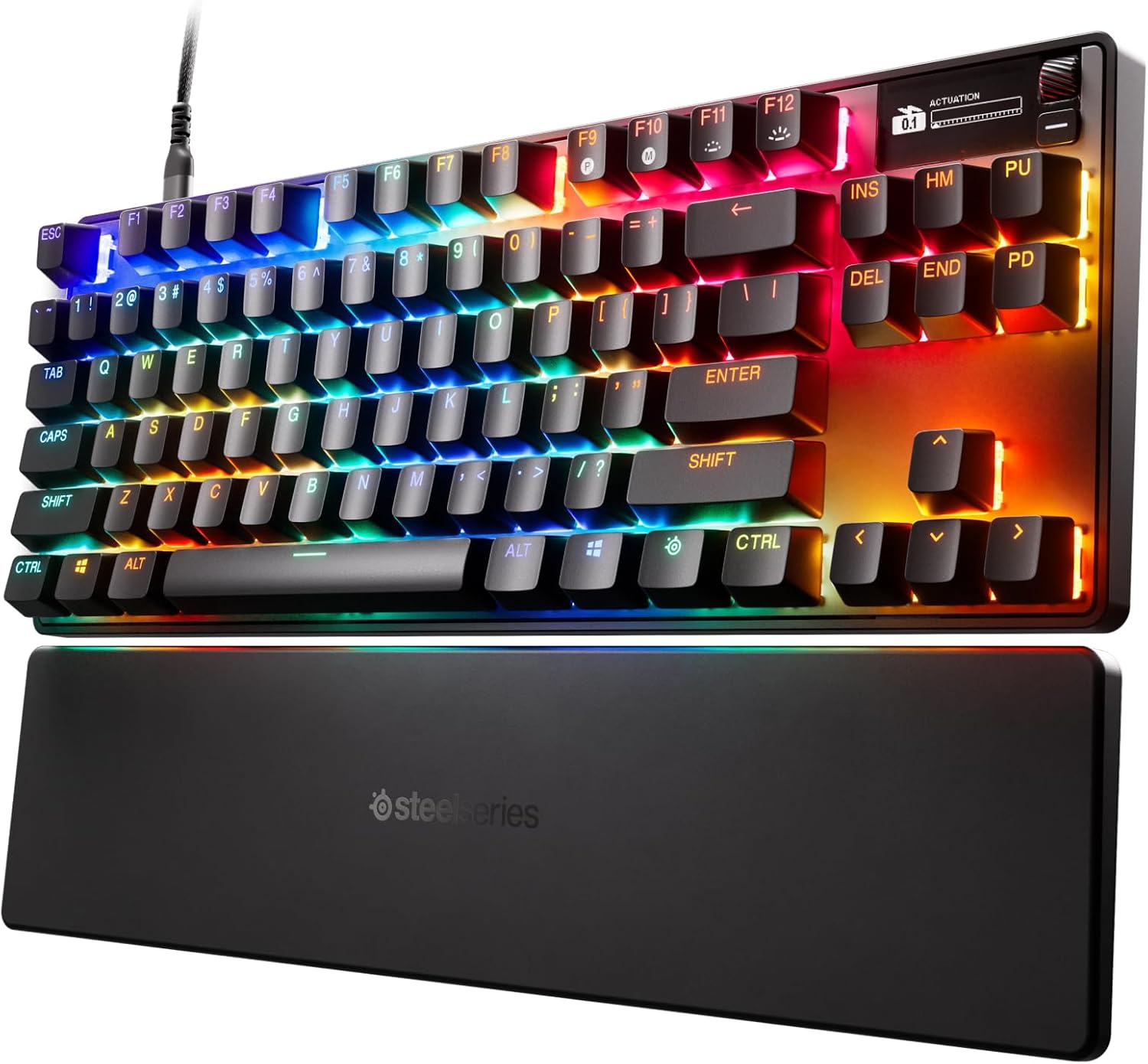
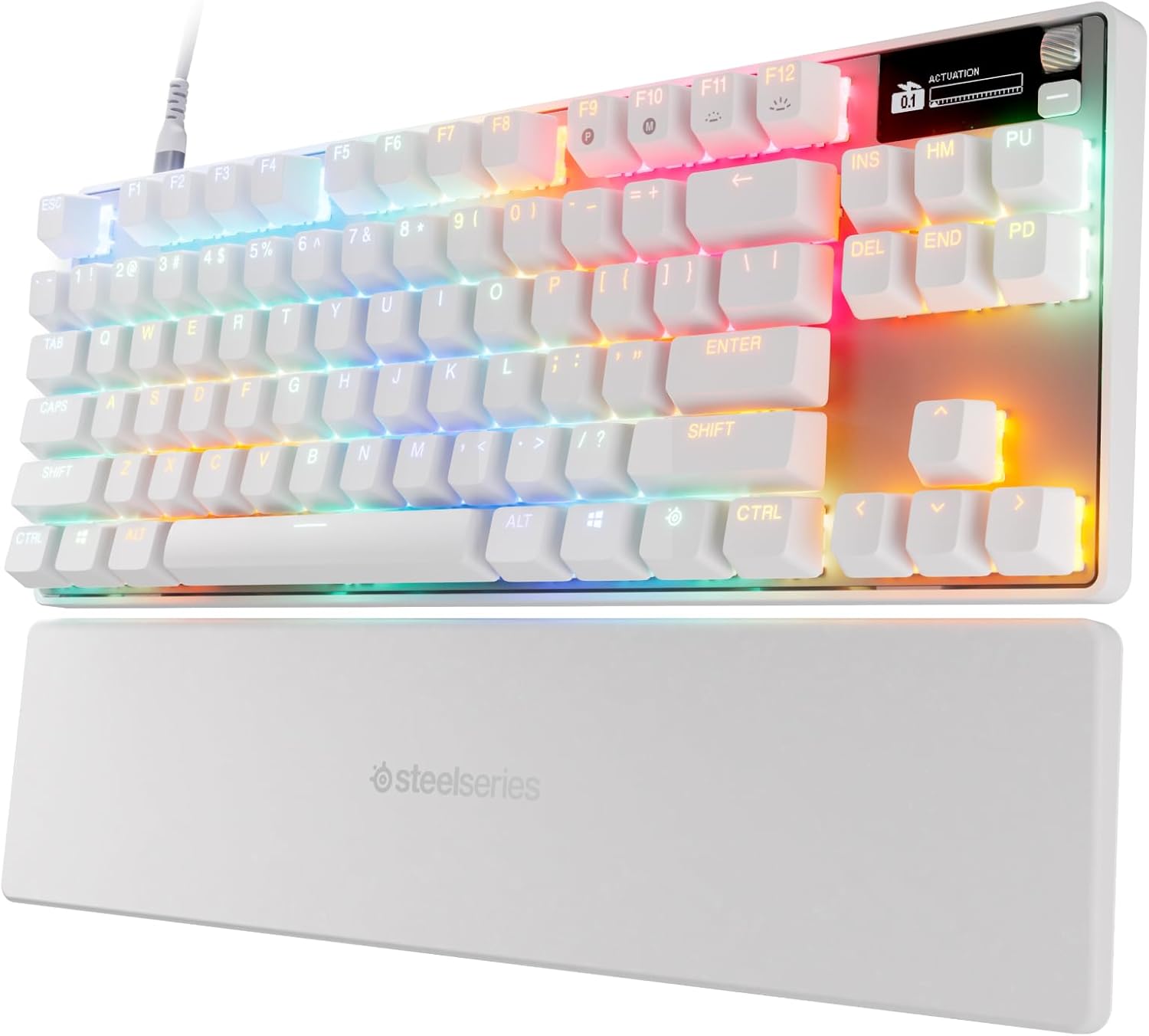
Swipe horizontally to view color options
SteelSeries Apex Pro TKL
- ✅ Pros: Groundbreaking adjustable actuation switches, sleek OLED Smart Display, durable aircraft-grade aluminum frame.
- ❌ Cons: Premium price tag, magnetic switches may feel slightly different than traditional mechanical tactiles.
If your desk setup is located in a high-traffic environment or home office where peace and quiet is a necessity, head over to our comprehensive testing of the best quiet wireless keyboards for shared workspaces.
The Final Verdict: Who Wins?
Get the Logitech G915 TKL if:
- You want an ultra-slim, low-profile aluminum masterpiece that glides easily into any laptop sleeve and cuts out desk clutter.
Get the Keychron K8 Pro if:
- You want open-source layout programming, deep custom macro controls, and premium multi-device hot-swappable hardware flexibility.
Get the SteelSeries Apex Pro TKL if:
- You want hyper-fast magnetic switch customizability, rapid response profiles, and built-in OLED setting controls in a tight frame.
Frequently Asked Questions
How much desk space do you actually save with a TKL keyboard?
A standard tenkeyless (TKL) layout completely trims off the right-hand numeric keypad, which saves roughly 4 to 5 inches of horizontal desk width. This allows your mouse pad to sit closer to your natural center, lowering shoulder strain.
Can I still input numbers quickly on a TKL layout?
Yes, you use the standard horizontal number row right above your alpha keys. If your daily workflow is completely based around heavy accounting, a full board is required, but for coding, writing, and general office tasks, a TKL is a massive workspace upgrade.
Karim
Wireless desk enthusiast and mechanical keyboard obsessive. I test, review, and tear down tech to help you build the perfect, clutter-free setup.