Best White Wireless Keyboards for Minimalist Workspaces
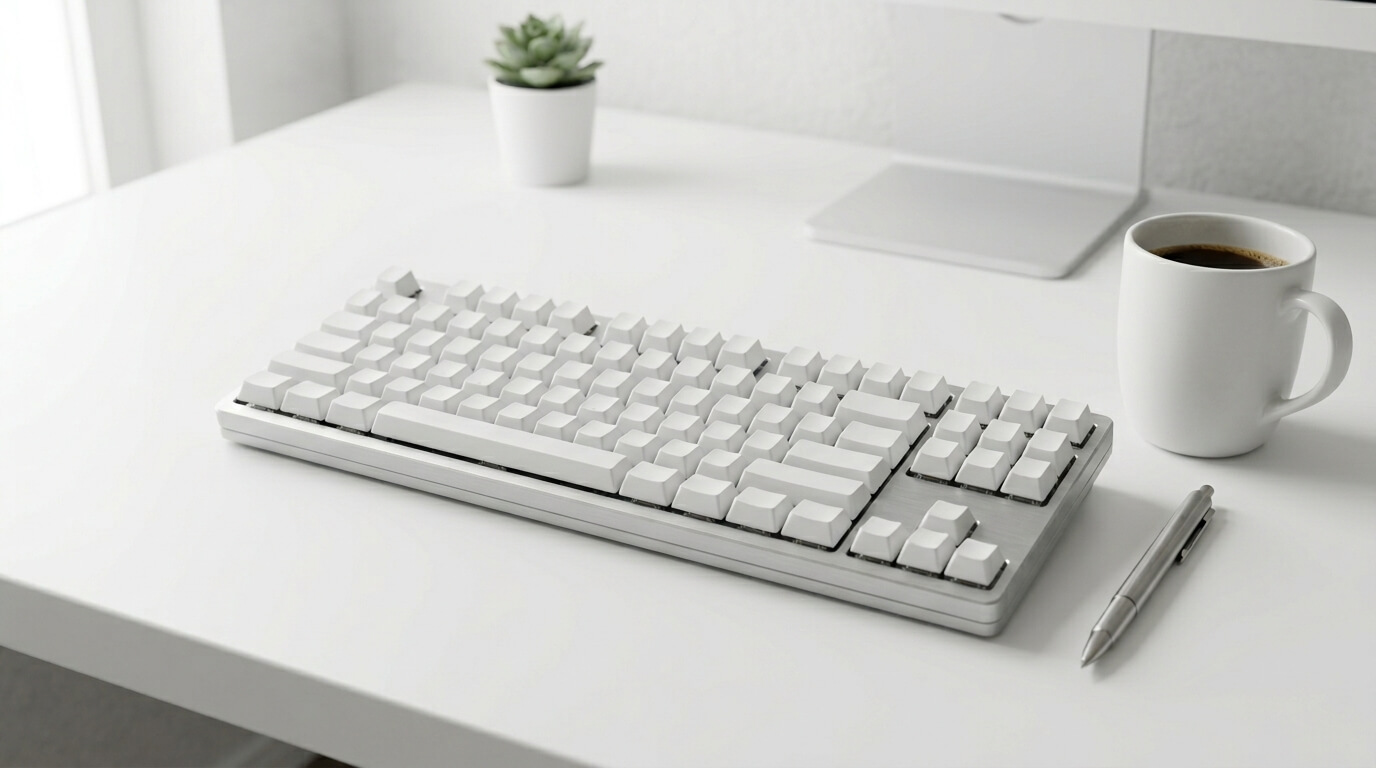
A truly minimalist workspace is more than just an organizing style—it is a tool for mental clarity and focus. Eliminating visual noise from your desk allows your mind to settle directly into your deep-work flow. While traditional desktop peripherals are dominated by bulky black plastic and tangled cords, an elegant white wireless keyboard completely transforms your desk environment. By matching clean monochrome aesthetics, silver aluminum finishes, and subtle white backlighting with a wireless footprint, these keyboards function as both high-performance tools and beautiful design objects. We reviewed the absolute best white and silver wireless decks to complete your pristine desk setup.
Top Picks at a Glance
- The Premium Minimalist Standard: Logitech MX Keys S / Mini (Pale Gray)
- The Custom Mechanical Centerpiece: EPOMAKER TH80 V2 Pro (White)
- The Sleek Eco-System Companion: Macally Wireless Bluetooth Keyboard
1. The Premium Minimalist Standard: Logitech MX Keys S / Mini (Pale Gray)
The Logitech MX Keys series in its striking Pale Gray finish is the definitive centerpiece for modern, clean office layouts. Built with low-profile, membrane switches, every keycap features a spherically dished scoop shaped perfectly to your fingertips. The structural frame rests on a solid, metallic plate that gives the typing deck excellent weight and stability despite its incredibly thin appearance. It features an array of ambient smart proximity sensors, causing the pure white key backlighting to seamlessly glow the exact second your hands approach the deck, and dim elegantly when you step away to preserve power.
Aesthetic Match & Typing Acoustic: Profile: Ultra-Modern & Professional. Sound: Virtually inaudible laptop-style tactile travel. It pairs brilliantly with silver laptops and monochrome monitor arms, shifting up to 3 paired screens via simple hardware hotkeys.
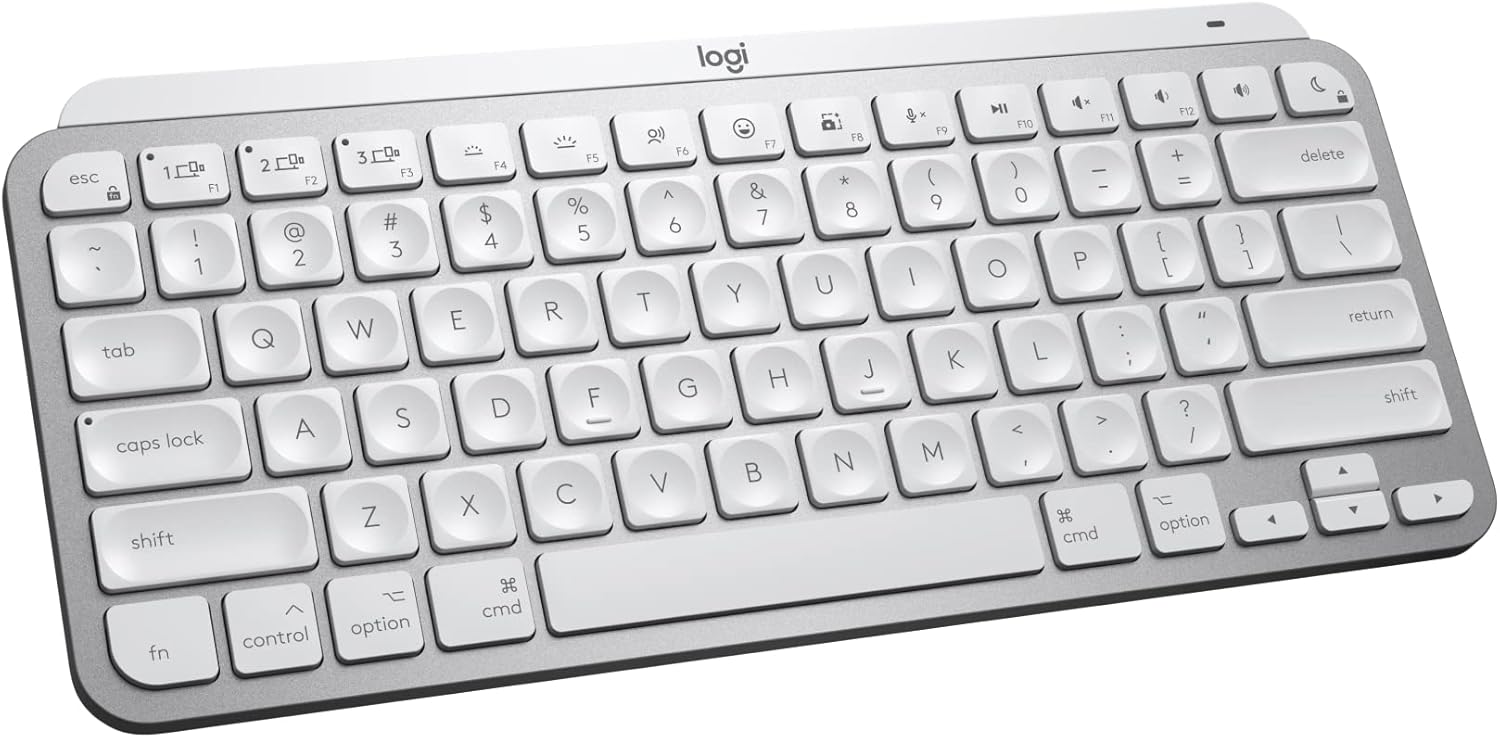
Logitech MX Keys S / Mini
- ✅ Pros: Stunning silver/white aesthetic, incredible smart backlighting, premium heavy build quality.
- ❌ Cons: Membrane switches rather than mechanical, higher price point.
2. The Custom Mechanical Centerpiece: EPOMAKER TH80 V2 Pro (White)
For desk setup enthusiasts who demand the premium, buttery typing experience of a mechanical board without breaking a monochrome aesthetic, the EPOMAKER TH80 V2 Pro is a stunning creation. This compact 75% layout drops horizontal bulk to free up vital mouse space while integrating a robust 10,000mAh internal battery for hundreds of hours of wireless operation. It is built using an advanced, sound-optimizing multi-layer structure including PORON and silicone padding, which completely removes hollow plastic echoes. This version features Sea Salt Silent switches right out of the box, offering a rich, consistent key travel that won't disrupt a quiet room.
Aesthetic Match & Typing Acoustic: Profile: Tech-Minimalist Enthusiast. Sound: Creamy, heavily dampened luxury thock. Features a built-in 1.06-inch smart glass screen to display custom GIFs, time, and battery life alongside an elegant metal volume knob configuration.
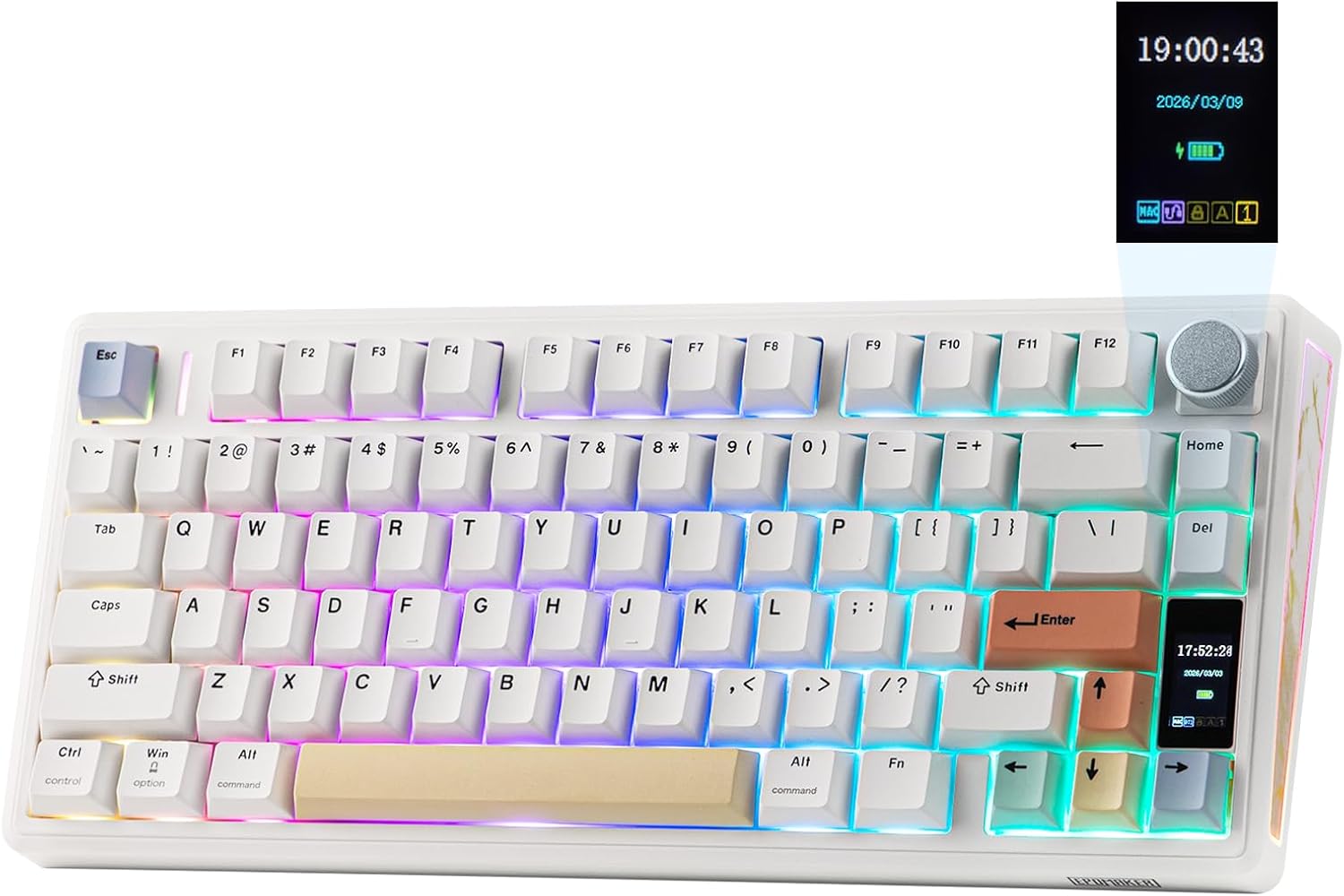
EPOMAKER TH80 V2 Pro
- ✅ Pros: Fantastic pre-lubed silent mechanical switches, built-in customizable smart screen, massive 10,000mAh battery.
- ❌ Cons: Taller mechanical profile might require a wrist rest for some users.
3. The Sleek Eco-System Companion: Macally Wireless Bluetooth Keyboard
If you want a keyboard that flawlessly complements an Apple-centric workspace without paying a massive brand tax, the Macally Wireless Bluetooth Keyboard is an incredible option. Showcasing a premium silver aluminum finish paired with clean white chiclet keycaps, it delivers an incredibly low-profile aesthetic that sits perfectly flat against your desk surface. The 78-key layout saves significant desk real estate while providing 13 convenient multimedia and shortcut keys, making it an excellent space-saver that connects reliably up to 30 feet away via stable multi-device Bluetooth.
Aesthetic Match & Typing Acoustic: Profile: Clean Apple Dupe / Functional Minimalist. Sound: Light, snappy scissor-switch click. An integrated internal 800 mAh rechargeable battery delivers up to 2 full months of typing power on a single USB-C charge cycle.
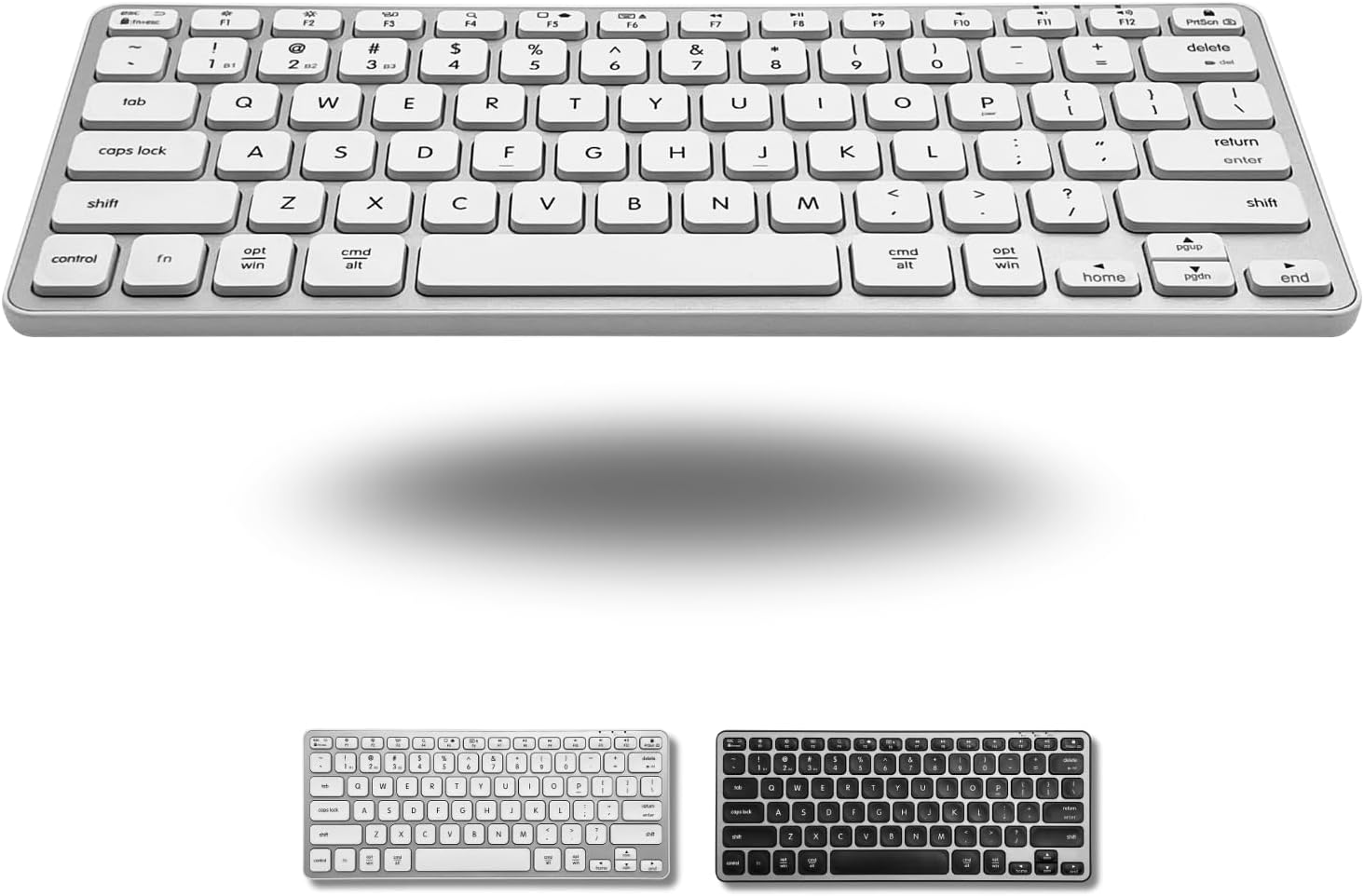
Macally Wireless
- ✅ Pros: Perfect minimalist Apple aesthetic at a budget price, solid aluminum feel, very low profile.
- ❌ Cons: No smart backlighting, less key travel than thicker mechanical keyboards.
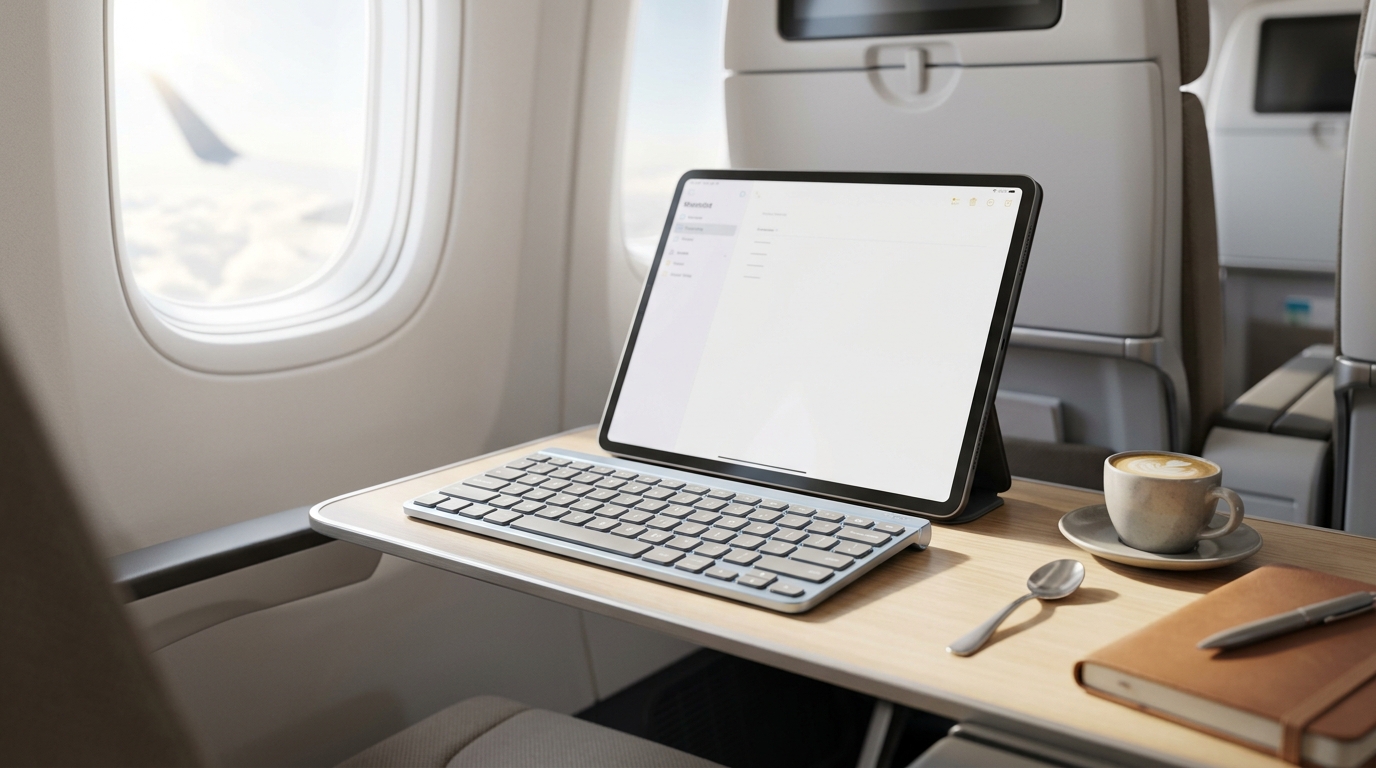
If your workspace setup relies heavily on quick mobility rather than a stationary desktop, glide over to our comprehensive field review of the best lightweight iPad travel keyboards that won't break the bank.
The Final Verdict: Who Wins?
Get the Logitech MX Keys S / Mini if:
- You want a bulletproof, smart-backlit workstation peripheral with a premium metallic top plate and flawless cross-device performance.
Get the EPOMAKER TH80 V2 Pro if:
- You love custom mechanical keyboard acoustics, want a built-in smart screen for personalization, and require absolute switch silence.
Get the Macally Wireless if:
- You want an affordable, ultra-flat silver and white aesthetic that seamlessly blends in with your existing Apple ecosystem gear.
Frequently Asked Questions
Do white keyboards get dirty easily over time?
High-quality white keyboards use specialized plastics like double-shot PBT (found on the EPOMAKER) or grease-resistant coatings (found on the Logitech) to actively prevent key yellowing or oil buildup. A quick wipe down with a microfiber cloth once a week keeps them looking brand new.
Can I use these white Mac-centric layouts on a Windows PC?
Absolutely. While options like the Macally highlight Mac-specific shortcut legends, they feature universal Bluetooth modules and auto-OS detection that mapping functions seamlessly over to Windows, Chrome OS, and Android devices.
Karim
Wireless desk enthusiast and mechanical keyboard obsessive. I test, review, and tear down tech to help you build the perfect, clutter-free setup.