OEM vs. Cherry vs. XDA: The Ultimate Guide to Keycap Profiles
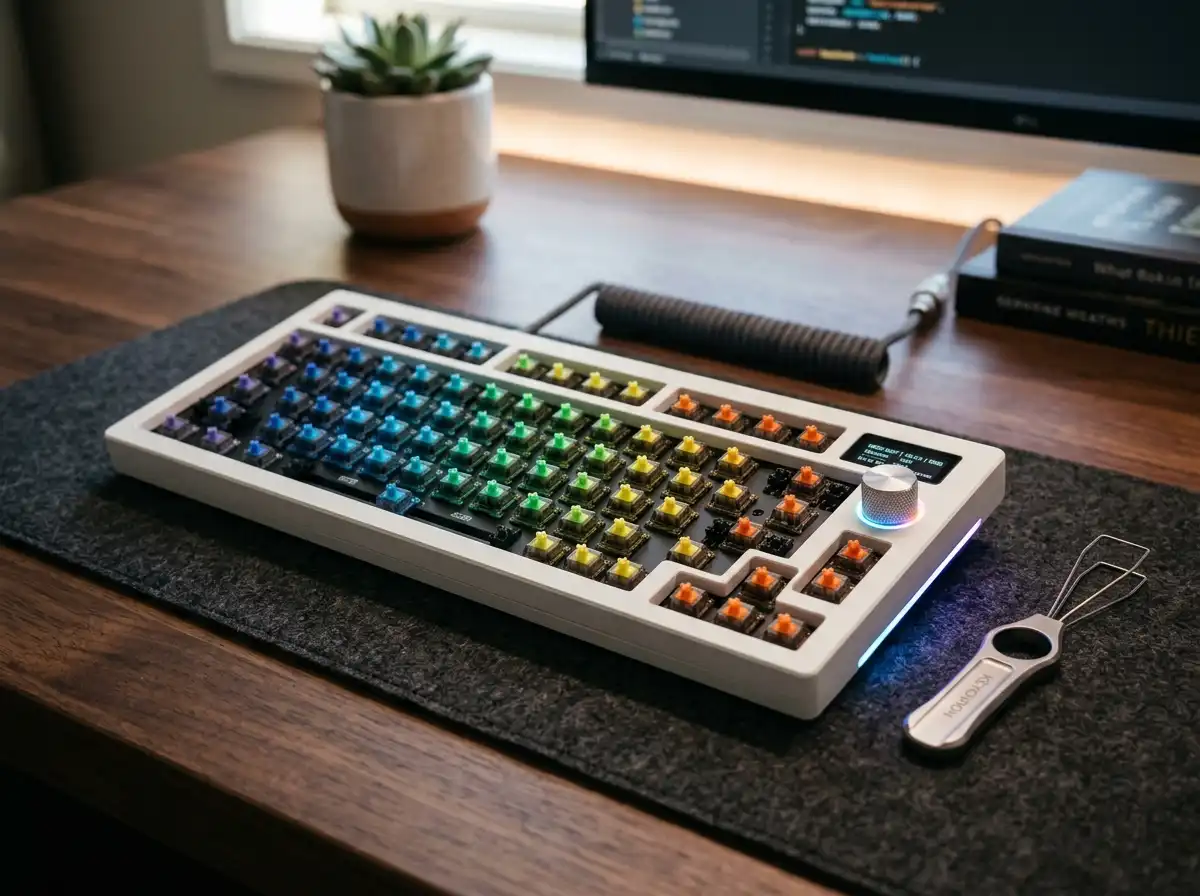
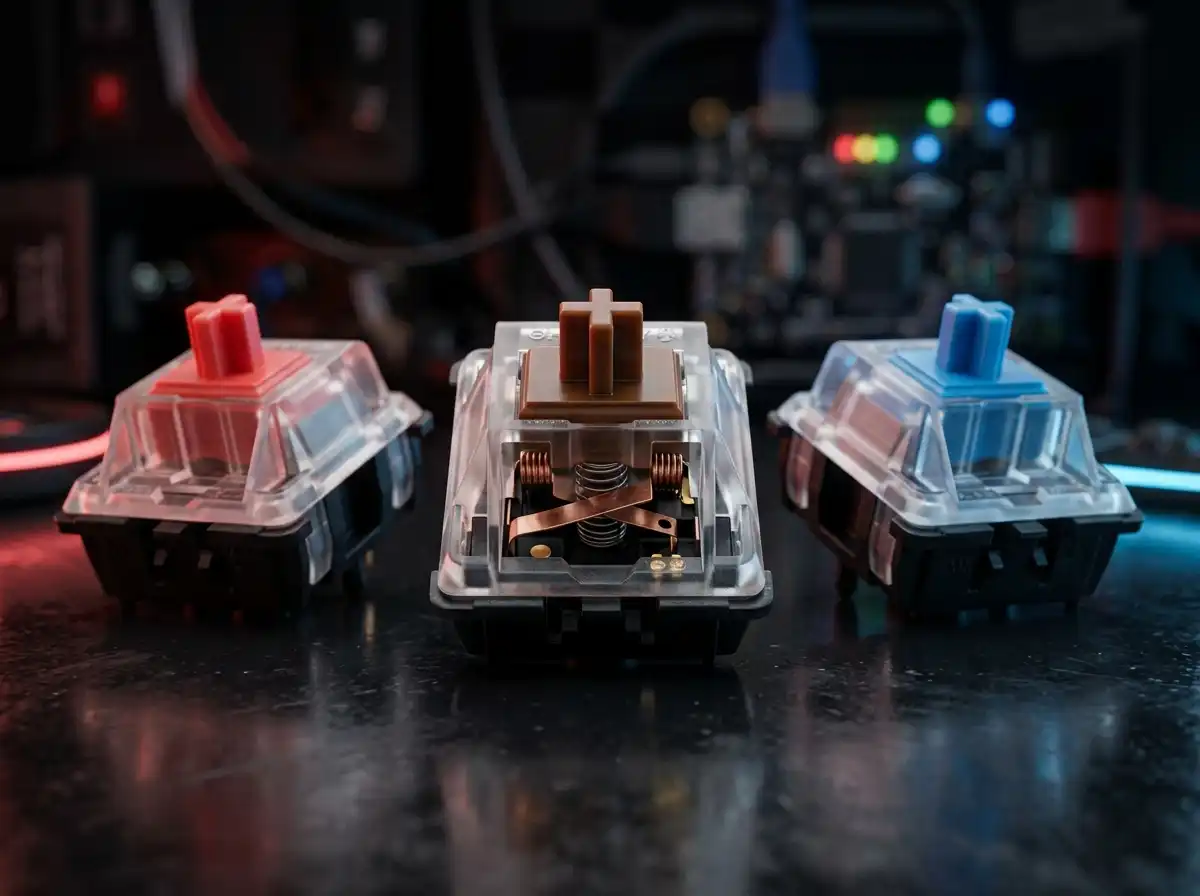
You just spent hours researching mechanical switches and picking out the perfect wireless barebones chassis. But if you slap the wrong keycaps on top of those premium switches, your typing experience will suffer. A "keycap profile" refers to the physical height, angle, and shape of the plastic caps. Some profiles are heavily sculpted to hug your fingertips for ergonomic speed, while others are completely flat for a clean, minimalist aesthetic. Choosing the wrong profile can lead to typos and wrist fatigue. Here is your ultimate breakdown of the most popular keycap shapes on the market. Pairing your preferred keycap profile with the right switch type is crucial, so be sure to understand the differences between linear vs tactile vs clicky mechanical switches. If you're ready to customize your board without overspending, explore our guide on the best budget custom keycaps.
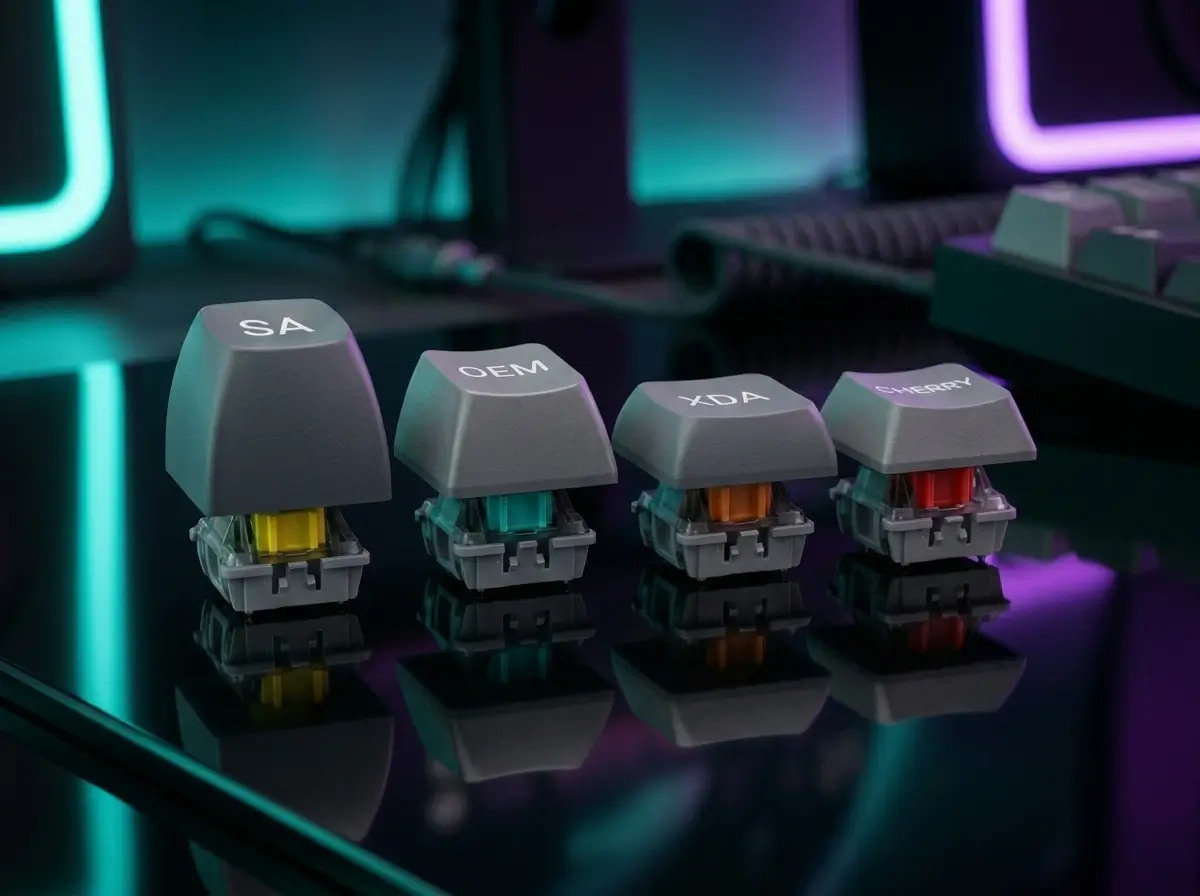
📏 Visual Profile Height Comparison
A side-by-side silhouette scale demonstrating height and surface angles.
1. OEM & Cherry Profiles (The Sculpted Standards)
If you have ever typed on a pre-built gaming keyboard from brands like Corsair or Razer, you have used an OEM profile. OEM keycaps are medium-tall and "sculpted," meaning each row has a different height and angle. This creates a natural curve that cradles your fingers, making it excellent for long typing sessions and reducing finger stretch.
Cherry profile is incredibly similar to OEM in its sculpted, ergonomic shape, but it is noticeably shorter in overall height. This lower profile provides a slightly faster typing speed and a deeper, bass-heavy "thock" sound. Cherry is widely considered the absolute gold standard by mechanical keyboard enthusiasts.
2. XDA & DSA Profiles (The Flat Aesthetics)
Unlike sculpted profiles, XDA and DSA are "uniform" profiles. This means every single keycap on the board is exactly the same height and shape, regardless of what row it is on. XDA caps feature a wide, flat top surface area, while DSA caps have a slight spherical indentation.
Uniform profiles are immensely popular for custom setups because you can move keycaps to any row without messing up the height curve. They look incredibly clean and modern on Instagram setups, but they can be challenging for touch-typists to adapt to, as the lack of row variation makes it harder to navigate by feel.
3. SA Profile (The Retro Typewriter)
The SA profile is the tallest keycap style available. It features a highly sculpted layout with deep, spherical tops that tightly cup your fingertips. Typing on an SA profile keyboard feels exactly like typing on a vintage 1980s computer terminal or an old-school typewriter.
Because of their massive internal hollow space, SA keycaps act as acoustic echo chambers, producing the deepest, loudest typing sounds of any profile. However, their extreme height almost guarantees you will need a padded wrist rest to avoid severe wrist fatigue.
The Verdict: Which Should You Buy?
- 👉 For Gamers & Fast Typists: Stick to Cherry or OEM. The sculpted rows provide maximum speed and error reduction.
- 👉 For Instagram Aesthetics: Choose XDA. It looks incredibly clean on modern 65% and 75% boards.
- 👉 For Maximum Sound: Buy SA profile to get that deep, hollow, retro typewriter acoustic.
Now that you understand keycap shapes and you've read our guide on choosing the right mechanical switches, you are fully equipped to build your own custom deck. Head over to our review of the Best Custom Barebones Wireless Keyboard Kits to finalize your setup.
Karim
Wireless desk enthusiast and mechanical keyboard obsessive. I test, review, and tear down tech to help you build the perfect, clutter-free setup.