Best Wireless Keyboards with Programmable Macro Keys for Video Editing
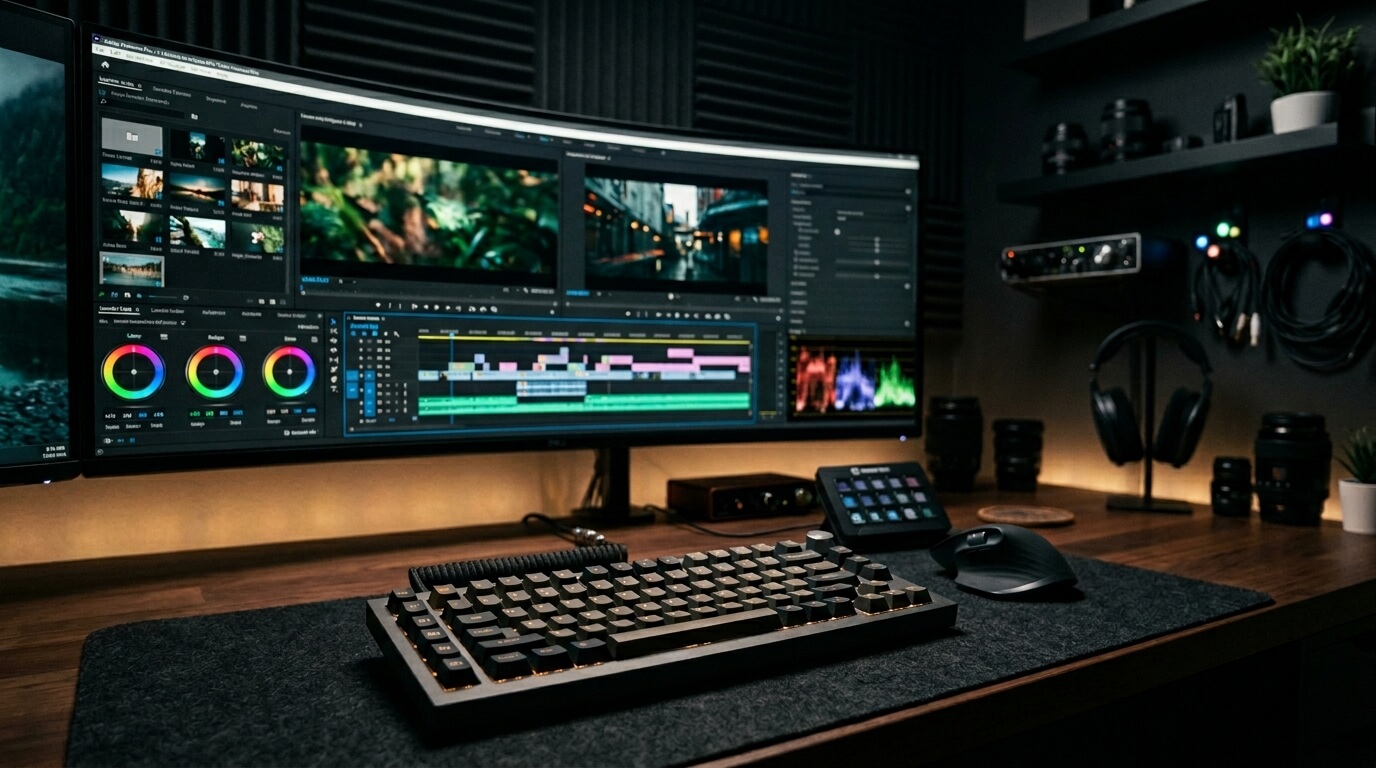
For professional video editors, streamers, and graphic designers, a standard office keyboard is a massive bottleneck. When you are scrubbing through heavy 4K timelines in Adobe Premiere, DaVinci Resolve, or Final Cut Pro, every second spent moving your mouse to click a software tool adds up to hours of lost productivity. Creative professionals require dedicated hardware—keyboards outfitted with programmable macro columns, custom modifier layers, and tactile rotary knobs designed specifically for timeline scrubbing. By mapping complex multi-key cuts and color-grading macros to a single physical press, you transform your desk into an editing command center. We reviewed the absolute best macro-heavy wireless keyboards engineered to accelerate your creative workflow.
Top Picks at a Glance
- The Dedicated Macro King: Logitech G915 LIGHTSPEED
- The Firmware Mastermind: Keychron Q1 Max
- The Modular Architecture: ASUS ROG Claymore II
- The Compact Commander: ASUS ROG Strix Scope II
1. The Dedicated Macro King: Logitech G915 LIGHTSPEED
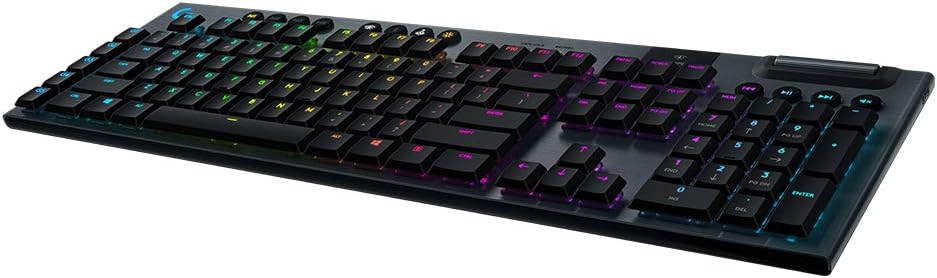
The Logitech G915 LIGHTSPEED remains the absolute gold standard for creative professionals who need immediate access to complex shortcuts. Its defining feature is the dedicated vertical column of five 'G-keys' located on the far left edge of the chassis. Using the Logitech G HUB software, editors can program these keys with custom multi-step macros or app-specific profiles for Premiere Pro and After Effects. Built from aircraft-grade aluminum alloy, it features ultra-fast low-profile mechanical switches and a precision-engineered edgeless metal volume wheel that serves as an exceptional tool for scrubbing media or adjusting audio levels on the fly.
Unrivaled dedicated macro accessibility.
Creative Spec Analytics
Logitech G915 LIGHTSPEED
- ✅ Pros: Dedicated macro column, premium metal build, edgeless wheel.
- ❌ Cons: Micro-USB charging on older models, expensive.
2. The Firmware Mastermind: Keychron Q1 Max
While the Keychron Q1 Max looks like a standard premium 75% mechanical keyboard, its internal firmware makes it an editing powerhouse. Driven by a powerful ARM Cortex-M4 chip and full open-source QMK/VIA compatibility, editors can remap literally every single key on the board across multiple customized layers. The standout hardware feature is the programmable CNC-machined metal knob in the top right corner, which is flawlessly designed for scrubbing timelines or fine-tuning brush sizes in Photoshop. The entire body is crafted from 6063 solid aluminum, providing a massive, immovable footprint on your desk while you work.
Infinite layered firmware mapping via VIA.
Creative Spec Analytics
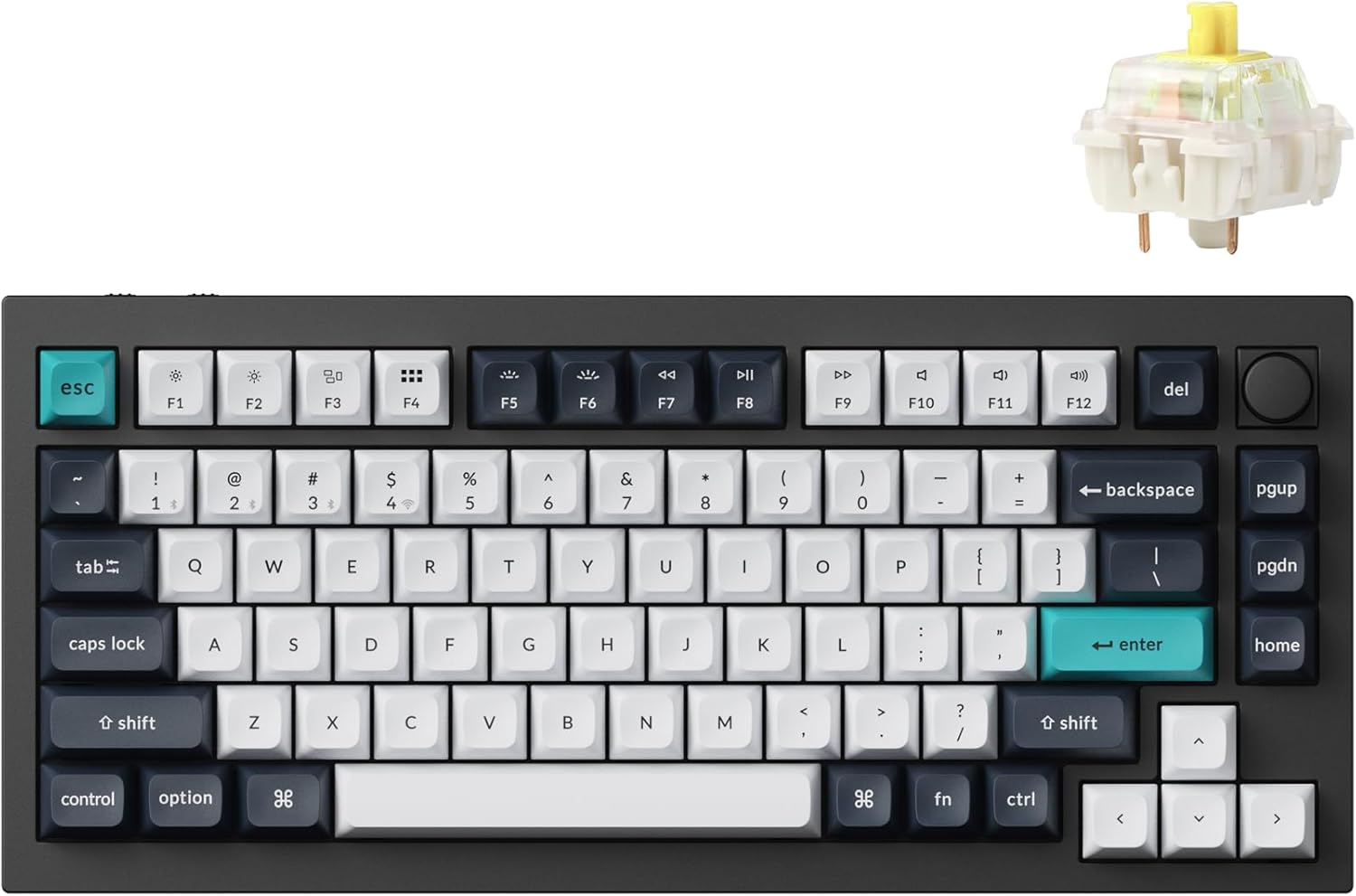
Keychron Q1 Max
- ✅ Pros: Absolute QMK/VIA key remapping, solid aluminum art piece.
- ❌ Cons: Heavy to travel with, thick desktop profile.
3. The Modular Architecture: ASUS ROG Claymore II
The ASUS ROG Claymore II offers a genuinely revolutionary design for right-handed video editors: a fully detachable modular numpad. Instead of keeping the numpad on the right (which forces your hand away from your mouse), you can snap the numpad directly onto the left side of the keyboard. This turns the numpad into a massive, left-handed macro control deck featuring four dedicated hotkeys and a massive volume wheel, allowing you to trigger complex shortcuts with your left hand while never letting go of your mouse with your right.
Genius left-side modular numpad execution.
Creative Spec Analytics
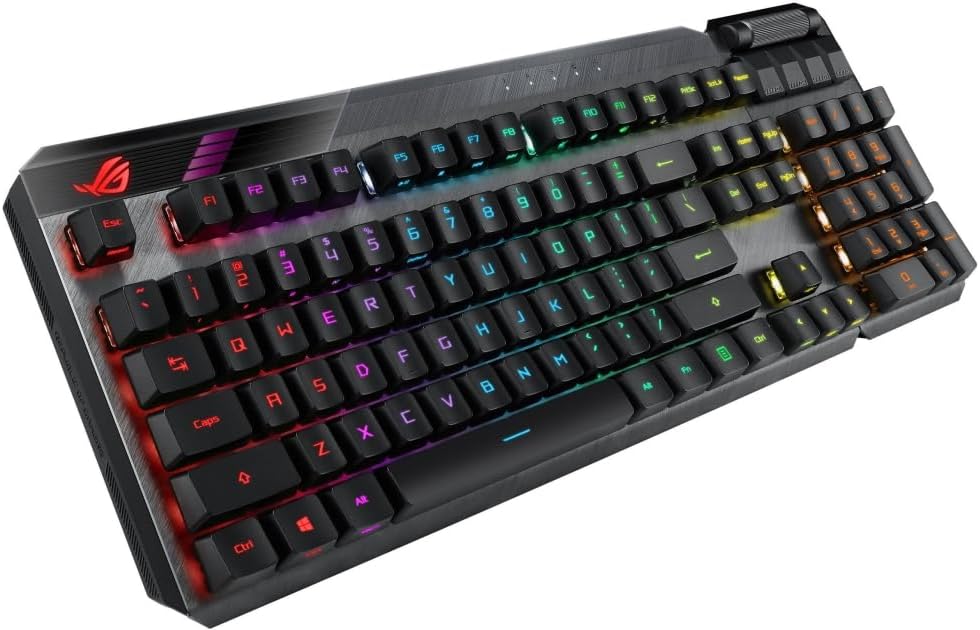
ASUS ROG Claymore II
- ✅ Pros: Detachable dual-side numpad, ultra-fast optical switches.
- ❌ Cons: Hard to source stock, software suite is heavy.
4. The Compact Commander: ASUS ROG Strix Scope II
If you want maximum macro capability without the massive footprint of a modular board, the ROG Strix Scope II delivers an incredible 96% layout that is only 1cm wider than a standard TKL keyboard. It retains a full numpad for data entry and timecode typing, while featuring pre-programmed hotkeys and an intuitive multi-function wheel for timeline and media scrubbing. Utilizing ROG SpeedNova 2.4GHz wireless tech, it boasts an exceptional 1,500-hour battery life.
Massive battery life in a compact 96% frame.
Creative Spec Analytics
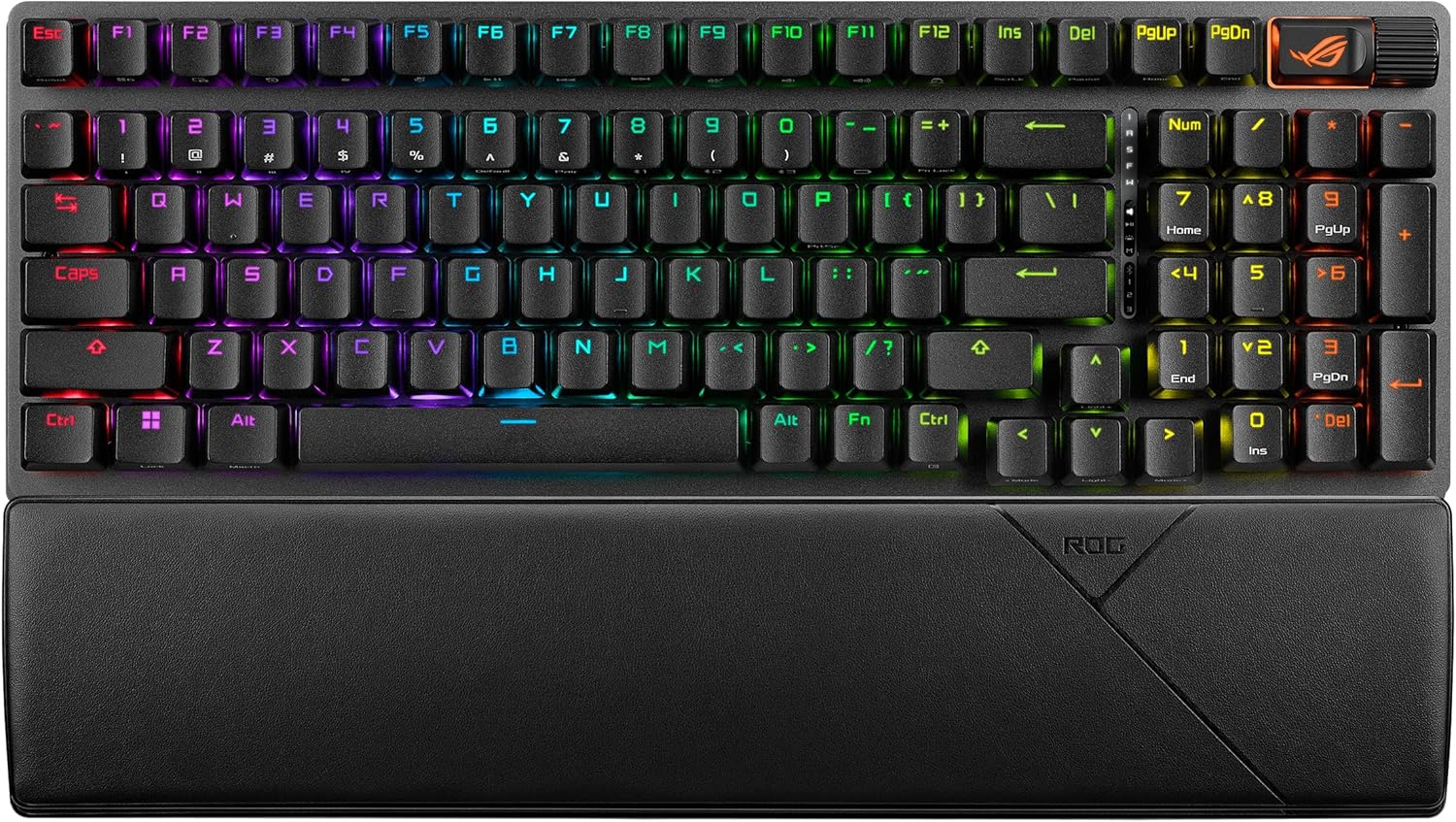
ASUS ROG Strix Scope II
- ✅ Pros: 1,500-hour battery life, multi-function wheel.
- ❌ Cons: Proprietary Armoury Crate app required.
Struggling with input lag during intensive ranked sessions? Clear up the confusion by checking out our deep-dive technical breakdown of Bluetooth vs. 2.4GHz wireless protocols.
The Final Verdict: Who Wins?
Get the Logitech G915 LIGHTSPEED if:
- You want dedicated, physical macro keys on the left side of your board and a premium low-profile aesthetic.
Get the Keychron Q1 Max if:
- You demand absolute layout control through open-source VIA firmware and a heavy, acoustic-dampened aluminum chassis.
Get the ASUS ROG Claymore II if:
- You want the unparalleled workflow advantage of snapping your numpad to the left side of your keyboard for mouse-free macro triggering.
Get the ASUS ROG Strix Scope II if:
- You need a compact 96% layout with incredible battery life and a highly intuitive multi-function wheel.
Frequently Asked Questions
Why is a rotary knob important for video editing?
A programmable rotary encoder knob allows editors to smoothly scrub forward and backward through their video timeline frame-by-frame. This tactile control is significantly faster, more intuitive, and more precise than clicking and dragging a playhead with a mouse.
Can I program custom macros on a Mac?
Yes. Keyboards that utilize open-source QMK/VIA firmware (like the Keychron series) or offer dedicated Mac-compatible software suites (like Logitech G HUB) allow you to map complex shortcuts and macro strings specifically for macOS applications like Final Cut Pro and Logic Pro.
Karim
Wireless desk enthusiast and mechanical keyboard obsessive. I test, review, and tear down tech to help you build the perfect, clutter-free setup.